Antivirus and online protection for everyday use
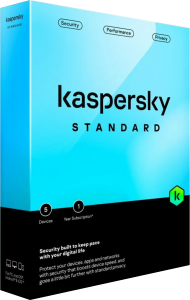
Kaspersky Standard combines antivirus protection with tools for safer browsing and device maintenance. It is designed to help detect malware, suspicious activity and phishing attempts during everyday work, shopping and entertainment.
Start by checking the protection status after installation and reviewing any actions the application requests. Keep updates enabled and examine detection reports when a file or website you use is blocked, rather than immediately adding an exception.
Check files, downloads and suspicious activity
Real-time protection monitors for threats, while scans help examine stored files. Anti-ransomware protection adds monitoring intended to identify malicious behavior that could affect your data.
Use a scan when investigating an unexpected download or a suspicious file, and read the result before opening it. Detection tools reduce risk but cannot establish that every unknown file is safe. Retain independent backups of documents you cannot replace.
Browse and pay with additional protection
Anti-phishing tools help identify deceptive websites. Safe Money adds protection for online banking and payments in supported Windows browsers, while the Windows firewall helps manage network access.
A browser warning deserves attention even when a message appears to come from a familiar organization. Check the destination and payment details yourself, and avoid entering credentials into a page reached through an unexpected message.
Review cleanup and application settings
The plan includes cleanup and application-management tools on supported platforms. These can help identify files taking up space, check for application updates and review software that runs at startup.
Inspect suggested changes before applying them. A large file may be an archive you need, and an unfamiliar startup item may belong to software you use. Keep important files backed up before removing material or changing how an application starts.
Understand what Standard includes
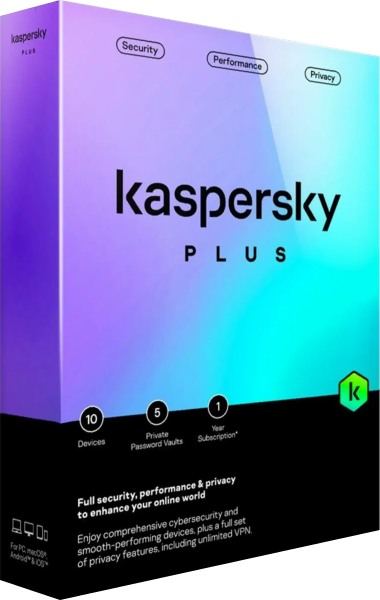
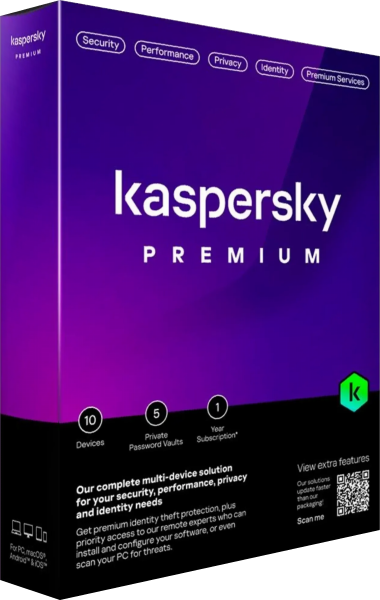
Standard focuses on security and device-maintenance tools. Kaspersky Plus adds privacy services such as an unlimited VPN and a password manager; Kaspersky Premium adds further identity and support services. The exact package depends on the regional offering.
Do not assume that an additional service shown elsewhere in the product family is part of Standard. Feature names and availability differ across platforms, so the Windows firewall or payment-protection workflow should not be treated as identical on every device.
Build a practical protection routine
Review notifications periodically, keep applications updated and preserve an independent backup. If a trusted workflow stops working, inspect the report and the specific blocked action before weakening protection for a broad folder or application.
For related product categories, explore antivirus software and internet security software. Compare the functions you will actually use, including the distinction between malware protection, privacy tools and backup.