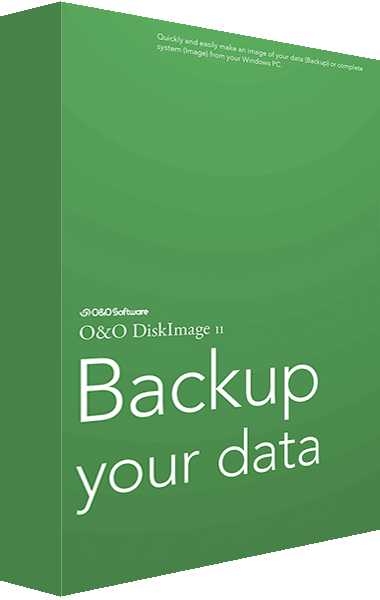
O&O DiskImage 11

O&O DiskImage 11

Prevent data loss easily and securely!

O&O DiskImage 11 creates backups of a computer or individual partitions while it is in use. Restore saved files, folders, and partitions after data loss.

Related Products

Create image files of your drives on a regular basis and you’ll be fully protected against data loss!

This is something you probably know all too well: how suddenly important data can be lost as a result of a system crash or viral attack. O&O DiskImage is the ideal tool for quickly and easily taking the trouble out of such inconveniences! O&O DiskImage 11 enables the convenient duplication or archiving of entire operating systems and individual disks. It even supports dynamic drives and RAID systems.

Important Features at a Glance
A regular backup is still something that many users prefer to avoid. At least that is until they suffer their first loss of important files as a result of software, hardware or user error: that’s when it becomes crystal clear just how valuable a reliable and up-to-date backup really is!
All default and advanced features are combined in one single product.
This backup software is the safest and easiest way to avoid losing important personal files! Options are available for both auto backup and manual settings. Thanks to a unique recovery system that includes additional system recovery tools combined with O&O DiskImage you’ll quickly be able to restore all your important data - even if the backup you’re using was created with an older O&O DiskImage version.
Backup entire PCs, hard drives or files with the push of a button
When you back up a PC, O&O DiskImage saves all personal files as well as hard drive information and individual settings. This not only protects irreplaceable files but, in a worst case scenario, also saves you the trouble of having to carry out a time-consuming new setup of programs and the Windows operating system. O&O DiskImage lets you back up an entire computer, system and hard drives or just individual files and folders.
Backup on a regular basis protects against data loss
To make sure your backups are always up to date, we recommend creating them at short intervals from one another. O&O DiskImage can be set to do this automatically so that data can be backed up, for example, once a week. To save disk space, you can set the maximum number of backups that should be saved so that old ones are automatically replaced by new ones.
Quick and easy system restore - even onto different hardware
Restoring a backup with O&O DiskImage is as easy as pie: all you have to do is start the program, select the backup you want to restore, and you’re off. Included with the software is our machine independent restoration which means your old backup can be transferred 1:1 onto a new machine. Hardware of a different make will be automatically recognized and Windows settings will be carried out by themselves.
If you only need to restore a single personal file or folder, you can mount the backup as a virtual drive and then using Windows Explorer simply select and copy whatever you want. That’s all there is to it!
Plug-and-play function
Anyone wanting to save data on an external hard disk has it even easier with the new O&O DiskImage 11. Thanks to the integrated plug-and -play option, selected files and folders can be backed up automatically as soon as, for example, an external hard disk is connected to the computer. This is ideal for users who forget to carry out regular backups or who don’t want to go through the trouble. Once configured, the auto backup function runs by itself.
Create a boot medium directly from within the program
O&O DiskImage 11 can bring a system back to life immediately and with no installation required. It does so by way of a Boot Medium (USB Stick or CD/DVD) which is based on the currently installed Windows system and which contains all the standard drivers required.

If you lose data, simply restore the backup and your computer or files are back just as before!

O&O DiskImage 11 creates backups of a computer or individual partitions while it is in use. Restore saved files, folders, and partitions after data loss.

O&O DiskImage 11 lets you carry out a system restore and to duplicate or clone an entire PC or hard drive. You can even restore this backup onto a computer whose hardware is different from the original machine, for instance, where you have changed a motherboard on the target machine or have bought a brand new PC and want to restore an old backup onto it.

O&O DiskImage 11 key features

Related reviews and guides

The review below covers an earlier version of O&O DiskImage Professional.

Previous product versions

Editorial rating by Find Your Software: 4.8 out of 5

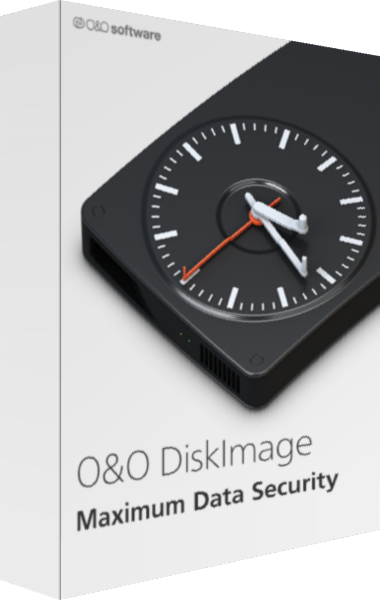
O&O DiskImage boxshot

O&O DiskImage

Just Released

Back up Windows systems, drives, partitions, and selected files with O&O DiskImage. Configure backup history and second copies, clone drives, and prepare recovery media. Fortress Mode requires Premium Edition.

Learn more about O&O DiskImage