Parallels virtualization software
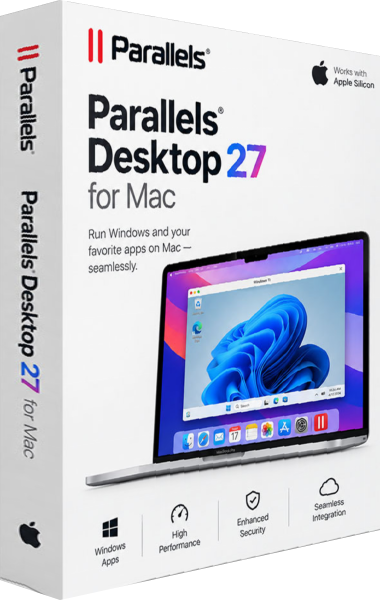
Parallels Desktop 27 runs Windows in a virtual machine alongside macOS. Use Windows applications within a Mac workflow, choose Coherence mode or a full Windows desktop, and control access to shared documents.
Start with the applications and documents your work depends on. The virtualization software overview explains what to check when choosing a workflow.
Related Products
Choose an edition around your work
The Desktop 27 product page covers everyday Windows applications, Standard and Pro editions, and license choices. Check the selected edition and license before relying on a particular tool. A Windows license is separate from the Parallels Desktop license.
Earlier Parallels Desktop releases
Visit the Parallels product archive for earlier versions. Identify the release used by an existing installation before following its product description.