PC Optimization Software
Choose PC maintenance software around a specific issue, such as unnecessary files, startup programs or a setting you want to inspect. A cleanup result or a feature count does not establish that every application will run faster.
What to compare
- Cleanup scope: Review which files and settings a module proposes to change before applying its results.
- Startup and diagnostics: Use analysis to identify a relevant program or setting rather than disabling items solely to reduce a count.
- Repeatable maintenance: Select recurring tasks deliberately and compare the same workload before and after a change.
Explore catalog products
Review the selected edition for its included controls and workflow. Cards follow the editions selected in our catalog.
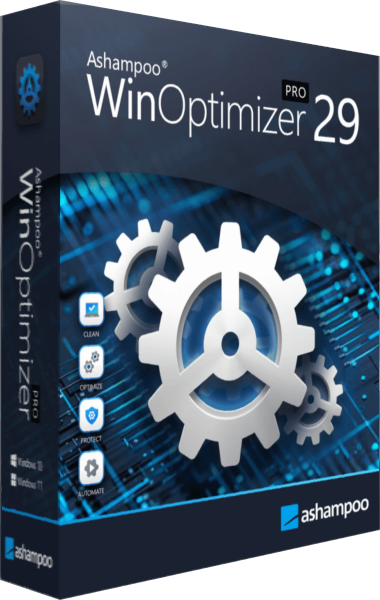
Ashampoo WinOptimizer Pro
Ashampoo WinOptimizer Pro combines Windows cleanup, Software Updater, startup controls and system analysis. Review maintenance categories, inspect settings and schedule selected tasks, with Backup Manager covering supported changes made by the application.
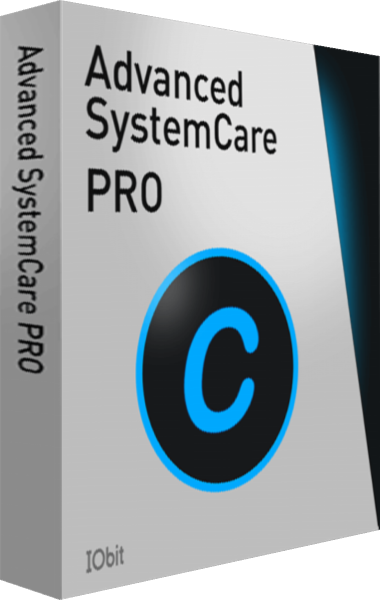
IObit Advanced SystemCare Pro
Maintain Windows with IObit Advanced SystemCare Pro using AI or manual scan modes, cleanup tools, startup controls, automatic care, privacy-trace management, and Safe Folder settings.
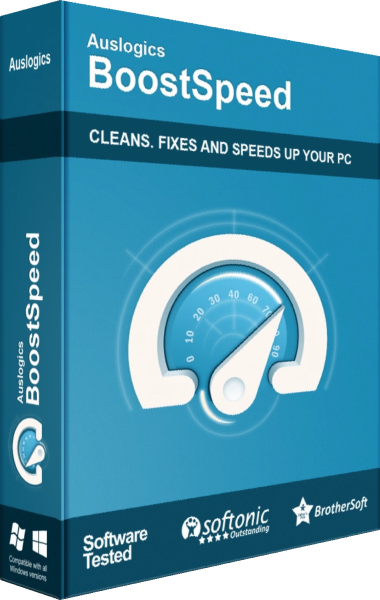
Auslogics BoostSpeed
Explore Auslogics BoostSpeed for Windows cleanup, workload profiles, storage maintenance, and privacy-related controls. Review proposed changes, Rescue Center options, and edition-dependent tools before applying maintenance.
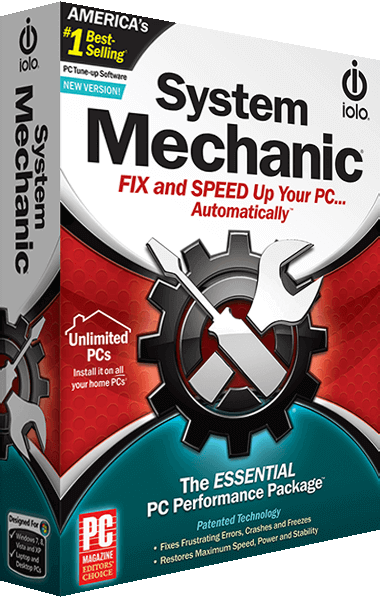
iolo System Mechanic
iolo System Mechanic combines Windows cleanup, startup management and performance controls in the standard maintenance edition. Configure Smart ActiveCare, review DeepClean findings and use LiveBoost and NetBooster controls around your workload.
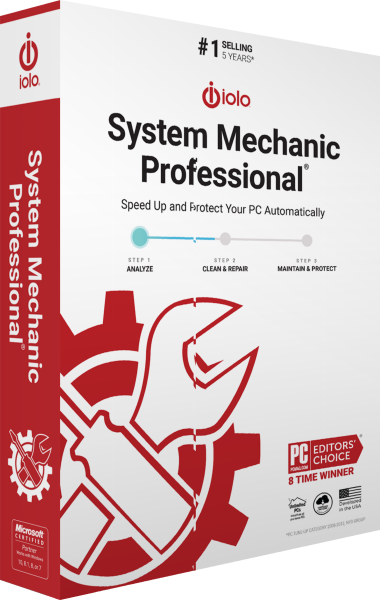
iolo System Mechanic Professional
iolo System Mechanic Professional combines Windows cleanup and performance tools with System Shield real-time protection, Malware Killer on-demand scanning, Search and Recover file recovery, and DriveScrubber drive erasure. Configure maintenance and review the component used for each task.
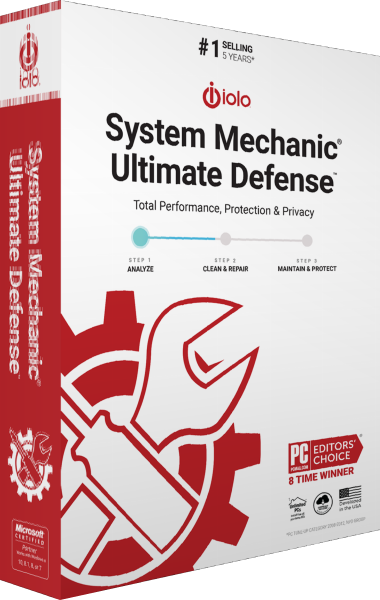
iolo System Mechanic Ultimate Defense
iolo System Mechanic Ultimate Defense combines Windows cleanup and performance maintenance with System Shield antivirus, Malware Killer, Privacy Guardian, ByePass+ password management, Search and Recover, and DriveScrubber. Configure each component for the task you need.
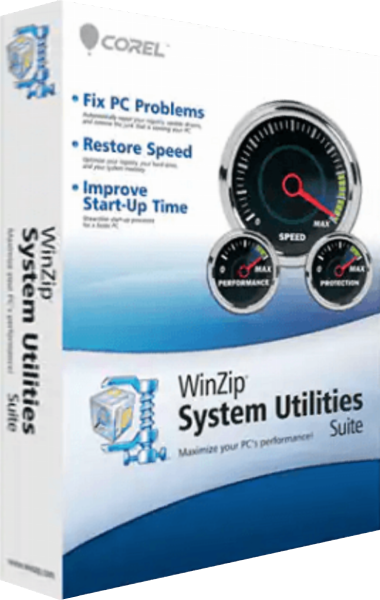
WinZip System Utilities Suite
WinZip System Utilities Suite brings together Windows cleanup, driver updates, startup management and storage tools. Review repair scan results, inspect disk usage, manage duplicates and use backup, restore and troubleshooting utilities.
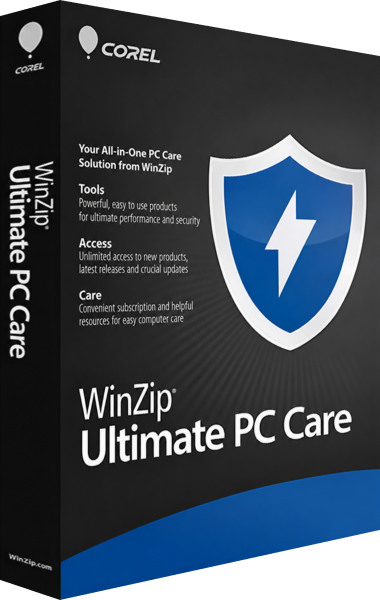
WinZip Ultimate PC Care
WinZip Ultimate PC Care combines separate maintenance, protection and privacy programs through one account. Choose tools for storage cleanup, driver updates, registry maintenance, malware scanning, local privacy cleanup and browser ad blocking.
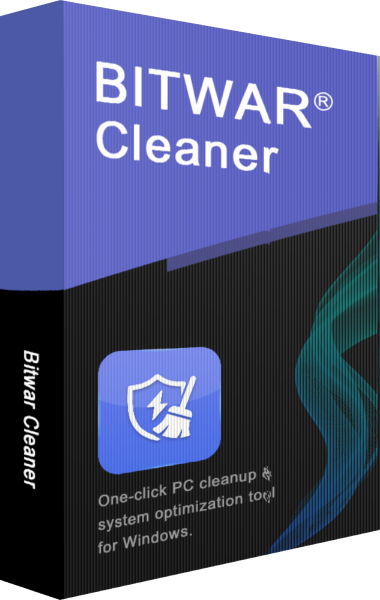
Bitwar Cleaner
Bitwar Cleaner combines junk cleanup, duplicate detection, privacy-trace removal and folder migration for Windows. Review startup items, services and other maintenance settings alongside storage, CPU and memory usage.
Registry inspection and maintenance
WinZip Registry Optimizer focuses on invalid registry entries, with scan review, backup, restore and exclusion controls. Compare this specific task with the wider maintenance tools above.
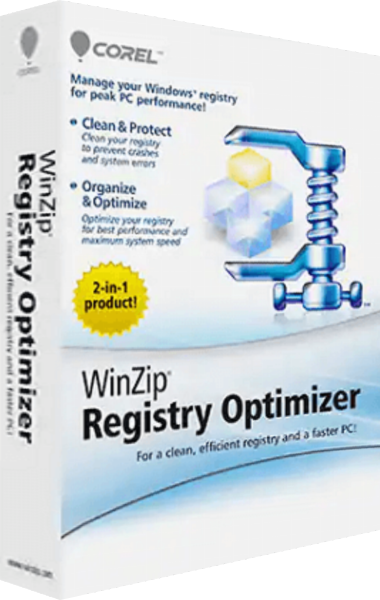
WinZip Registry Optimizer
WinZip Registry Optimizer finds invalid and leftover Windows registry entries. Review standard or deep scan results, apply repairs with automatic backups, restore previous changes and manage exclusions, startup programs and scan schedules.
DLL, runtime and DirectX repair
Bitwar DLL Fixer targets supported missing or damaged software components involved in application and game errors. Record the complete error message, review the scan results and test the affected program after repair. Registry cleanup and startup management change different parts of Windows.
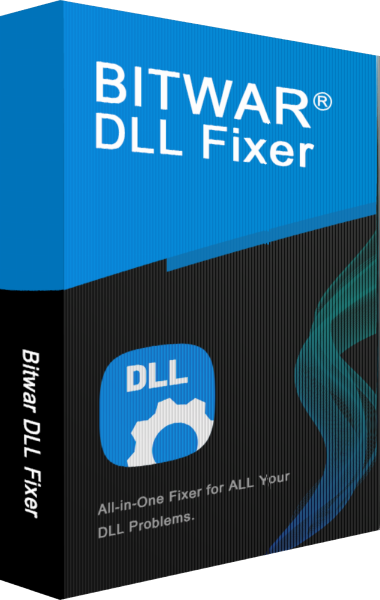
Bitwar DLL Fixer
Bitwar DLL Fixer scans for missing or damaged DLL files and addresses Runtime and DirectX component errors in Windows. Review detected issues, use guided or manual repairs and check the affected application after restarting.
Check the workflow
Keep a recovery copy before substantial changes. Review exclusions, save open work and apply one considered adjustment at a time. General PC maintenance, drive optimization and malware protection address different tasks.
Compare component repair and Windows maintenance
Compare the repair object and available controls: a missing DLL file, a registry reference and a hardware driver call for different checks. Use the original application error to assess the result.
Compare Bitwar Cleaner
Compare cleanup selections, duplicate review, startup controls and maintenance routines. Bitwar Cleaner also offers folder migration to another drive; moving content you want to keep is a separate task from removing unwanted files or managing background activity.
Compare WinZip System Utilities Suite
- WinZip System Utilities Suite vs ReviverSoft PC Reviver
- WinZip System Utilities Suite vs Ashampoo WinOptimizer Pro 29
- WinZip System Utilities Suite vs Auslogics BoostSpeed
- WinZip System Utilities Suite vs IObit Advanced SystemCare Pro
- WinZip System Utilities Suite vs iolo System Mechanic
- WinZip System Utilities Suite vs CCleaner Professional
Compare WinZip Ultimate PC Care
- WinZip Ultimate PC Care vs ReviverSoft Total PC Care
- WinZip Ultimate PC Care vs Auslogics Essential Tools
- WinZip Ultimate PC Care vs iolo System Mechanic Ultimate Defense
- WinZip Ultimate PC Care vs IObit Advanced SystemCare Ultimate
- WinZip Ultimate PC Care vs WinZip System Utilities Suite
- WinZip Ultimate PC Care vs Ashampoo WinOptimizer Pro 29
Compare WinZip Registry Optimizer
- WinZip Registry Optimizer vs Auslogics Registry Cleaner
- WinZip Registry Optimizer vs ReviverSoft Registry Reviver
- WinZip Registry Optimizer vs Ashampoo WinOptimizer Pro 29
- WinZip Registry Optimizer vs IObit Advanced SystemCare Pro
- WinZip Registry Optimizer vs iolo System Mechanic
- WinZip Registry Optimizer vs ReviverSoft PC Reviver
Explore more
- Ashampoo WinOptimizer Pro 29 vs IObit Advanced SystemCare Pro
- Ashampoo WinOptimizer Pro 29 vs AVG TuneUp
- Ashampoo WinOptimizer Pro 29 vs iolo System Mechanic
- Ashampoo WinOptimizer Pro 29 vs Ashampoo WinOptimizer 28
- Ashampoo WinOptimizer Pro 29 vs Ashampoo UnInstaller Pro 27
- Compare drive maintenance tools
- Remove unwanted applications
- Compare cache management and general maintenance