
Access several PC care programs through one account
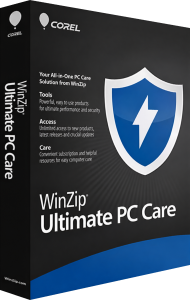
WinZip Ultimate PC Care brings maintenance, malware scanning and privacy tools together as an annual subscription. The programs are downloaded and activated individually through your account, with updates, upgrades and support available while the subscription is active.
Choose the components that address your current tasks rather than treating the bundle as a single repair button. Start with one maintenance goal, review the result and add other tools when you need them.
Manage cleanup, drivers and registry maintenance
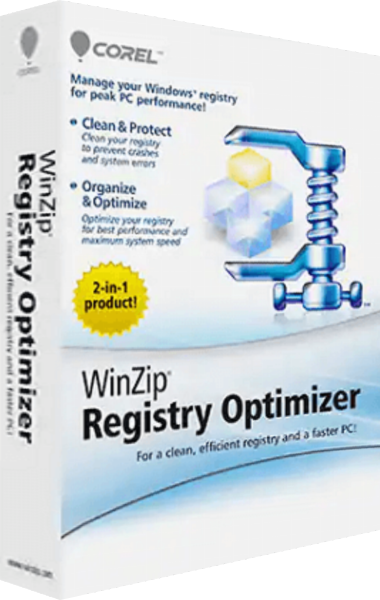
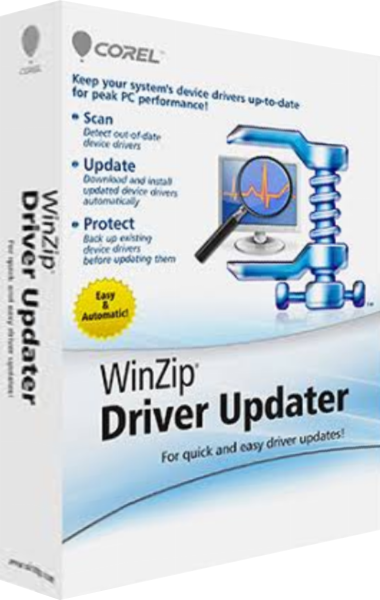
The Performance group includes System Utilities Suite, Disk Tools, Driver Updater and Registry Optimizer. Together, they cover general maintenance, storage cleanup, device driver updates and registry inspection.
Some tasks overlap between the suite and the individual utilities. Select one workflow for the job, keep the relevant backups and assess each change before running another tool over the same area.
Separate malware checks from routine cleanup
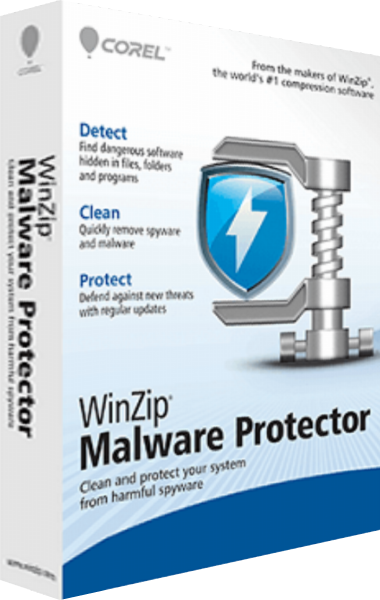
The Protection group includes Malware Protector for threat scanning and Install Protector for monitoring new installations and managing unwanted browser add-ons. These tasks differ from removing temporary files or inspecting outdated drivers.
Review detection details and installation alerts before choosing an action. Use the appropriate component for the issue you are investigating instead of interpreting every maintenance finding as a malware detection.
Review local privacy traces and browser tracking
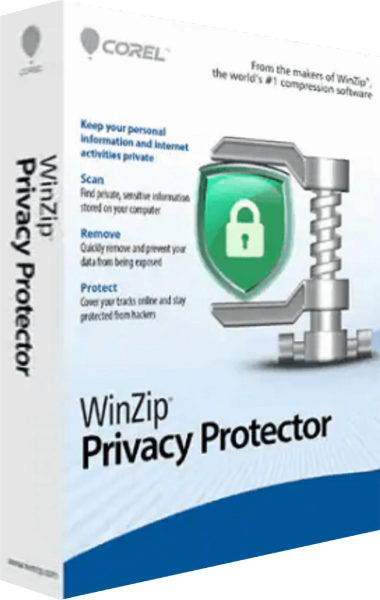
The Privacy group combines Privacy Protector, which examines stored personal information and activity traces, with Ad Remover for blocking browser ads and trackers.
Local cleanup and browser filtering address different stages of activity. Review saved credentials and other records before deleting them, and check the browser component's settings separately from those of the desktop cleanup program.
Download and activate only the components you need
Your account organizes downloads under Performance, Protection and Privacy. Select a program, download its installer and use its associated license code to activate it if requested. You can return to the account later to access downloads and codes again.
Ad Remover uses a separate redemption step rather than the same desktop-program installation flow. Keep your order confirmation available and match each license code to the program it belongs to.
Build a focused maintenance routine
Install the tools you intend to use, review their scan settings and keep a separate backup of important files. Avoid making several unrelated changes at once so that you can tell which action affected the computer's behavior.
For ZIP archive creation and extraction, explore WinZip Standard Suite. The WinZip software overview helps compare individual products with this broader PC care bundle.
Browse PC maintenance and optimization software to compare individual applications and broader tool bundles around the tasks you need to complete.
Compare WinZip Ultimate PC Care
Compare included programs, maintenance, malware protection, privacy tasks and component setup.
- WinZip Ultimate PC Care vs ReviverSoft Total PC Care
- WinZip Ultimate PC Care vs Auslogics Essential Tools
- WinZip Ultimate PC Care vs iolo System Mechanic Ultimate Defense
- WinZip Ultimate PC Care vs IObit Advanced SystemCare Ultimate
- WinZip Ultimate PC Care vs WinZip System Utilities Suite
- WinZip Ultimate PC Care vs Ashampoo WinOptimizer Pro 29