Product comparison
WinZip Ultimate PC Care vs Ashampoo WinOptimizer Pro 29
Ultimate PC Care combines separate maintenance, threat-scanning and privacy programs. WinOptimizer Pro 29 organizes cleanup, analysis and Windows configuration in one maintenance application. The comparison helps decide whether its modules cover your tasks or whether you need a wider collection of separate programs.
Compare package coverage
| Task | WinZip Ultimate PC Care | Ashampoo WinOptimizer Pro 29 |
|---|---|---|
| Product structure | Several programs accessed through one account | One application organized into maintenance modules |
| Cleanup and storage | System Utilities Suite and Disk Tools | Drive Cleaner, Duplicate Finder and DiskSpace Explorer |
| Update focus | Driver Updater for hardware drivers | Software Updater for supported applications |
| Privacy tasks | Privacy Protector and Ad Remover browser filtering | Privacy Traces Cleaner, cookie management and Privacy Manager 2 |
| System analysis | Suite system information, process lookup and Crash Helper | System Information 2, Process Manager and Crash Analyzer |
| Protection scope | Malware Protector and installation monitoring are separate bundle programs | Assess maintenance modules separately from the antivirus protection you need |
Which workflow fits?
Consider WinZip for a choice of separate PC care programs
WinZip Ultimate PC Care suits a routine that needs several named maintenance, malware-scanning and privacy tools. Download the programs you need through the account and match each activation code to its application. Ad Remover uses a separate redemption and browser setup step.
Consider WinOptimizer for a maintenance-centered set of modules
Ashampoo WinOptimizer Pro 29 fits cleanup, startup review, system analysis and Windows privacy settings in one application. Its supported application updater addresses a different task from hardware-driver updating. Review the modules you will use rather than treating a wider collection as automatically necessary.
Privacy settings, local trace cleanup and browser filtering have different effects. Compare them individually and keep antivirus selection separate from deciding which maintenance modules suit the computer.
Check the selected controls
- Choose the cleanup, analysis or privacy-setting task you want to perform.
- Distinguish hardware-driver updates from supported application updates.
- Review selected modules, retained cookies and recovery options before applying changes.
- Check whether any requirement still calls for a separate protection or browser component.
Review the activated components and their settings before relying on a package name. Keep independent backups of important files, avoid overlapping maintenance schedules and assess changes against the task you wanted to complete. Component lists are not measurements of speed or protection effectiveness.
Compared products
Review the selected catalog products and the controls available in the edition you intend to use.
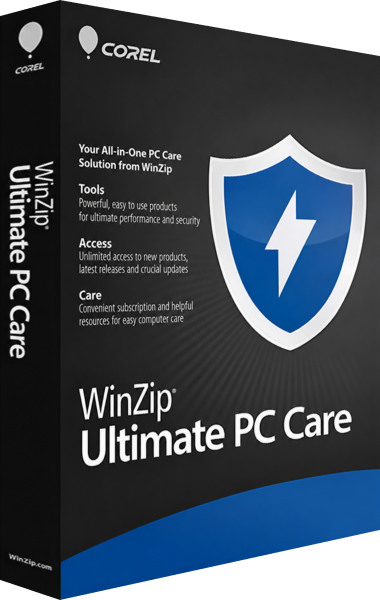
WinZip Ultimate PC Care
Maintain a PC with a bundle of cleanup, driver, registry, malware-scanning and privacy tools accessed through one account.
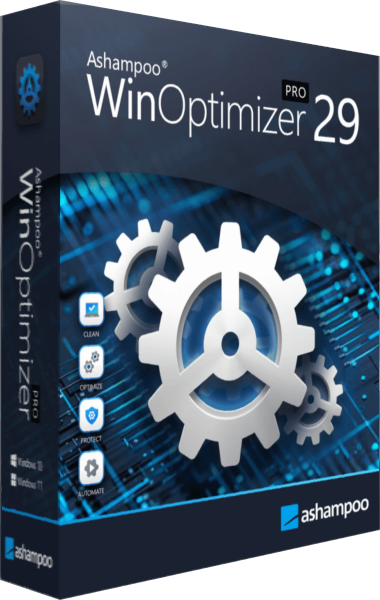
Ashampoo WinOptimizer Pro
Review Windows maintenance tasks with cleanup tools, software updates, startup controls and system analysis.
Explore more
- WinZip Ultimate PC Care vs ReviverSoft Total PC Care
- WinZip Ultimate PC Care vs Auslogics Essential Tools
- WinZip Ultimate PC Care vs iolo System Mechanic Ultimate Defense
- WinZip Ultimate PC Care vs IObit Advanced SystemCare Ultimate
- WinZip Ultimate PC Care vs WinZip System Utilities Suite
- PC maintenance and optimization overview
- Keep independent copies of important files