Virtualization Software
A virtual machine provides a separate operating environment within your computer workflow. For Mac users who need a Windows application, this can keep Mac and Windows work available side by side.
What to check
- Applications: Test the documents, add-ins, devices and output your work depends on.
- File sharing: Decide which folders the virtual machine can access and where edited documents will be saved.
- Edition and license: Review the included tools, update terms and separate licensing for the operating system and applications.
Explore catalog products
The card follows the current edition selected in the catalog. Read its product page for application workflows and edition differences.
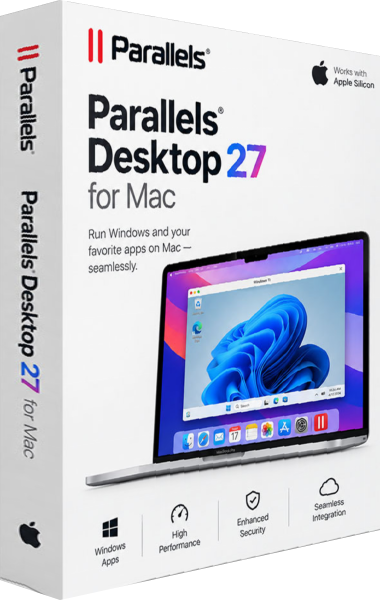
Parallels Desktop 27
Run Windows applications alongside macOS without restarting to switch systems. Use Coherence mode, share documents between environments, and choose a license for your everyday work.
Test a complete workflow
Open a representative project, use the required features and inspect the exported result. An application starting successfully does not establish that every part of the task will work.
Keep a separate copy of important documents before moving them into a new environment. Review shared-folder settings and confirm where each application saves its work.