Roxio software for disc burning and digital media projects
Explore Roxio Creator NXT and Easy CD & DVD Burning for Windows, and Toast for Mac. The catalog covers multimedia suites and dedicated disc tools for editing recordings, converting files and preparing media for playback or archiving.
Start with the platform and the result you need. An audio CD, an authored movie disc and a folder of converted video files use different workflows. Compare the exact edition and included components before choosing a product.
Related Products
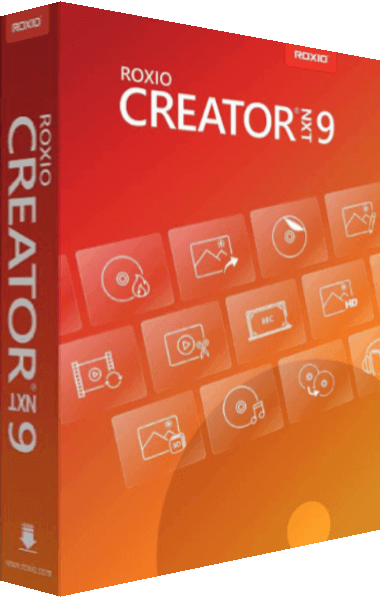
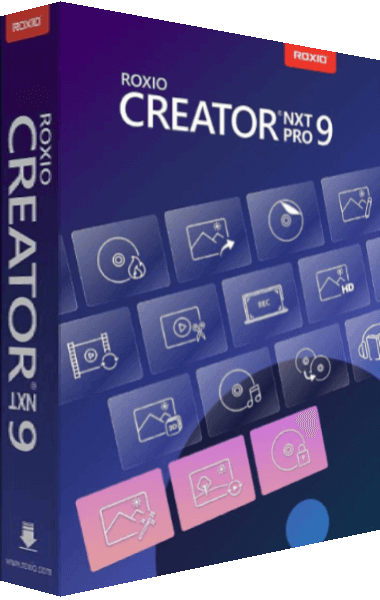
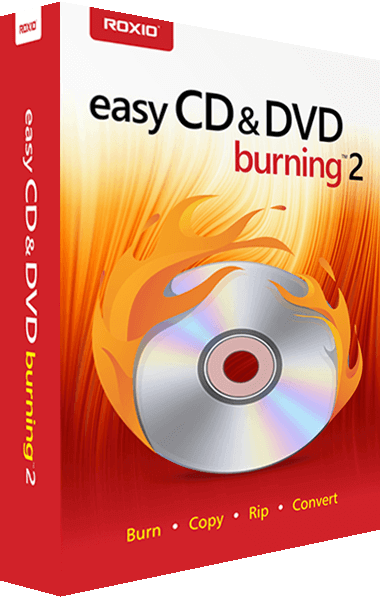
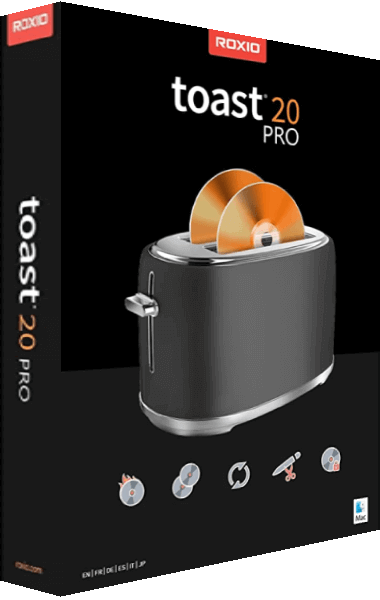
Combine editing and disc projects with Creator NXT
Roxio Creator NXT 9 brings together video, audio, photo and disc tools for Windows. Capture screen activity, edit media, convert files and prepare DVDs with menus using the applications included in the suite.
Creator NXT Pro 9 adds encryption tools and additional photo-editing and creative software. Compare those extras with your projects rather than assuming the Pro name makes every output option available. Blu-ray video authoring requires a separate plug-in in both Creator NXT 9 editions.
For another approach to multimedia and disc creation, read our Ashampoo Burning Studio 27 vs Roxio Creator NXT 9 comparison. Check the exact application versions included in a bundle before planning work around a standalone feature.
Prepare audio, data and DVD projects with a dedicated burner
Roxio Easy CD & DVD Burning focuses on creating and copying discs, working with ISO images, preparing audio CDs and archiving files. Its DVD workflow includes menus and chapters through MyDVD.
Choose the project type around the receiving player or archive. A data disc containing video files and an authored DVD with navigation serve different playback workflows. Review the components in the selected edition and test the finished disc before preparing several copies.
Choose Toast Titanium or Pro for Mac media projects
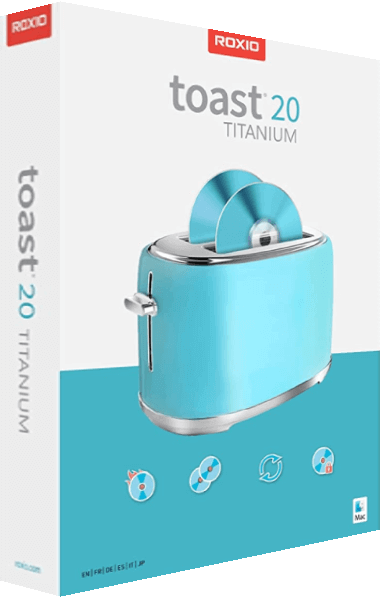
Roxio Toast 20 Titanium combines disc creation, media conversion, capture and editing tools for Mac. DVD-authoring options include menu templates and a Template Designer for customizing the finished disc.
Toast 20 Pro includes Titanium and additional creative and file-management applications. The Blu-ray Disc plug-in is included in Pro and is a separate option for Titanium. Compare the selected edition and its included extras before planning a Blu-ray project.
The documented copy and conversion tools do not process encrypted or copy-protected content. Check the source type and intended output, and keep original recordings separately from converted copies.
Keep source media, editable projects and final copies organized
Start with the deliverable: an audio CD, a DVD with chapters, an ISO image or a video file. Check the selected tool and edition for that output before spending time assembling the complete project. Browse video editing software for related movie-production workflows.
Retain source clips, photographs and audio alongside editable project files. Inspect exported sound, titles and navigation in the intended player, and verify important files copied to disc. Our file-backup guide explains independent recovery copies; a distribution disc alone does not provide a history of project revisions.
Find the Creator or Toast release you already own
Use the Roxio product archive to identify an earlier Creator or Toast edition. Match the product name, version and included components before relying on a feature described for another package.
Keep activation details and an original project copy when changing installations. An older bundle does not automatically include the newest standalone release of its photo, video or compression applications.