
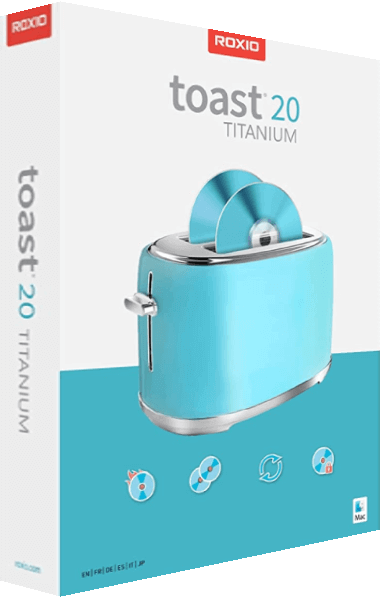
For all your CD and DVD burning needs
Peace of mind comes from knowing where your irreplaceable data resides. Why not use the industry’s leading toolkit to burn and copy CDs and DVDs in a few easy clicks? Just drag and drop invaluable music, photos, and video files from your desktop to disc. If your computer can read it, this software can can burn it!
The industry standard for burning
- Burn your photos to disc
- Create and burn ISO image files
- Easily erase discs or finalize discs
- Back up or archive your files across multiple discs
- Create data, audio, photo, or video discs with ease
- Drag and drop directly from your desktop and easily copy* or burn CDs and DVDs
Create Audio CDs
- Rip CDs and capture audio
- Digitize LPs and cassettes
- Record voiceover and capture video
- Edit audio, song information, and create custom music CDs
- Automatically add artist metadata and album artwork with built-in Gracenote technology
- Copy* and convert audio to your preferred format and play back on your PC, smartphone, or favorite device
* Does not copy or convert copy protected material
Author DVDs
- Quickly trim videos
- Add customizable DVD menus and chapters to your videos
- Turn your videos into professional-looking discs with Roxio MyDVD
- Combine multiple videos on one disc and play back on your home DVD player
- Choose from 20 themed menu templates and personalize with a custom background image and music
Touch-up your media
- Rotate and crop photos
- Enhance sound and add effects
- Create personalized disc labels
- Create stunning video slideshows
Copy & convert media
- Batch convert files
- Convert video to popular formats
- Edit and convert audio and photos
- Digitize audio from LPs and cassettes
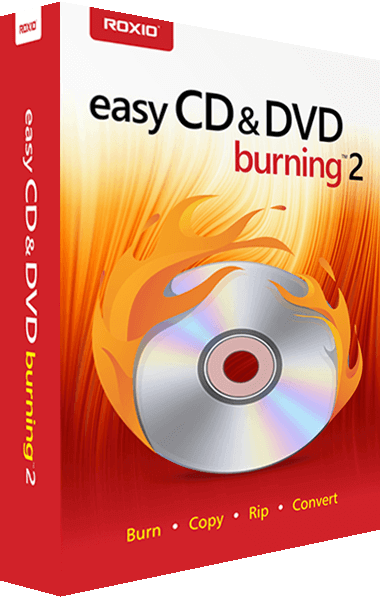
Easy CD & DVD Burning 2 key benefits
- Navigate
- Burn CDs and DVDs with simple drag and drop burning.
- Burn
- Access all the tools you need to burn, copy or convert your files in an easy to navigate user interface.
- Copy
- Copy non-copyrighted discs, schedule long conversion projects to run overnight.
- Rip
- Rip audio CDs or DVDs to digital files and save on PC or export to view on your preferred device.
- Author
- Burn to disc and add customizable DVD menus and chapters.
- Back Up
- Back up or archive your files across multiple discs.