Product comparison
Tipard Blu-ray Creator vs Roxio Creator NXT 9
Tipard Blu-ray Creator offers a dedicated Blu-ray-authoring workflow. Roxio Creator NXT 9 combines video, audio, photo and disc applications, with MyDVD for menu projects. Blu-ray video authoring in Creator NXT 9 requires the separate High-Def/Blu-ray Disc Plug-In, so confirm that entitlement before treating the suite as an equivalent Blu-ray-authoring option.
Compare Blu-ray workflows
| Task | Tipard Blu-ray Creator | Roxio Creator NXT 9 |
|---|---|---|
| Blu-ray authoring | Create a Blu-ray project directly from video files | Requires Creator NXT 9 with the separate High-Def/Blu-ray Disc Plug-In |
| Menus | Editable template text, title frames, buttons, background picture and music | MyDVD menu projects; the Blu-ray plug-in provides high-definition menu styles |
| Project preparation | Trim, crop, adjust pictures and add watermarks before authoring | Use the suite's video tools to prepare footage before the disc project |
| Sound and subtitles | Add or adjust audio and subtitles, including timing controls | Check the controls available in the selected MyDVD Blu-ray project |
| Output workflow | Blu-ray disc, ISO image or Blu-ray folder, with BD-25 and BD-50 targets | Author Blu-ray video through the enabled plug-in workflow; verify its project output choices |
| Broader tasks | Focused video-to-Blu-ray authoring and multiple-copy recording | Video, photo and audio work, conversion, disc copying, recording and cover preparation |
Which workflow fits?
Choose Tipard for a dedicated video-to-Blu-ray project
Tipard Blu-ray Creator suits combining video files into a Blu-ray presentation, preparing clips and customizing a menu. Save the result to a disc, ISO image or Blu-ray folder. Review the selected audio and subtitles, capacity and output settings before producing copies.
Choose Creator NXT for a wider multimedia workflow
Roxio Creator NXT 9 offers another workflow for the project. Roxio Creator NXT 9 suits projects that also require video preparation, audio or photo tools and several types of disc work. MyDVD and its template tools help design navigation. For Blu-ray video, verify that the compatible plug-in is installed and available before starting a full project.
Check the authoring scope
Creator NXT 9 can record Blu-ray data discs without that being evidence of Blu-ray video authoring. The separate authoring plug-in is compatible with Creator NXT 9 and Creator NXT Pro 9; the standard suite license alone should not be described as including it. The product card below represents Creator NXT 9, and does not establish a plug-in entitlement.
Tipard offers BD-25 and BD-50 targets with published video output settings up to 1080p. Importing a higher-resolution source does not make that output a native UHD Blu-ray. Compare capacity and encoding settings with the finished disc you need, rather than the source filename alone.
Verify a test project
- Confirm the installed Creator version and the availability of the separate Blu-ray authoring plug-in.
- Create a short Blu-ray video project rather than a data disc containing video files.
- Preview menu styles, title links, sound and any subtitle controls required by the project.
- Check the chosen output and a recorded test disc before authoring a longer production.
Keep source recordings and any editable project separately from finished output. Preview menu buttons, title order, subtitles and audio timing, then verify the result in the intended playback setup. A saved folder should retain its Blu-ray structure; avoid moving individual files out of it.
Compared products
Review the selected catalog entries and check the authoring, menu and recording functions needed for your project.
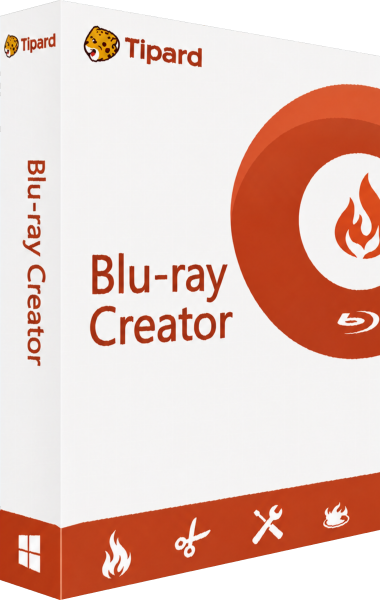
Tipard Blu-ray Creator
Author video files to Blu-ray disc, ISO or folder, with custom menus, clip editing, audio and subtitle tools.
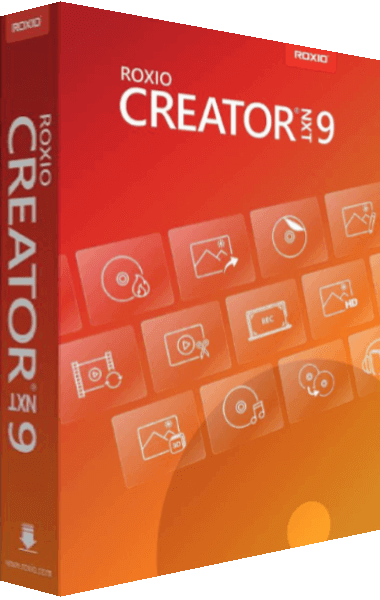
Roxio Creator NXT
Bring photos, video, audio, and disc projects together in a multimedia creation suite.