Product comparison
Tipard Blu-ray Creator vs Ashampoo Burning Studio 27
Tipard Blu-ray Creator provides a dedicated route from video files to a Blu-ray disc, ISO image or folder. Ashampoo Burning Studio 27 includes Blu-ray movie and slideshow creation within a wider set of disc, audio and backup modules. Compare the authoring workflow first, then any additional recording tasks.
Compare Blu-ray workflows
| Task | Tipard Blu-ray Creator | Ashampoo Burning Studio 27 |
|---|---|---|
| Project type | Dedicated Blu-ray creation from video files | Movie and slideshow Blu-ray projects alongside other disc modules |
| Menus | Customize template text, frames, buttons, background picture and music | Menu design and preview in the movie/slideshow authoring workflow |
| Clip preparation | Trim, crop, adjust brightness and color, and add watermarks | Movie and slideshow preparation tools before encoding |
| Chapters and subtitles | Audio and subtitle tools with timing adjustments; preview menu links | Blu-ray chapter intervals and SRT subtitle input in movie settings |
| Recording workflow | Create a Blu-ray disc, ISO image or Blu-ray folder | Render an authored project to disc or folder; record a prepared Blu-ray video folder |
| Other tasks | BD-25 and BD-50 authoring targets and multiple-copy settings | Data discs, audio ripping, music compilations, images, covers, file backups and disc verification |
Which workflow fits?
Choose Tipard for a dedicated video-to-Blu-ray project
Tipard Blu-ray Creator suits combining video files into a Blu-ray presentation, preparing clips and customizing a menu. Save the result to a disc, ISO image or Blu-ray folder. Review the selected audio and subtitles, capacity and output settings before producing copies.
Choose Burning Studio for several kinds of disc project
Ashampoo Burning Studio 27 offers another workflow for the project. Ashampoo Burning Studio 27 suits a workload that includes Blu-ray presentations, music discs, data archives and file-backup projects. Its dedicated movie/slideshow Blu-ray module creates a video-disc project, while the prepared-folder module records an existing Blu-ray structure. Choose the module around the material you already have.
Check the authoring scope
Creating a playable video disc, recording a prepared Blu-ray folder and storing video files on a data disc are different operations. Compare the movie/slideshow Blu-ray module with Tipard authoring, and keep file-backup compression or data-disc protection separate from video encoding settings.
Tipard offers BD-25 and BD-50 targets with published video output settings up to 1080p. Importing a higher-resolution source does not make that output a native UHD Blu-ray. Compare capacity and encoding settings with the finished disc you need, rather than the source filename alone.
Verify a test project
- Start a Blu-ray movie project in each application using the same short clips.
- Add a readable menu, check title order and test the chapter and subtitle options you need.
- Review the selected disc capacity, output settings and a scene with movement after encoding.
- Check a saved folder and one recorded disc, including menu navigation, before producing the rest.
Keep source recordings and any editable project separately from finished output. Preview menu buttons, title order, subtitles and audio timing, then verify the result in the intended playback setup. A saved folder should retain its Blu-ray structure; avoid moving individual files out of it.
Compared products
Review the selected catalog entries and check the authoring, menu and recording functions needed for your project.
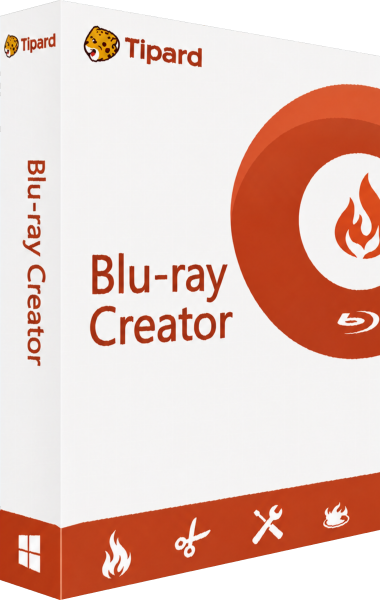
Tipard Blu-ray Creator
Author video files to Blu-ray disc, ISO or folder, with custom menus, clip editing, audio and subtitle tools.
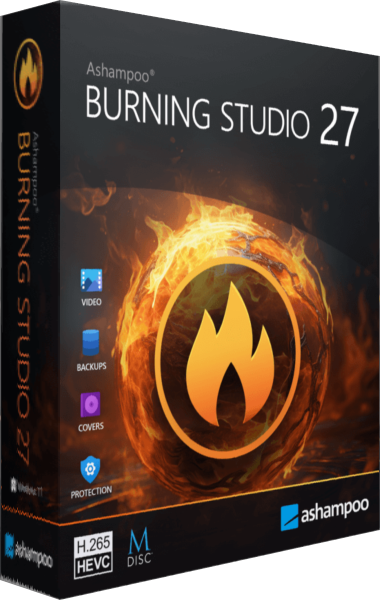
Ashampoo Burning Studio
Burn data and multimedia discs, extract audio, work with disc images and prepare file-backup projects.