Product comparison
Tipard DVD Cloner vs Nero Burning ROM 2026
DVD Cloner focuses on DVD-video backup. Burning ROM combines supported disc copying with data, audio and prepared video-disc recording.
Compare DVD workflows
| Task | Tipard DVD Cloner | Nero Burning ROM 2026 |
|---|---|---|
| Main task | DVD-video copying with three content-selection modes | CD, DVD and Blu-ray burning, supported copying and audio extraction |
| Images | DVD ISO and DVD folder input and output | Create and burn disc images, including ISO projects |
| Content selection | Full Copy, Main Movie or selected titles, chapters and languages | Copy the supported source disc or build a separate recording project |
| DVD capacity | DVD-5 and DVD-9 targets, including DVD-9 to DVD-5 compression | Match project and media capacity; ordinary disc copying is separate from DVD-video shrinking |
| Menus | Retain the existing menu with Full Copy or use menu-skipping options | Copy an existing disc or record prepared video-disc structures; menu authoring is separate |
| Other tasks | Write saved DVD images or folders to blank DVDs | Audio CDs, music extraction, covers and SecurDisc data protection |
Which workflow fits?
Choose DVD Cloner for dedicated DVD copying
Tipard DVD Cloner suits retaining a whole DVD or choosing the main movie, titles, chapters and languages. Save an ISO or DVD folder, or write another disc. Keep the full menu structure when it matters; menu removal and selective copying change what the backup contains.
Choose Burning ROM for varied disc projects
Nero Burning ROM 2026: Combine disc-copying, data-recording and audio tasks in one workspace. Burning ROM can record an already prepared DVD-video structure. Use a separate authoring workflow to design a new menu; placing movie files on a data disc does not create DVD navigation.
Burning ROM does not remove disc copy protection. Its data-disc encryption and redundancy tools serve archive projects and should not be treated as DVD-video compression or menu-editing features.
Check the finished copy
- Choose a supported unprotected DVD and identify the titles, languages and extras to retain.
- Test copying the existing disc separately from creating a new menu or data-disc project.
- Save and reopen an image; check its DVD structure, menu navigation and chapter links.
- If Cloner compresses DVD-9 to DVD-5, inspect detailed and fast-moving scenes, then verify one recorded disc in the intended player.
Keep the source disc or image and save results separately. A full copy without recompression can retain the original video streams. DVD-9 to DVD-5 compression and lossy video exports can reduce detail; check motion, dark scenes, dialogue and captions before relying on a finished copy.
Compared products
Review the selected products and match the DVD input, output, content-selection and recording tools to your project.
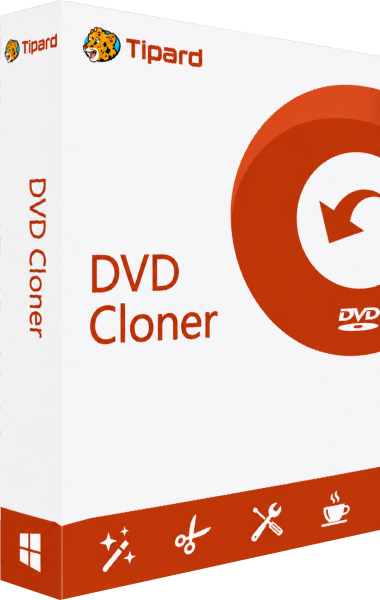
Tipard DVD Cloner
Copy DVDs to disc, ISO or DVD folder, with content selection, disc burning and DVD-9 to DVD-5 compression.
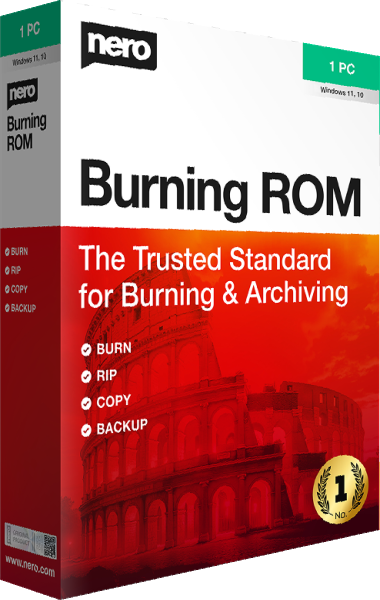
Nero Burning ROM 2026
Burn CDs, DVDs, and Blu-ray discs, work with ISO images, and extract audio tracks to music files.