Product comparison
Tipard DVD Software Toolkit vs Roxio Creator NXT 9
Tipard DVD Software Toolkit groups DVD and video conversion, disc creation, copying and selected device transfers. Roxio Creator NXT 9 brings video, audio, photo and disc tools together. The important distinction is which application handles each step, particularly when converting an existing DVD.
Compare DVD and media tasks
| Task | Tipard DVD Software Toolkit | Roxio Creator NXT 9 |
|---|---|---|
| Main scope | DVD and video conversion, DVD authoring and copying, plus Apple-device transfer | A multimedia suite for video, audio, photographs, conversion and disc projects |
| DVD conversion | DVD Ripper component loads DVD discs, folders and IFO files | VideoWave imports DVD IFO/VOB content for export; File Converter does not convert DVD video |
| Local-file conversion | Video Converter component with output profiles and batch processing | File Converter handles supported video, audio and image files |
| DVD menus | DVD Creator with editable backgrounds, text, buttons and music | MyDVD authoring with menus and Template Designer controls |
| Disc copies | Full Copy, Main Movie and Customize modes, images and DVD target-size choices | Copy supported unprotected discs and record prepared projects or images |
| Additional work | Selected Apple-device media transfer and ringtone creation | Video, audio and photo preparation, disc labels and other suite tools |
Which workflow fits?
Choose Toolkit for conversion, DVD creation and copying
Tipard DVD Software Toolkit suits moving between DVD-to-file conversion, local-video conversion, creating a new DVD menu and copying an existing disc. Its separate transfer component also handles selected supported media between Apple devices and a computer. Choose the component around the required result.
Choose Creator NXT for mixed multimedia projects
Roxio Creator NXT 9 provides the compared catalog workflow. Roxio Creator NXT 9 suits a project that also needs video editing, photo work or audio preparation before disc creation. Use MyDVD for a newly authored menu project. For an existing DVD, use the documented VideoWave import and export workflow rather than treating File Converter as a DVD ripper.
Check components and versions
Roxio does not copy or convert protected movie discs. For Blu-ray video authoring beyond this DVD comparison, Creator NXT 9 requires the separate compatible Blu-ray plug-in. Neither ordinary disc recording nor local-file conversion establishes an equivalent to the Toolkit Apple-device transfer component.
Check the Toolkit component versions and available controls before relying on a feature described for a standalone product. For iPhone Transfer Ultimate, verify the actual device, media category and transfer destination on a small selection. Selected-media transfer is separate from creating a complete device recovery backup.
Verify a representative task
- Choose a supported unprotected DVD and identify its titles and language tracks.
- In Roxio, test importing DVD content into VideoWave separately from local-file conversion.
- Create a small new DVD menu project and verify its title links, chapter order and audio.
- Check any disc copy or device-transfer task independently of the video-conversion result.
Keep source media separate from converted files and disc images. Check picture, dialogue, subtitles and menu navigation as appropriate. Converting to a smaller file or reducing DVD capacity can discard detail, so verify the finished output before processing the remaining collection.
Compared products
Review the selected catalog entries and confirm the components and functions needed for your DVD and media tasks.
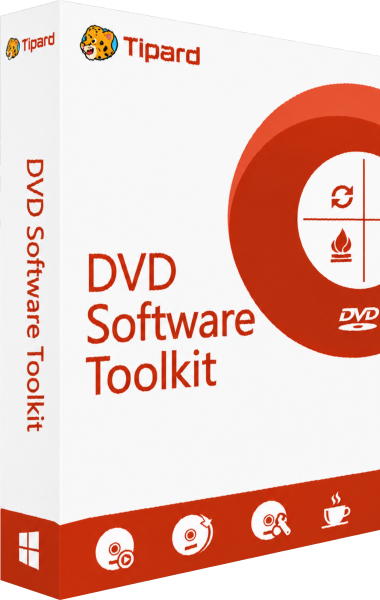
Tipard DVD Software Toolkit
Convert video, create and copy DVDs, save ISO images and transfer selected media between Apple devices and a computer.
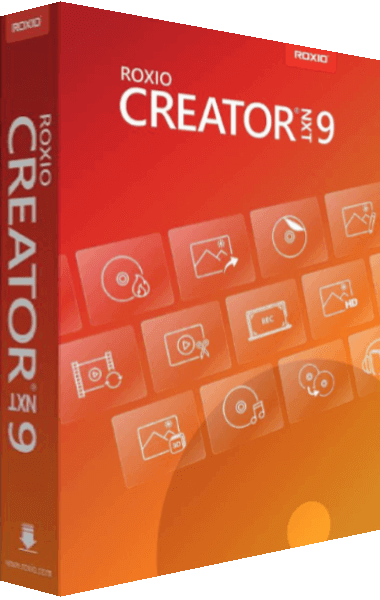
Roxio Creator NXT
Bring photos, video, audio, and disc projects together in a multimedia creation suite.
Explore more
- Tipard DVD Software Toolkit vs Nero Platinum Suite 2026
- Tipard DVD Software Toolkit vs Ashampoo Burning Studio 27
- Tipard DVD Software Toolkit vs Tipard Video Converter Ultimate
- Tipard DVD Software Toolkit vs Tipard DVD Ripper
- Tipard DVD Software Toolkit vs Tipard DVD Cloner
- Video editing software overview