Product comparison
Tipard DVD Software Toolkit vs Ashampoo Burning Studio 27
These products overlap in creating and copying discs. Tipard DVD Software Toolkit also includes DVD and video conversion plus Apple-device media transfer. Ashampoo Burning Studio 27 combines recording with audio, slideshow, image and file-backup projects. Start with the output you need rather than the number of modules.
Compare DVD and media tasks
| Task | Tipard DVD Software Toolkit | Ashampoo Burning Studio 27 |
|---|---|---|
| DVD authoring | Create DVD discs, folders or ISO images with customized menus | Movie and slideshow DVD projects with menus and preview |
| Disc copying | Full Copy, Main Movie and Customize modes | Copy supported discs through the disc-copy module |
| Images and capacity | ISO/folder workflows, DVD-5/DVD-9 targets and DVD-9 to DVD-5 compression | Create and burn disc images; choose the appropriate recording project and target capacity |
| Conversion | Dedicated DVD Ripper and Video Converter components | Movie preparation and disc workflows; do not assume the same DVD-to-file conversion controls |
| Other disc projects | DVD-focused creation and copying | CD, DVD and Blu-ray recording, music compilations, audio ripping and covers |
| Additional tasks | Selected Apple-device media transfer and ringtone tools | File-backup plans, disc spanning, verification and archive protection options |
Which workflow fits?
Choose Toolkit for conversion, DVD creation and copying
Tipard DVD Software Toolkit suits moving between DVD-to-file conversion, local-video conversion, creating a new DVD menu and copying an existing disc. Its separate transfer component also handles selected supported media between Apple devices and a computer. Choose the component around the required result.
Choose Burning Studio for varied disc and archive tasks
Ashampoo Burning Studio 27 provides the compared catalog workflow. Ashampoo Burning Studio 27 suits work that moves between movie discs, music compilations, file archives and disc images. Choose its movie-authoring module for a navigable presentation, the copying module for an existing disc and the backup module for file protection. These workflows have different settings and outputs.
Check components and versions
File-backup compression and password protection in Burning Studio are separate from DVD-9 to DVD-5 video compression. Disc authoring also differs from converting a DVD into MP4. Evaluate Toolkit conversion and Apple-device transfer separately from the overlapping menu, image and recording tasks.
Check the Toolkit component versions and available controls before relying on a feature described for a standalone product. For iPhone Transfer Ultimate, verify the actual device, media category and transfer destination on a small selection. Selected-media transfer is separate from creating a complete device recovery backup.
Verify a representative task
- Build a small DVD menu project from the same two video clips.
- Preview the menu, title order, sound and any captions before recording.
- For an existing unprotected DVD, compare copying and image creation separately from new authoring.
- If reducing DVD-9 to DVD-5 in Toolkit, inspect fast-moving scenes; verify one finished disc before making more copies.
Keep source media separate from converted files and disc images. Check picture, dialogue, subtitles and menu navigation as appropriate. Converting to a smaller file or reducing DVD capacity can discard detail, so verify the finished output before processing the remaining collection.
Compared products
Review the selected catalog entries and confirm the components and functions needed for your DVD and media tasks.
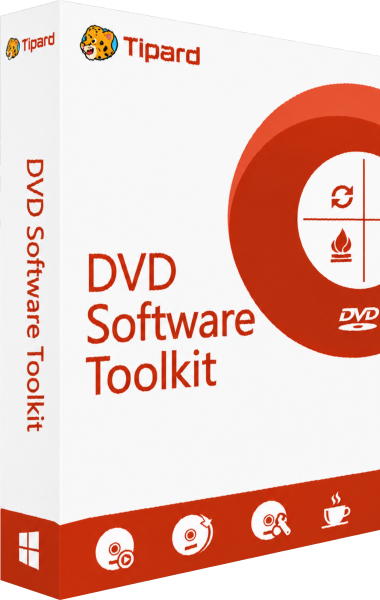
Tipard DVD Software Toolkit
Convert video, create and copy DVDs, save ISO images and transfer selected media between Apple devices and a computer.
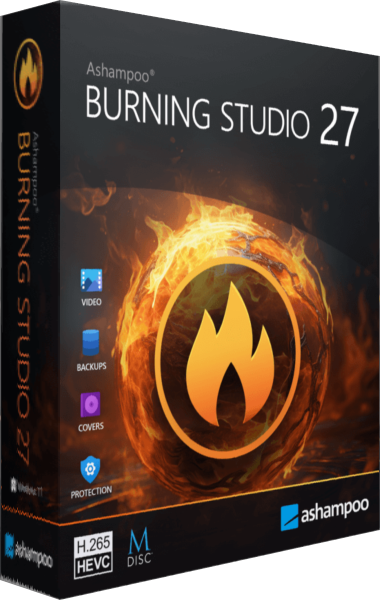
Ashampoo Burning Studio
Burn data and multimedia discs, extract audio, work with disc images and prepare file-backup projects.