Product comparison
Tipard DVD Software Toolkit vs Nero Platinum Suite 2026
Both packages combine several applications, but their emphasis differs. Tipard DVD Software Toolkit joins DVD conversion, authoring and copying with selected Apple-device media transfer. Nero Platinum Suite 2026 covers a wider collection of editing, library, recording and backup applications accessed through Nero Start.
Compare DVD and media tasks
| Task | Tipard DVD Software Toolkit | Nero Platinum Suite 2026 |
|---|---|---|
| Included workflow | DVD Ripper, Video Converter, DVD Creator, DVD Cloner and iPhone Transfer Ultimate components | Nero Video, Recode, Burning ROM, MediaHome, BackItUp and other suite applications |
| Conversion | Convert DVD sources and local video, with audio extraction and output profiles | Recode converts supported files and unprotected disc content |
| DVD authoring | Create DVD discs, folders or ISO images with customizable menus | Nero Video prepares edited movies and video-disc projects with menus |
| Disc copies | Full Copy, Main Movie and Customize; DVD-5/DVD-9 targets and compression | Burning ROM records prepared projects, handles images and copies supported discs |
| Media preparation | Trim, crop, adjust effects and add watermarks | Video editing, slideshows, library organization and additional media tools |
| Device transfer | Included component for selected supported media on iPhone, iPad and iPod | Media-library, streaming and distribution tools; compare these separately from Apple-device transfer |
Which workflow fits?
Choose Toolkit for conversion, DVD creation and copying
Tipard DVD Software Toolkit suits moving between DVD-to-file conversion, local-video conversion, creating a new DVD menu and copying an existing disc. Its separate transfer component also handles selected supported media between Apple devices and a computer. Choose the component around the required result.
Choose Nero Platinum for a wider media collection
Nero Platinum Suite 2026 provides the compared catalog workflow. Nero Platinum Suite 2026 suits projects that span editing a film, organizing photographs, converting recordings and keeping source media backed up. Identify the application for each stage and review the editions included in the selected package. The suite name alone does not establish identical entitlements across packages.
Check components and versions
Nero Recode and supported disc-copying workflows do not remove copy protection. Use an unprotected DVD for a shared test. Burning ROM recording, Nero Video authoring and BackItUp file protection are separate jobs; do not assume they reproduce every DVD Cloner control or the Toolkit transfer component.
Check the Toolkit component versions and available controls before relying on a feature described for a standalone product. For iPhone Transfer Ultimate, verify the actual device, media category and transfer destination on a small selection. Selected-media transfer is separate from creating a complete device recovery backup.
Verify a representative task
- List the required results: a movie file, a new DVD menu, a disc copy, a media transfer or a recovery copy.
- Match each result to the component that performs it in the selected package.
- Convert a short unprotected recording and test a small DVD-authoring or copying project.
- Verify output playback, navigation and any separate transfer or backup task before processing the collection.
Keep source media separate from converted files and disc images. Check picture, dialogue, subtitles and menu navigation as appropriate. Converting to a smaller file or reducing DVD capacity can discard detail, so verify the finished output before processing the remaining collection.
Compared products
Review the selected catalog entries and confirm the components and functions needed for your DVD and media tasks.
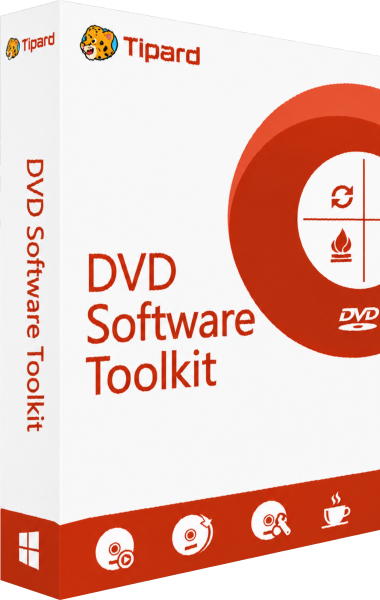
Tipard DVD Software Toolkit
Convert video, create and copy DVDs, save ISO images and transfer selected media between Apple devices and a computer.
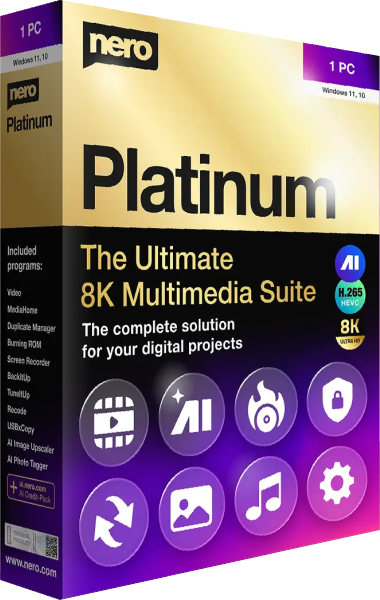
Nero Platinum Suite
Edit, organize, convert, and back up media with a multimedia software suite.