Product comparison
Tipard HD Video Converter vs Nero Recode 2026
Both products prepare media for a different player or editing workflow. Tipard HD Video Converter emphasizes local video files, including camera recordings, and reusable output settings. Nero Recode 2026 combines file conversion with importing supported unprotected disc content and preparing job lists.
Compare conversion and preparation
| Task | Tipard HD Video Converter | Nero Recode 2026 |
|---|---|---|
| Sources | Local video, including TS, MTS, M2TS and MXF recordings | Video and audio files, supported unprotected DVD, Blu-ray and AVCHD content, and audio CDs |
| Output selection | Custom encoder, resolution, frame rate and bitrate; named reusable profiles | Device-oriented profiles for supported video and audio exports |
| Preparation | Trim, crop, merge clips and add watermarks | Trim, crop and rotate footage during conversion |
| Picture handling | Brightness, contrast, saturation, hue and a deinterlacing option | Choose and inspect the preparation controls available for the conversion job |
| Audio | Extract sound and set encoder, sample rate, channels, bitrate and volume | Audio conversion and audio CD ripping alongside video conversion |
| Repeated work | Reuse a named output profile for consistent settings | Prepare several conversions in a job list |
Which workflow fits?
Choose HD Video Converter for camera-file preparation
Tipard HD Video Converter suits converting local recordings, trimming or merging clips, adjusting the picture and extracting sound. Save named output profiles when the same encoder and resolution settings are useful again. For TS, MTS, M2TS or MXF footage, test a real sample from the camera before converting the remaining recordings.
Choose Recode for a mixed media-conversion collection
Nero Recode 2026 provides the compared workflow. Nero Recode 2026 suits a collection containing ordinary video and audio files as well as supported unprotected discs. Device profiles and job lists help organize the exports. For a camera recording, check the actual file and its soundtrack before relying on a profile name.
Check the source and controls
Recode does not remove disc copy protection. File conversion and importing a disc structure are different input workflows. This comparison covers the 2026 catalog edition and does not establish that every camera codec or recording mode is supported.
A 4K-to-1080p conversion changes output dimensions and may change visible detail. Re-encoding or lowering bitrate can also affect motion and fine texture. Keep the original footage and compare a short result at the intended viewing size before accepting the settings.
Verify a camera sample
- Load a short camera sample in each application and confirm picture and sound.
- Choose comparable output codec, resolution and frame-rate settings rather than matching profile names alone.
- Check motion, aspect ratio, track selection and playback on the destination device.
- After validating the sample, reuse the settings or prepare the remaining conversion jobs.
Check dialogue, audio channels, subtitle behavior and picture proportions as well as the image itself. Use a separate export folder and clear filenames. This comparison describes documented workflows; it does not report measured speed or a tested picture-quality winner.
Compared products
Review the selected catalog entries and confirm the source formats, preparation controls and output choices needed for your recordings.

Tipard HD Video Converter
Convert camera recordings and other videos, trim or merge clips, adjust the picture and extract audio.
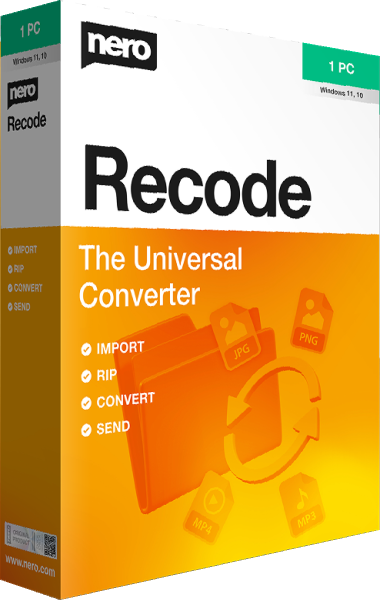
Nero Recode
Prepare conversion jobs for supported media and unprotected discs using device profiles and editing tools.