Product comparison
Tipard Video Converter Ultimate vs Nero Recode 2026
Both applications convert video and audio and can import DVD content. Tipard Video Converter Ultimate combines conversion with DVD backup choices, enhancement, compression and themed compositions. Nero Recode 2026 focuses on preparing supported media and unprotected disc content for another playback destination.
Compare media workflows
| Task | Tipard Video Converter Ultimate | Nero Recode 2026 |
|---|---|---|
| Sources | Video and audio files, DVD discs, DVD ISO images and VIDEO_TS folders | Video and audio files, supported unprotected DVD, Blu-ray and AVCHD sources, and audio CDs |
| Output selection | Video and audio profiles with custom codec, resolution, bitrate and frame-rate controls | Device-oriented profiles for supported video and audio exports |
| Disc workflow | DVD title selection, movie exports and DVD ISO or folder output | Import supported unprotected disc content for the chosen conversion job |
| Clip preparation | Trim, split, merge, crop, rotate, adjust pictures and add watermarks | Trim, crop and rotate footage during conversion |
| Multiple exports | Batch processing, with shared or per-item output choices | Prepare a list of conversion jobs |
| Additional work | Compression preview, enhancement, themed MV videos and split-screen collages | Conversion-oriented workflow for a mixed collection of media and supported discs |
Which workflow fits?
Choose Ultimate for conversion and several preparation tasks
Tipard Video Converter Ultimate suits working with local video, audio and DVD sources in one application. Convert files, trim or merge clips, adjust pictures and tracks, or use compression and enhancement tools. MV themes and split-screen collages add ways to assemble a short presentation.
Choose Recode for a mixed conversion collection
Nero Recode 2026 offers another workflow for the task. Nero Recode 2026 suits preparing supported recordings, music and unprotected discs with device profiles and job lists. It also covers supported Blu-ray and AVCHD imports. Compare the actual profile, audio selection and output codec with the destination player before preparing a large queue.
Recode does not remove disc copy protection. Use a supported unprotected DVD for a shared disc test. This comparison covers the 2026 catalog edition; a video export is a separate result from a DVD backup that retains interactive menus.
Check a representative project
- Choose a local clip and, if needed, a supported unprotected DVD that both applications can import.
- Select equivalent output resolution and codec settings rather than comparing profile names alone.
- Check framing, dialogue, subtitles and playback compatibility on a short export.
- After validating the settings, prepare the remaining items and check their names, durations and destination folders.
Keep source media separate from exports. Re-encoding to a smaller file can discard detail, and a higher output resolution does not make the source native high-definition footage. Review picture, sound and captions on the intended player before processing a larger collection.
Compared products
Review the selected catalog products and match input sources, preparation tools and output choices to the project you need to finish.
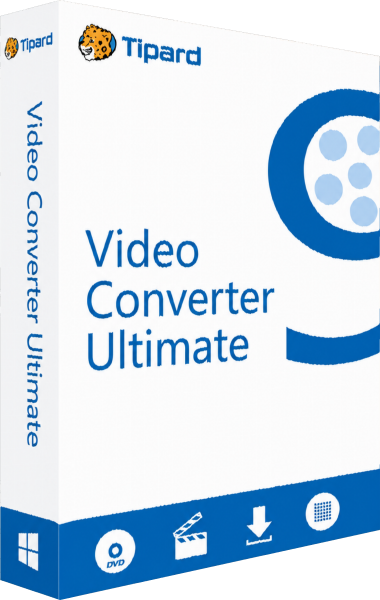
Tipard Video Converter Ultimate
Convert video, audio and DVDs, edit clips, compress files, and create themed videos or split-screen collages.
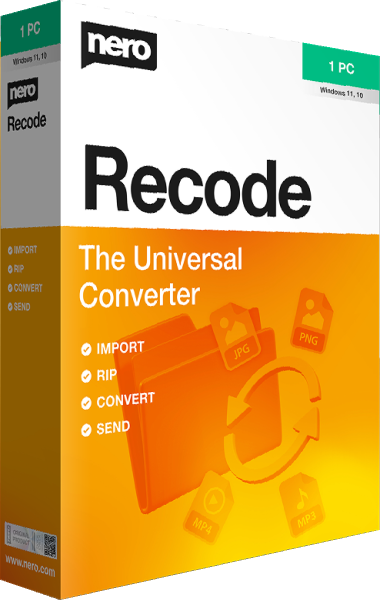
Nero Recode
Prepare conversion jobs for supported media and unprotected discs using device profiles and editing tools.
Explore more
- Tipard Video Converter Ultimate vs Ashampoo Video Converter
- Tipard Video Converter Ultimate vs Tipard Blu-ray Converter
- Tipard Video Converter Ultimate vs Tipard DVD Ripper
- Tipard Video Converter Ultimate vs Tipard Video Enhancer
- Tipard Video Converter Ultimate vs Nero Video 2026
- Video editing software overview