Product comparison
CamRio Video Converter vs Nero Recode 2026
CamRio Video Converter processes video and audio files and includes merging, compression and GIF creation. Nero Recode 2026 combines file conversion and device profiles with supported unprotected disc input. Choose around whether the source is a media file or content that first needs to be imported from a disc.
Compared products
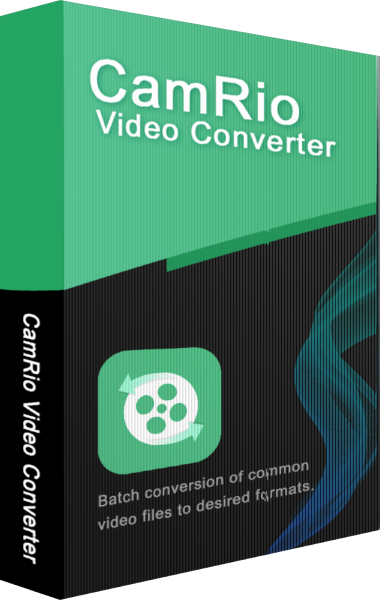
CamRio Video Converter
Convert video and audio, compress or merge videos, extract sound and create animated GIFs.
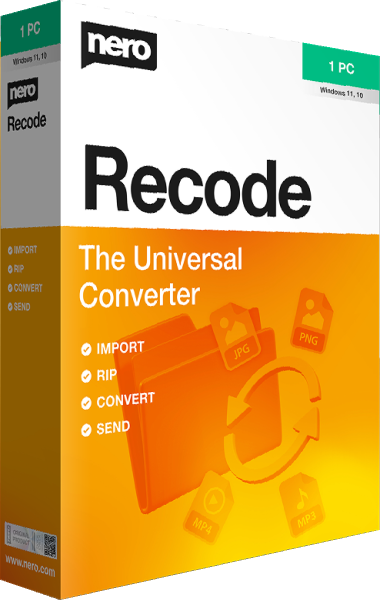
Nero Recode
Prepare conversion jobs for supported media and unprotected discs using device profiles and editing tools.
Compare conversion workflows
| Task | CamRio Video Converter | Nero Recode 2026 |
|---|---|---|
| Source selection | Add existing video or audio files | Import supported files or unprotected DVD, Blu-ray and AVCHD content |
| Output choice | Choose a format or device preset | Choose a device-oriented conversion profile |
| Several files | Batch video conversion | Prepare conversion job lists |
| Audio workflow | Convert audio and extract sound from video | Convert supported audio and rip audio CDs |
| Clip preparation | Merge supplied clips; use a separate compression task when needed | Rotate, crop or trim footage before conversion |
| Additional outputs | Video-to-GIF workflow alongside conversion | Disc-to-file and device-profile workflows; check the selected output settings |
Which workflow fits?
Choose CamRio for file conversion and focused media tasks
CamRio Video Converter provides video and audio conversion, compression, merging and GIF creation. Choose the operation, select an output format and save a short sample to a separate folder. Inspect the result before processing a collection.
Choose Recode for device profiles and unprotected disc imports
Nero Recode 2026 fits conversion jobs involving supported files and unprotected disc sources. Select the relevant source content and output profile, then review any crop or trim settings before processing. Verify the selected audio and the saved file in the intended player.
Keep the 2026 catalog edition and disc workflow in view
This comparison selects Nero Recode 2026. Features advertised for another Nero release or another suite component do not automatically apply to this edition. Check the installed profile and source support before planning a batch.
Nero's documented disc-import scope is unprotected content. Importing disc content into media files also differs from authoring a new playable disc. CamRio device presets, merging and file conversion do not establish either disc-import or disc-authoring functionality.
Check a sample export
- Identify whether the source is a local file or supported unprotected disc content.
- For disc imports, select the intended content and audio; for files, test a representative clip.
- Review the output profile, aspect ratio and any crop or trim settings before processing the job list.
- Open the exported file on the intended device and check picture, duration and sound rather than relying on the profile label.
Keep source media separate from converted copies. Changes to encoding, resolution or compression can affect visible quality and sound. These workflow comparisons do not report measured speed or quality rankings.
Explore more
- CamRio Video Converter vs Tipard Video Converter Ultimate
- CamRio Video Converter vs EaseUS VideFlow
- CamRio Video Converter vs Ashampoo Video Converter
- CamRio Video Converter vs Tipard HD Video Converter
- Video, DVD and Blu-ray guides and comparisons
- Video editing software
- Keep independent copies of source media