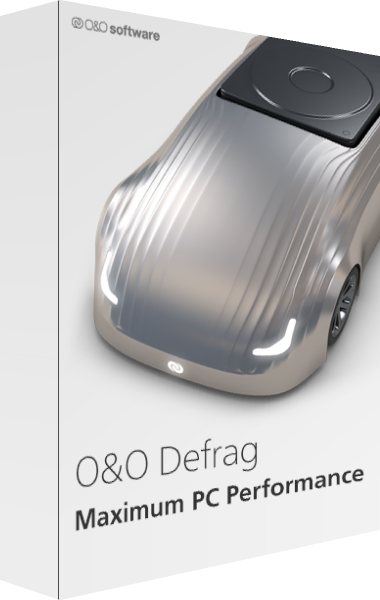
O&O Defrag
A newer edition is available
Analyze and optimize HDDs and SSDs and manage Windows maintenance tasks.
Learn more about O&O Defrag
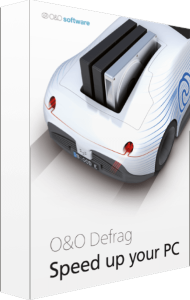
Maximum Performance for Your PC - Keep Your System Running Smoothly
Choose classic or simplified optimization controls with O&O Defrag 26. Alongside defragmentation, the software checks for system inconsistencies and provides cleanup and repair functions.
Related Products
O&O Defrag efficiently sorts and combines files on your hard drive or SSD, reducing access times and enhancing overall performance.
O&O Defrag takes care of everything automatically, eliminating the need for complex settings and decisions. Simply choose between manual or automatic operation.
With O&O Defrag 26, you have the flexibility to personalize your defragmentation approach. Switch between the classic view with professional settings and the modern view for a simplified experience.
O&O Defrag 26 conducts checks for inconsistencies, errors in memory and Windows system files, and offers repair functions for prompt correction.
Eliminate unnecessary files and reclaim valuable storage space with the improved O&O DiskCleaner, enhancing system performance and preventing storage issues.
Identify and uninstall unused programs effortlessly to free up disk space and enhance security with O&O Defrag 26’s program management feature.
Optimize your data volumes without impacting computer performance through O&O Defrag’s automatic defragmentation, customizable based on fragmentation levels, specific days, or screen saver activation.
Editorial rating by Find Your Software: 4.8 out of 5
A newer edition is available
Analyze and optimize HDDs and SSDs and manage Windows maintenance tasks.
Learn more about O&O Defrag