

PC Reviver: Windows maintenance tools in one application
PC Reviver brings together ReviverSoft tools for disk cleanup, driver updates, startup management and registry maintenance. Start with the task you want to complete, inspect the findings, and choose the actions relevant to your computer.
Explore the tools below, read the frequently asked questions, or go to the purchase section.
Choose a tool for the job
- Storage cleanup and file organization
- Inspect temporary data with the cleanup tools, explore disk usage, or find duplicate files. Choose what to remove based on the files you need.
- Driver updates and backups
- Check for driver updates and use Driver Backup to save existing drivers. Review the proposed updates before installing them.
- Startup Manager
- See which applications and services launch with Windows and choose which entries remain enabled.
- Uninstall Manager
- Review installed applications and remove programs you no longer use.
- Registry maintenance
- Examine Registry Cleaner findings and explore Registry Defrag for organizing the registry's structure.
- System information and troubleshooting
- View hardware and software information, inspect running processes, and use Crash Helper to investigate crash information.
Know what your backup covers
PC Reviver provides driver backups and restoration options for registry repairs and driver updates. Its automatic registry and driver backups cover those changes; keep a separate copy of personal files such as documents and photos.
System restore-point creation is also available when Windows System Protection is enabled. Before applying changes, check that the relevant backup or restore option is available for the task.
Build a maintenance routine around your needs
- Choose a task, such as reviewing startup entries or clearing temporary files.
- Examine the results and select the items you intend to change.
- Check the relevant backup options, then apply your chosen actions.
- Test the affected application, device or startup behavior before moving to another task.
The outcome depends on the computer and the changes made. A scan count alone does not measure performance, and maintenance does not guarantee faster startup or resolve every crash. Compare the same activity before and after a change.
Buying PC Reviver
Open the linked shop from the purchase section. Confirm the product, license duration, number of covered devices, update entitlement, and any renewal or cancellation terms before ordering.
Find Your Software is an independent information website. We may receive a commission when you buy through our links. The linked shop handles your payment and order.
Explore related ReviverSoft products
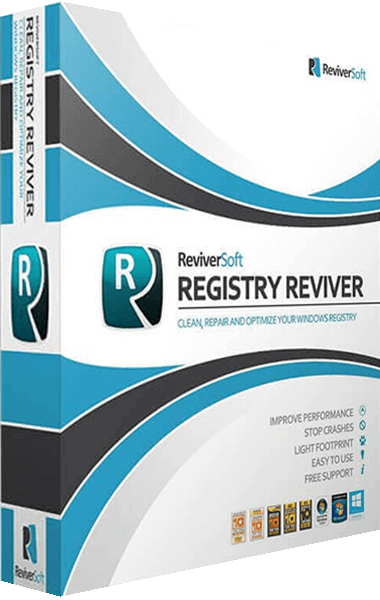
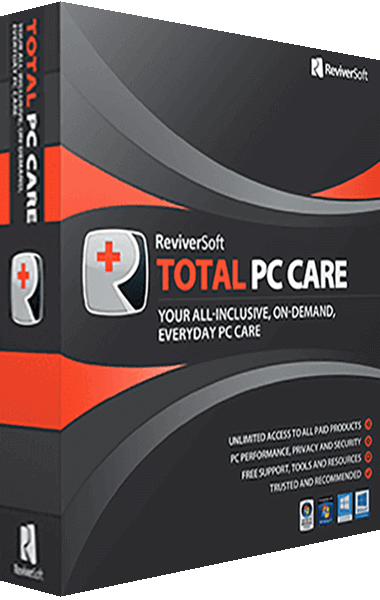
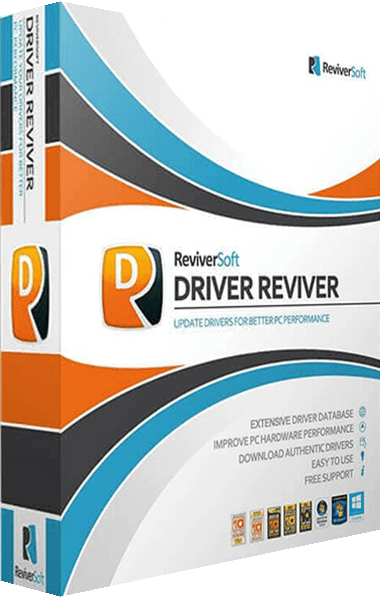
If your task focuses on drivers, see Driver Reviver. For registry maintenance, explore Registry Reviver. The Total PC Care overview describes a bundle of ReviverSoft applications.
Browse the ReviverSoft catalog or the PC maintenance and optimization category for other workflows.
Editorial rating by Find Your Software: 4.8 out of 5
Frequently asked questions about PC Reviver
Answers to common questions
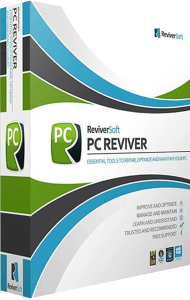
What does PC Reviver do?
It combines tools for Windows cleanup, driver updates, startup management and registry maintenance. You can also inspect system information and explore troubleshooting tools.
Can I back up drivers before updating them?
Yes. Driver Backup can save all drivers or selected drivers. PC Reviver also provides restoration options for driver updates. Check the available backup before proceeding.
How does Startup Manager work?
It lists programs and services configured to start with Windows and lets you enable or disable selected entries. Choose changes according to the applications and services you use.
Which changes can I restore?
Restoration options cover registry repairs and driver updates. System restore-point creation depends on Windows System Protection being enabled. See the backup overview and keep personal files backed up separately.
Will PC Reviver make every computer faster?
Results depend on the cause of the issue and the actions taken. Removing unneeded files or changing startup entries addresses particular tasks; a specific improvement in speed or stability is not guaranteed.
How does it differ from Driver Reviver and Registry Reviver?
PC Reviver combines several maintenance tools. Driver Reviver focuses on hardware drivers, while Registry Reviver focuses on registry maintenance. Compare the functions relevant to your task.
Who handles the purchase and license?
The purchase button opens the linked shop, which handles payment and the order. Check the selected license, covered devices, update entitlement and applicable renewal terms there before buying.