

Total PC Care: choose tools for your maintenance tasks
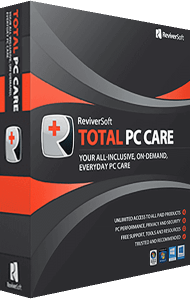
Bring file cleanup, driver updates, registry maintenance, and privacy tasks into one ReviverSoft bundle. Total PC Care provides access to separate utilities, so you can choose the application that fits the work you want to do.
Explore the included tools below, read the frequently asked questions, or go to the purchase section to review the offer.
Start with cleanup and maintenance
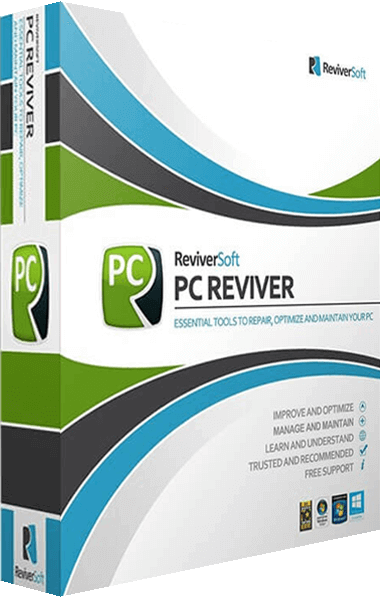
- PC Reviver
- Review maintenance scan results and use the available tools for selected cleanup and optimization tasks.
- Disk Reviver
- Review temporary files, other unnecessary data, and duplicate files when organizing storage and deciding what to remove.
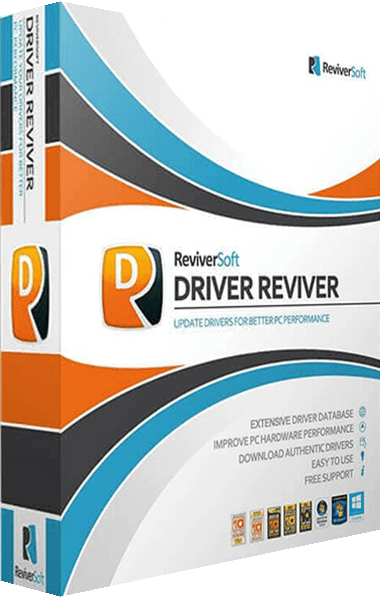
- Driver Reviver
- Identify outdated drivers and review available updates for the hardware detected on your computer.
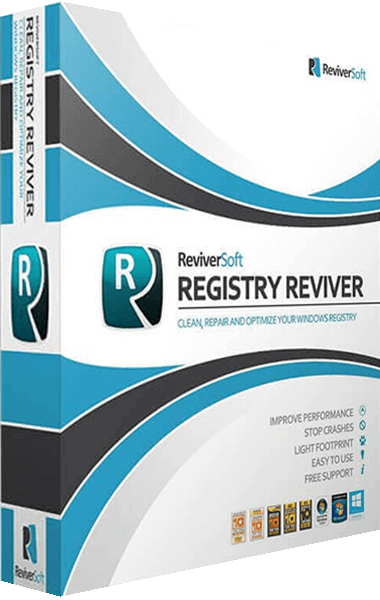
- Registry Reviver
- Inspect registry entries flagged by the application and use its registry maintenance tools where appropriate.
Choose the task before choosing the tool. Removing temporary files, updating a driver, and changing registry entries affect different parts of your computer.
Review security, privacy, and installation changes
- Security Reviver: provides malware and spyware scanning tools and options for handling detected items.
- Privacy Reviver: helps locate stored personal information and privacy traces on your computer so you can review cleanup options.
- InstallSafe: monitors installation changes and provides tools to review and remove browser add-ons.
These applications address different tasks. Review what each one reports and the action it proposes before making a change.
Explore the other utilities in the bundle
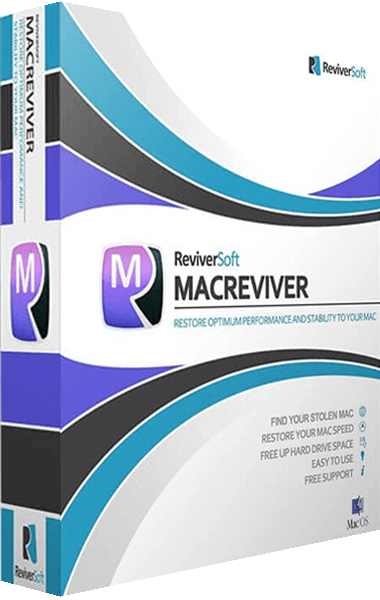
- MacReviver
- The Mac-focused application provides tools for file cleanup and other Mac maintenance tasks. Review the selected package's device coverage before ordering.
- Battery Optimizer
- Monitor laptop battery usage and create profiles for different usage situations.
- Start Menu Reviver
- Customize the Start menu and organize access to applications through its interface.
Plan a maintenance session around one task
- Decide what you want to review, such as storage usage or available driver updates.
- Open the appropriate utility and inspect its findings before selecting changes.
- Keep a backup of important files and use backup or restore options where the application provides them.
- Check the outcome before moving on to another task.
Results depend on the computer's condition, the selected task, and the changes made. A scan result is a starting point for review, not a promise of a particular speed improvement.
Buying Total PC Care
Review the offer in the purchase section, then use the purchase button to continue to the linked shop. Before completing the order, confirm the included applications, license duration, device coverage, and any renewal or cancellation conditions that apply.
Find Your Software is an independent information website. We may receive a commission when you purchase through our links. The linked shop handles checkout and your order.
Compare the bundle with individual tools
If your task centers on one area, explore the individual product pages for PC Reviver, Driver Reviver, and Registry Reviver. Compare the functions you need with the applications included in the package.
Browse the ReviverSoft software catalog or the PC maintenance and optimization overview for related workflows.
Editorial rating by Find Your Software: 4.8 out of 5
Frequently asked questions about Total PC Care
Answers to common questions
What is Total PC Care?
It is a ReviverSoft bundle covering maintenance, cleanup, driver updates, security, and privacy tasks through separate applications. The overview also includes MacReviver, Battery Optimizer, and Start Menu Reviver.
Is Total PC Care the same as PC Reviver?
PC Reviver is one application in the wider package. Total PC Care brings it together with other utilities. Review the included tools to match the bundle to your tasks.
Which application handles drivers and which handles the registry?
Driver Reviver identifies driver updates. Registry Reviver focuses on registry maintenance. They address different parts of the computer.
How should I use the maintenance tools?
Start with a specific task, review the selected application's findings, and choose changes deliberately. Keep backups and check the outcome. Performance results vary with the computer and the work performed.
Does the bundle include a Mac utility?
MacReviver is listed in the bundle overview for Mac maintenance tasks. Confirm the included applications and device coverage of the package shown in the shop.
Which license details should I check?
Before ordering, check the license duration, covered devices, included applications, update entitlement, and any renewal or cancellation terms shown for the selected purchase option.
Who processes my purchase?
The purchase button opens the linked shop, which handles payment and the order. Find Your Software provides product information and may receive a commission from the purchase.