Product comparison
Ashampoo Music Studio Pro 27 vs Roxio Creator NXT 9
Both products record, edit, convert and compile audio. Music Studio Pro 27 centers on everyday music preparation and collection tasks; Creator NXT 9 combines audio tools with a wider multimedia suite and an analog-recording cleanup workflow. Start with the condition of your source and the output you need.
Compare music workflows
| Task | Ashampoo Music Studio Pro 27 | Roxio Creator NXT 9 |
|---|---|---|
| Project focus | Recording, music editing and collection management | Audio capture and processing within a photo, video and disc suite |
| Capture workflow | Microphone, application or computer playback recording | Capture from connected sources, including LPs and tapes |
| Editing tools | Three-track arrangement, fades, normalization and equalizer | Sound Editor with noise reduction, time stretching and pitch scaling |
| Track preparation | Automatic separation and metadata-based names | Silence trimming and automatic title, artist and genre information |
| Mixes | Mix Tape crossfades and DJ Mix Tape tempo adjustment | Party mixes and mash-ups with synchronized beat matching |
| Distribution | Audio conversion, playlists, music discs and cover design | Audio conversion, audio CDs and disc-label tools alongside video authoring |
Which workflow fits?
Choose Music Studio for recorded tracks and collection tasks
Ashampoo Music Studio Pro 27 combines music preparation tools. Use its recording controls, automatic splitting and tagging workflow to prepare named songs for a library or player. The three-track editor and mix tools cover arrangements and transitions without requiring the wider suite workflow.
Choose Creator NXT 9 when analog cleanup is central
Consider Roxio Creator NXT 9 around the tasks you repeat. The LP and tape workflow, noise reduction and Sound Editor controls are relevant when the source has hiss or unwanted noise. The suite also covers photo and video projects, which can matter if you regularly prepare several media types.
The selected Roxio entry is Creator NXT 9, rather than Creator NXT Pro 9. Do not assume Pro-only extras are included. Analog capture requires a suitable connection to your source; software cleanup cannot recreate missing or irretrievably damaged source detail.
Check a sample project
- Capture a short sample containing both music and a quiet interval.
- Apply cleanup to a copy and listen for changes to voices, transients and quiet passages.
- Inspect automatic splits and tags before processing the full recording.
- Export a sample and play it on the intended device before creating a complete mix or disc.
Keep the original audio while editing and exporting. Listen through cuts and transitions, and inspect names and metadata before processing a complete collection. Keep project files and their referenced source material together if you expect to revise the result.
Compared products
Review the selected catalog versions for your recording, editing or disc project.
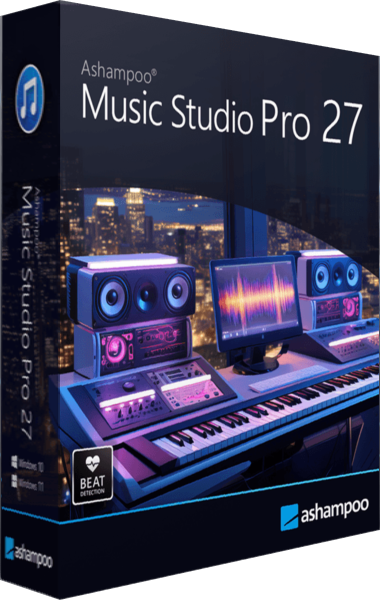
Ashampoo Music Studio Pro 27
Record, edit and convert audio, rip CDs, organize music tags and create playlists, mixes and disc covers.
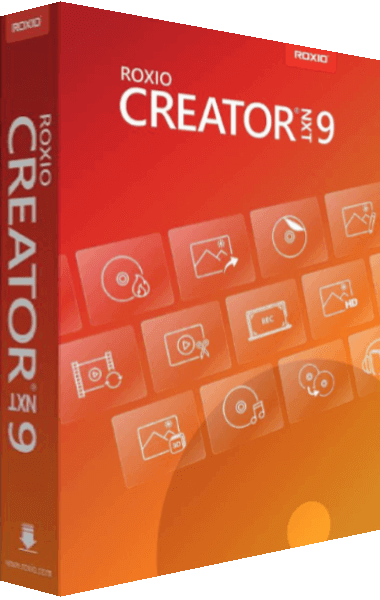
Roxio Creator NXT
Bring photos, video, audio, and disc projects together in a multimedia creation suite.