Product comparison
Ashampoo Music Studio Pro 27 vs Ashampoo Burning Studio 27
These products overlap in CD ripping, music compilations and cover artwork. Music Studio Pro 27 puts recording and track editing at the center; Burning Studio 27 focuses on preparing and recording disc projects, including audiobooks, data, video and slideshows. Compare them around the material you need to create before the disc is burned.
Compare music workflows
| Task | Ashampoo Music Studio Pro 27 | Ashampoo Burning Studio 27 |
|---|---|---|
| Main workflow | Record, edit, convert and organize music | Create, copy and burn data and multimedia discs |
| Capture and arrangement | Application or device recording and a three-track editor | Disc-project preparation and audio compilation tools |
| CD extraction | Album recognition and Quick Ripping with reused output settings | CD ripping with AAC output and supported sample-rate options |
| Track preparation | Trim, fade, normalize, change tempo or pitch, and edit tags | Arrange compilations, process audiobooks and select car-radio profiles |
| Mix and playlist output | Separate-file playlists or combined Mix Tape audio with crossfades | Music and audiobook projects for disc or supported playback workflows |
| Disc and artwork scope | Audio discs and music cover design | Data and multimedia discs, disc images and cover or inlay design |
Which workflow fits?
Choose Music Studio when the audio needs preparation
Ashampoo Music Studio Pro 27 combines music preparation tools. Record a source, split a long session, edit the arrangement and review tags before creating the final output. Its value is the path from raw audio to an organized collection or a mixed file.
Choose Burning Studio when the disc project drives the task
Consider Ashampoo Burning Studio 27 around the tasks you repeat. Prepare a compilation for a player, handle audiobook material or combine audio work with broader disc projects. The version 27 ripping options can matter when digitizing CDs, so check the selected format before repeating the job.
The page compares Music Studio Pro 27 with Burning Studio 27. Audio CD creation and a disc containing audio files are different project types. A higher export sample rate does not recover extra detail from an ordinary audio CD source.
Check a sample project
- Rip selected CD tracks and review titles, output format and destination.
- Use a recording that needs trimming to compare the available preparation steps.
- Choose between an audio CD, an audio-file disc and a standalone mixed file.
- Test the finished output on the intended player and compare the track list with the cover.
Keep the original audio while editing and exporting. Listen through cuts and transitions, and inspect names and metadata before processing a complete collection. Keep project files and their referenced source material together if you expect to revise the result.
Compared products
Review the selected catalog versions for your recording, editing or disc project.
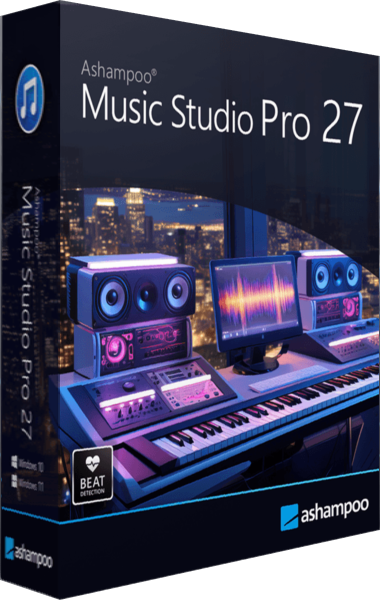
Ashampoo Music Studio Pro 27
Record, edit and convert audio, rip CDs, organize music tags and create playlists, mixes and disc covers.
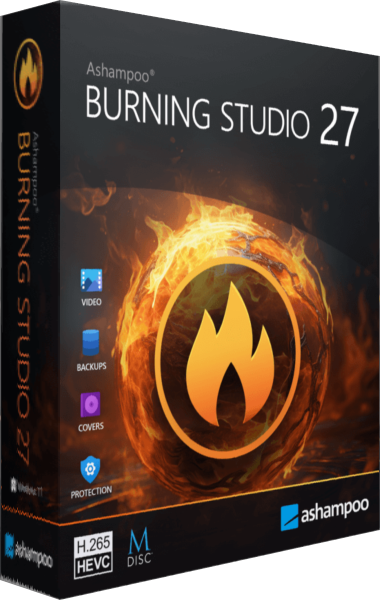
Ashampoo Burning Studio
Burn data and multimedia discs, extract audio, work with disc images and prepare file-backup projects.