Product comparison
Ashampoo Music Studio Pro 27 vs Nero Burning ROM 2026
The strongest overlap is extracting music from CDs and creating audio discs. Music Studio Pro 27 also covers recording, three-track editing and library preparation, while Burning ROM 2026 concentrates on optical-disc projects. Compare the audio you need to prepare before choosing the burning workflow.
Compare music workflows
| Task | Ashampoo Music Studio Pro 27 | Nero Burning ROM 2026 |
|---|---|---|
| Project scope | Music recording, editing, conversion and organization | Audio and data disc creation, copying and images |
| CD extraction | Album recognition, metadata review and Quick Ripping | CD ripping with metadata and artwork integration |
| Ripped-file formats | Audio conversion including FLAC, WAV, Ogg and Opus | Ripping output including MP3, AAC, FLAC and APE |
| Audio preparation | Three-track editing, fades, equalizer, normalization and mix tools | Audio-compilation filters and adjustments |
| Recording workflow | Microphone, selected application and playback capture with monitoring controls | Disc-focused workflow; suite recording tools are separate applications |
| Finished project | Playlists, combined mixes, audio discs and covers | Audio CDs, audio-file discs and CoverDesigner artwork; SecurDisc for data archives |
Which workflow fits?
Choose Music Studio for the work before burning
Ashampoo Music Studio Pro 27 combines music preparation tools. Use recording, cuts, metadata editing and mix creation when your source is more than a finished set of songs. Prepare a player-ready export or an audio compilation after reviewing levels and transitions.
Choose Burning ROM for CD extraction and disc projects
Consider Nero Burning ROM 2026 around the tasks you repeat. Use its ripping and compilation workflow when the main task is transferring a CD collection or recording prepared material to disc. Review format settings and metadata, then choose the appropriate disc project for the receiving player.
The comparison selects standalone Burning ROM 2026 rather than the whole Nero Platinum suite. WaveEditor and SoundTrax are separate applications and should not be assumed to be part of this standalone license. SecurDisc concerns data-archive protection, not improved audio fidelity.
Check a sample project
- Rip the same CD tracks and compare proposed tags, artwork and output settings.
- Keep a lossless source copy and test the chosen format on the intended player.
- For a compilation, inspect track order, gaps and any audio adjustments before burning.
- Play the finished disc on the target device; a data disc of music files requires format support there.
Keep the original audio while editing and exporting. Listen through cuts and transitions, and inspect names and metadata before processing a complete collection. Keep project files and their referenced source material together if you expect to revise the result.
Compared products
Review the selected catalog versions for your recording, editing or disc project.
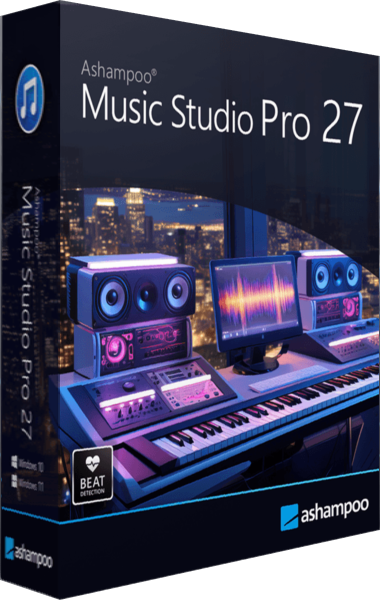
Ashampoo Music Studio Pro 27
Record, edit and convert audio, rip CDs, organize music tags and create playlists, mixes and disc covers.
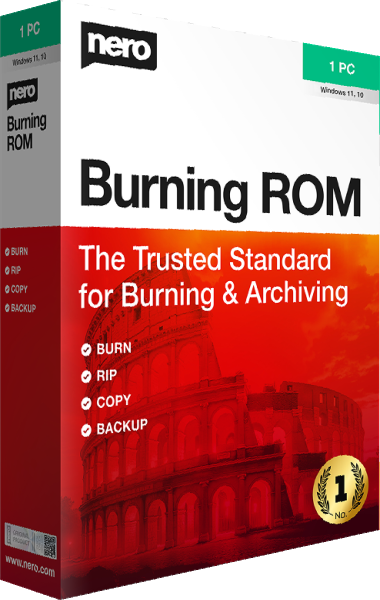
Nero Burning ROM
Create data and audio discs, burn ISO images, and apply SecurDisc protection to archives.