Product comparison
Ashampoo PDF Pro 5 vs Ashampoo PDF Pro 4
Version 4 already covers editing, OCR and document comparison. Evaluate version 5 by changes to everyday handling rather than treating those established functions as new.
Feature comparison
| Task | Ashampoo PDF Pro 5 | Ashampoo PDF Pro 4 |
|---|---|---|
| Core work | Editing, conversion, OCR and forms | Editing, conversion, OCR and forms |
| Opening documents | Choice of tabs, separate windows or shared workspace | Tabbed viewing and side-by-side document review |
| Reading workflow | Named Book Layout and Page-by-Page Scrolling modes | Side-by-side pages, thumbnails and fullscreen viewing |
| Comparison | Drag-and-drop launch for automatic comparison | Existing document-comparison tools |
| Adding text | Reuses the last font and size | Existing text editing and formatting controls |
This comparison follows documented capabilities. We have not measured processing speed, OCR accuracy or conversion fidelity on identical files. The table highlights relevant tasks rather than every feature.
Which workflow fits?
When version 5 is worth evaluating
Try version 5 if you repeatedly switch between files, inspect facing pages or add similarly formatted text. Its workflow changes may reduce repeated setup; assess that on your own documents.
When the existing workflow may be enough
If version 4 already handles your editing, OCR and review tasks successfully, compare the new handling options before deciding to change. A release number alone does not demonstrate a better result for your files. Verify update entitlement separately from the installed license.
Review the PDF Pro 5 product page and Ashampoo PDF Pro 4 for the scope of each catalog entry.
Check your document workflow
- Work on copies of typical documents and retain the originals.
- Edit a paragraph and inspect fonts, line breaks and page layout.
- Export a page with tables or columns and compare it with the source.
- Check scan recognition where required, including names and numbers.
- Open the final PDF in the viewer your recipients use.
Test forms and signatures separately when they matter to your delivery process. Complete content checks before signing, and keep an editable source for later corrections.
Compared products
These cards are pinned to the catalog entries compared here.
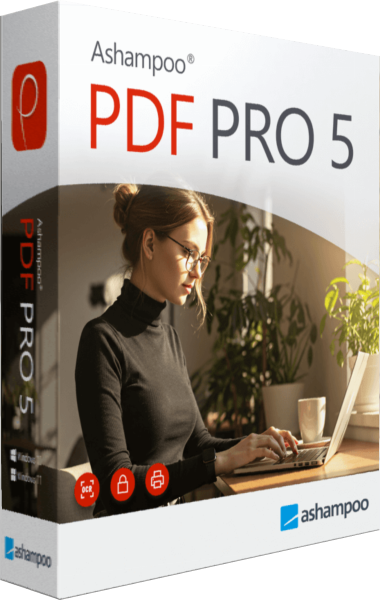
Ashampoo PDF Pro
Edit PDF text and images, organize pages, convert documents and recognize scanned text with OCR.
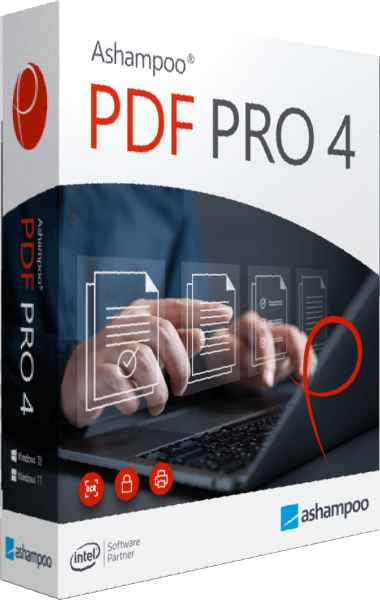
Ashampoo PDF Pro
Edit PDF text, rearrange pages, convert documents, and recognize scanned text.