Product comparison
iolo System Shield vs IObit Malware Fighter Pro
Both products document ongoing Windows malware protection. Malware Fighter Pro adds named controls for ransomware, selected files, browsers and webcam access. Compare those controls and the active configuration alongside scanning and updates, without treating engine counts as a measure of protection quality.
Compare protection workflows
| Task | iolo System Shield | IObit Malware Fighter Pro |
|---|---|---|
| Core role | Real-time antivirus and antispyware protection | Real-time malware monitoring in the Pro edition |
| Analysis | Virus definitions and heuristic analysis | IObit and Bitdefender engines with customizable scanning |
| Detections | Review reported items and the available quarantine or removal actions | Scan results and quarantine controls |
| Ransomware and files | Check any specific file-protection workflow in the installed release | Anti-ransomware controls and Safe Box with optional password protection |
| Browser and webcam | Standalone antivirus scope does not establish every privacy tool | Browser, anti-tracking and webcam-access controls |
| Edition scope | System Shield activation enables the corresponding iolo component | Pro features differ from Free and from separate IObit toolbox products |
Which workflow fits?
Consider System Shield around its documented antivirus role
iolo System Shield combines real-time antivirus and antispyware protection. Check the active component, definition updates and the scan controls in the installed release. Additional iolo privacy and maintenance products have their own scope.
Consider Malware Fighter Pro for its additional controls
IObit Malware Fighter Pro documents quarantine, ransomware controls, Safe Box and browser and webcam protection. Review each enabled layer and test normal access to the files and applications it affects.
Follow compatibility guidance for the security software already installed. A toolbox entry does not grant a separate Pro license, and two named scanning engines do not by themselves prove better detection. An on-demand cleanup product also serves a different role from either real-time option.
Check the active protection setup
- Verify the active product and Pro entitlement, then inspect the enabled real-time layers.
- Complete updates and review scan findings and quarantine actions.
- Check Safe Box selections and browser and webcam permissions against the applications you use.
- After any restart or remediation, review remaining alerts and confirm normal file and device access.
We have not measured detection accuracy, ransomware mitigation or resource use. Quarantine and protected-file controls do not replace an independent recovery copy.
Compared products
The comparison covers Malware Fighter Pro. Free-edition and separate toolbox-product capabilities should not be inferred from the Pro overview.
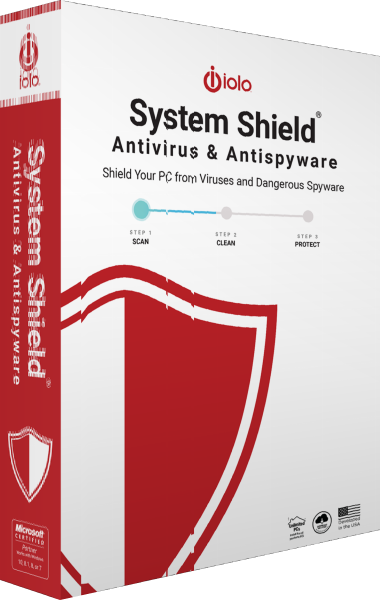
iolo System Shield
Protect Windows with real-time antivirus and antispyware detection, behavioral analysis and malware removal.
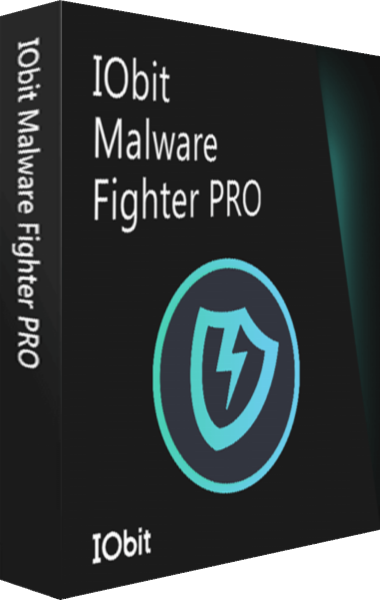
IObit Malware Fighter Pro
Protect Windows against malware with scanning, quarantine, and Safe Box controls.