Product comparison
iolo System Shield vs iolo Malware Killer
These iolo products perform different security roles and may be used as parts of a wider protection plan. System Shield supplies ongoing antivirus and antispyware protection. Malware Killer focuses on on-demand investigation and removal of infections already present. Start with the task you are trying to cover.
Compare protection workflows
| Task | iolo System Shield | iolo Malware Killer |
|---|---|---|
| Primary role | Ongoing antivirus and antispyware protection | On-demand detection and removal of existing malware |
| When it acts | The active service monitors during ordinary PC use | Run a scan when investigating or checking the computer |
| Analysis information | Virus definitions and heuristic analysis of suspicious behavior | Suspicious-file analysis, machine learning and a reputation database |
| Status to check | Active protection service and definition updates | Completed scan, reported items and cleanup results |
| Activation | A System Shield key enables the corresponding product | A Malware Killer key enables the corresponding product |
| Shared installer boundary | The suite name does not establish access to every component | The same installation framework does not make both licenses interchangeable |
Which workflow fits?
Use System Shield for the ongoing antivirus role
iolo System Shield is relevant when the task is continuous antivirus and antispyware protection. Confirm that the service is active and its threat information is current. Having an installer on the computer is different from having working protection.
Use Malware Killer for an additional investigation
iolo Malware Killer is relevant when you want an on-demand scan for an existing infection. Review detections and the available actions, then check whether the original symptom and remaining alerts are resolved.
Check both roles and their entitlements separately
The shared System Mechanic installation framework can display a suite name during setup. Confirm the tools enabled by your own key or suite entitlement rather than assuming that activating one standalone product grants the other. A clean additional scan does not establish the active status of the antivirus service.
Check the active protection setup
- Decide whether you need ongoing protection, an additional malware-removal scan or both roles.
- Confirm the enabled components and the entitlement for each product.
- For System Shield, check active protection and updates; for Malware Killer, inspect scan findings and remediation results.
- Review remaining symptoms and alerts, and keep independent recovery copies for data loss that removal cannot reverse.
This is a comparison of roles, not a detection-rate ranking. Neither threat removal nor an active antivirus service guarantees recovery of damaged or missing files.
Compared products
These are separate standalone products despite their shared installation framework. Verify the actual components enabled by the selected license.
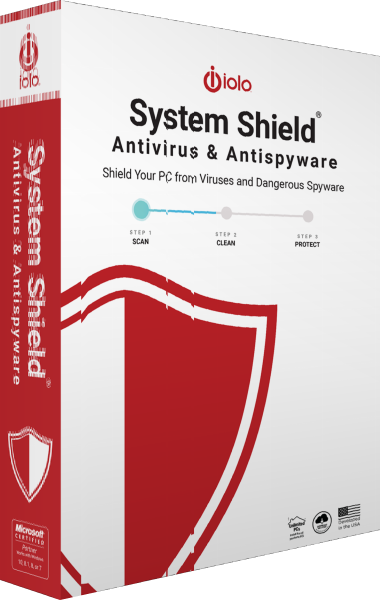
iolo System Shield
Protect Windows with real-time antivirus and antispyware detection, behavioral analysis and malware removal.
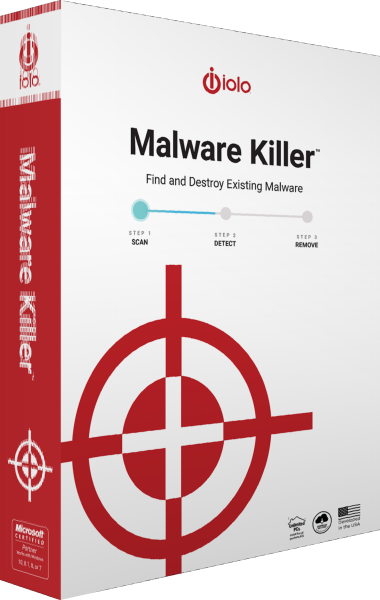
iolo Malware Killer
Scan Windows computers on demand to detect and remove existing malware alongside ongoing antivirus protection.
Explore more
- iolo System Shield vs VIPRE Antivirus Plus
- iolo System Shield vs Bitdefender Antivirus Plus
- iolo System Shield vs G DATA Antivirus for Windows
- iolo System Shield vs Kaspersky Standard
- iolo System Shield vs IObit Malware Fighter Pro
- iolo Malware Killer vs IObit Malware Fighter Pro
- Explore antivirus software