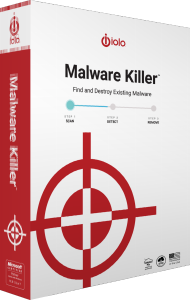
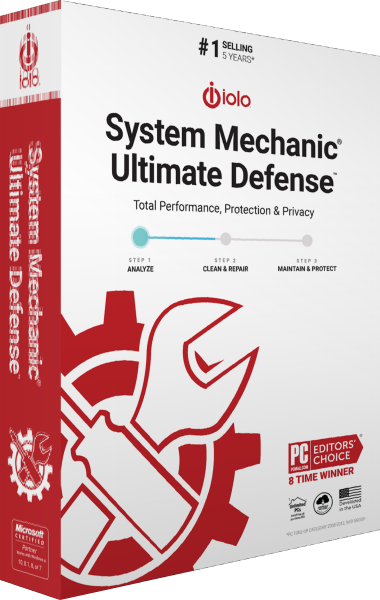
Check for existing infections with iolo Malware Killer
iolo Malware Killer is an on-demand malware detection and removal tool for Windows. Its role is to investigate threats already present on a computer, complementing the ongoing protection provided by an antivirus application.
Use a scan when investigating unexpected pop-ups, browser changes or other suspicious behavior. Those symptoms can have different causes, so review the scan findings rather than assuming that every slowdown indicates an infection.
Analyze suspicious files with evolving detection
The detection approach combines a threat-analysis algorithm, machine learning and a growing reputation database to assess suspicious files. It is designed to recognize emerging threats as well as known malware.
These methods describe how the product evaluates threats; they do not guarantee that every malicious file will be found. Detection speed and scan duration depend on the computer, the items examined and the current threat information.
Review detections and the result of removal
Allow the scan to finish and inspect the reported items before acting on the findings. Note the affected file or application and follow the available removal workflow in the installed release.
After completing the recommended actions, check whether the original behavior has stopped and review any remaining alerts. A completed scan is a result to assess, rather than proof that every possible compromise has been resolved.
Keep on-demand cleanup alongside ongoing protection
Malware Killer focuses on finding and removing existing infections. That task differs from continuously checking files and activity as you use the computer. Review your active antivirus protection separately.
Our antivirus software catalog covers other protection options. For an alternative with documented real-time malware controls, explore IObit Malware Fighter Pro and review the selected edition.
Understand the shared installer and activation
Malware Killer uses the System Mechanic Ultimate Defense installation framework. A standalone installation can initially display that suite name; entering a Malware Killer activation key enables the corresponding product.
The installer name does not establish access to every component of the suite. Check the activated product and available tools before following instructions intended for another iolo edition.
Separate malware removal from maintenance and recovery
For supported application and driver updates, see iolo Updater. For cookie cleanup and browser privacy settings, explore iolo Privacy Guardian. These tasks address different issues from removing malicious software.
Malware removal does not recreate files already lost or damaged. Maintain independent copies of important data using a suitable file backup workflow.