Use real-time antivirus and antispyware protection
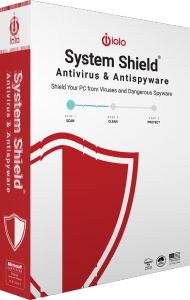
iolo System Shield provides real-time malware protection for Windows, combining antivirus and antispyware capabilities. It is designed to detect and remove threats while providing ongoing protection during everyday computer use.
After activation, review the protection status and available alerts. An installed application and an active protection service are different things, so confirm that the intended antivirus is running.
Address viruses, spyware and other malicious software
The documented threat coverage includes viruses, Trojans, rootkits, spyware, adware and keyloggers. Antivirus and antispyware controls address malicious software that can disrupt the computer or compromise private information.
Inspect reported items and the action taken before treating an alert as resolved. Removing a malicious program does not reverse information it may already have disclosed or automatically repair every affected file.
Combine virus definitions with behavioral analysis
System Shield uses virus definitions and heuristic analysis to assess threats. Its Sentient technology is described as recognizing suspicious behavior associated with new or modified malicious programs.
Keep the application and its threat information updated. These detection methods do not establish a guaranteed detection rate, a fixed scan time or an absence of performance impact on every computer.
Recognize the shared installation framework
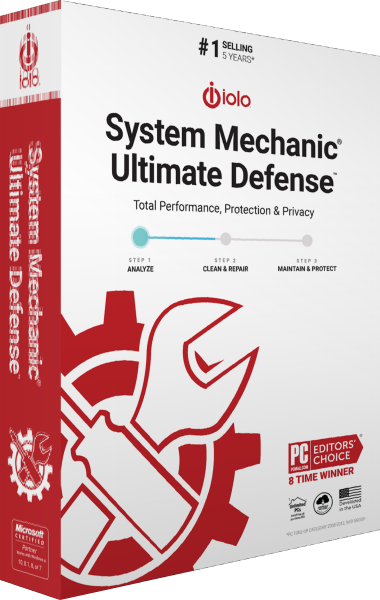
System Shield uses the System Mechanic Ultimate Defense installation framework. A standalone installation can initially display the suite name; entering a System Shield activation key enables the corresponding product.
The shared installer does not grant access to every suite component. Check the activated product before following setup instructions, and distinguish current guidance from procedures written for older standalone releases.
Compare System Shield with Malware Killer
System Shield supplies the ongoing antivirus layer. iolo Malware Killer focuses on on-demand investigation and removal of infections already present on a computer.
Choose around the task you need to perform: continuous protection during normal use or an additional malware-removal scan. For other editions and protection tools, browse our antivirus software catalog.
Keep maintenance, privacy and recovery tasks clear
Antivirus protection serves a different purpose from updating applications or clearing browser traces. See iolo Updater for supported software and driver updates, or iolo Privacy Guardian for browser privacy controls.
Keep independent copies of important data using a suitable file backup workflow. Threat removal and recovery of missing or damaged data remain separate tasks.