Product comparison
iolo System Shield vs VIPRE Antivirus Plus
Both products are candidates for ongoing Windows malware protection. Compare the routine you will maintain after installation: active protection status, threat-information updates, scan controls and the way you review alerts. Keep the standalone antivirus edition distinct from broader suites using the same brand.
Compare protection workflows
| Task | iolo System Shield | VIPRE Antivirus Plus |
|---|---|---|
| Primary role | Real-time antivirus and antispyware protection | Antivirus protection with Active Protection controls |
| Detection approach | Virus definitions and heuristic analysis of suspicious behavior | Active protection and scanning; verify the settings exposed by the installed release |
| Manual checks | Review the available file, folder and system-scan controls | Quick, full and custom scan workflows in VIPRE Home documentation |
| Recurring maintenance | Keep definitions current and confirm the active service | Definition updates and scheduled scanning |
| Reported items | Review detections and the available quarantine or removal actions | Review scan results and quarantine controls |
| Edition boundary | A System Shield license does not grant the complete iolo suite | Antivirus Plus is different from VIPRE Advanced Security and its additional modules |
Which workflow fits?
Consider System Shield for an antivirus-focused iolo setup
iolo System Shield provides ongoing antivirus and antispyware protection with definition updates and heuristic analysis. Confirm the activated component because the shared iolo installer can display a suite name without granting every suite tool.
Consider VIPRE for its scan-management workflow
VIPRE Antivirus Plus provides protection and scan controls with definition updates and scheduled checks. Inspect those controls in the installed edition. VIPRE Home documentation also covers Advanced Security, so verify which instructions apply to Antivirus Plus.
Plan a change of antivirus according to the vendor's compatibility and installation guidance. Comparing two products is different from assuming both real-time services should run together. After setup, check that the intended service is active and can update.
Check the active protection setup
- Confirm the standalone antivirus edition and follow the installation guidance for the existing protection setup.
- Check active protection status and complete the available definition updates.
- Review scan scope, scheduling and the handling of reported items before enabling recurring work.
- Test ordinary applications and review remaining alerts after any remediation or requested restart.
We have not benchmarked detection, false positives or system load. Product function lists do not establish a winner for every PC or threat.
Compared products
The comparison covers System Shield and VIPRE Antivirus Plus. Features of broader iolo or VIPRE suites require their own entitlement checks.
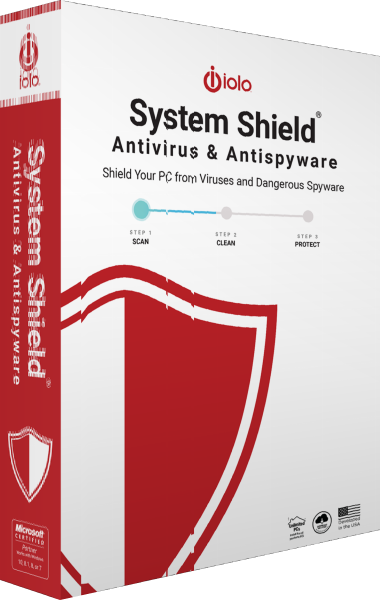
iolo System Shield
Protect Windows with real-time antivirus and antispyware detection, behavioral analysis and malware removal.
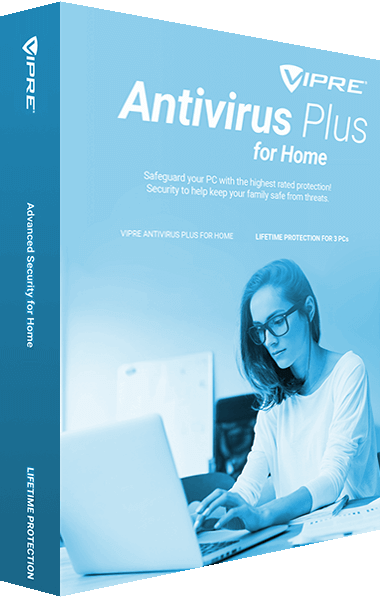
VIPRE Antivirus Plus
Detect malware and protect everyday PC use with VIPRE Antivirus Plus.