Product comparison
O&O DiskRecovery 14 vs Auslogics File Recovery
Both products search for lost files and let you review selected results before saving recovered copies. Choose by the search controls, preview support and recovery workflow you need.
Feature comparison
| Task | O&O DiskRecovery 14 | Auslogics File Recovery |
|---|---|---|
| Search approach | Selectable complementary recovery methods | Deleted-file and lost-partition file searches |
| Narrowing results | File-type selection | Filters by name, type, date and size |
| Inspection | Supported-file previews | Supported-file previews and result details |
| Specialized controls | User-defined file signatures | Disk-image creation and opening for recovery |
This is a documentation comparison. We have not tested recovery rates or scan speed on identical data, so the table does not establish which product will recover more files.
Which workflow fits?
O&O DiskRecovery 14
DiskRecovery 14 suits a search that needs selectable methods and custom file signatures. Review the search settings and preview supported results before selecting a destination.
Auslogics File Recovery
Consider Auslogics when you want a deleted-file workflow with detailed result filters and disk-image handling. Lost-partition searching helps locate files; it should not be treated as a promise to rebuild a partition or repair hardware. Review the product page.
Our recommendation follows workflow coverage. A listed filename or preview is useful evidence, but you still need to open the saved copy and verify its contents.
Recovery checks and edition scope
The catalog entry does not fix a release number. Check the installed version and selected edition for recovery limits and image-handling options before relying on them.
- Stop adding data to the affected storage and avoid installing recovery software on it.
- Confirm the source device before scanning and review representative results.
- Save recovered files to another drive, then open them in their usual applications.
- Keep the source intact until you have checked the recovered data.
Recovery depends on surviving data. Overwritten contents may be unavailable, and software does not repair physical disk faults. Repeated scans are not a substitute for preserving the source.
Related products
Explore the catalog editions covered in this comparison.
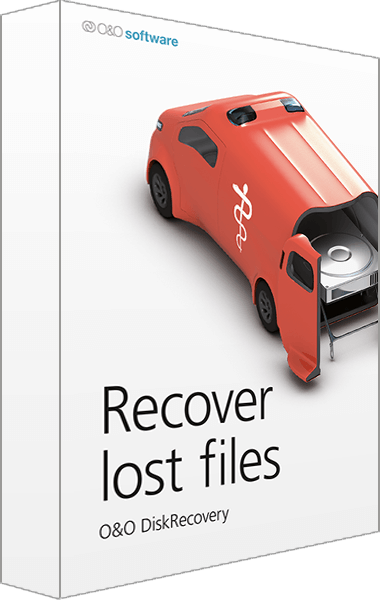
O&O DiskRecovery
Search for deleted files and review recoverable data before saving selected copies.
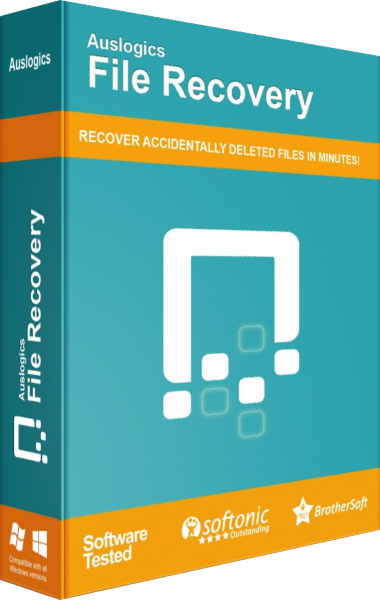
Auslogics File Recovery
Search for deleted files, preview results, and recover selected items.