Product comparison
Tipard Video Enhancer vs CyberLink PowerDirector 2026
Tipard prepares individual clips through enhancement and conversion. PowerDirector 2026 builds a production from footage, titles, overlays and audio on a timeline. Compare correcting the source recording with assembling the complete project, and check the PowerDirector edition for any automated tools you require.
Compare video workflows
| Task | Tipard Video Enhancer | CyberLink PowerDirector 2026 |
|---|---|---|
| Starting task | Improve and export supported video clips | Arrange a complete video production on a timeline |
| Combining footage | Trim or merge selected items | Multi-track editing, keyframes, motion tracking and MultiCam Designer |
| Visual elements | Crop, rotate, flip and add text or image watermarks | Animated titles, effects and picture-in-picture tools |
| Audio work | Volume adjustment during clip preparation | Audio editing, with AI audio denoise limited to relevant 2026 editions |
| Output planning | Enhancement and conversion profiles with 1080p or 4K choices | 4K production and vertical, square or widescreen projects |
| Application scope | Enhancement and conversion in the selected application | AudioDirector and ColorDirector are included with Ultimate Suite, not every 2026 edition |
Which workflow fits?
Consider Tipard for clip correction and conversion
Tipard Video Enhancer suits preparing supported local videos with lighting adjustments, noise reduction, stabilization and resolution enhancement. Select the corrections needed by the clip, trim or crop where useful and choose an output profile. Test one representative export before processing a batch.
Consider PowerDirector for a finished multi-track production
CyberLink PowerDirector 2026 is relevant when the requirement includes arranging scenes, coordinating sound, adding titles or combining cameras. Check Ultra, Ultimate and Ultimate Suite separately. AI audio denoise concerns the soundtrack and should not be treated as an equivalent to video noise reduction.
This comparison covers PowerDirector 2026 rather than assuming every PowerDirector 365 feature is present. Retain the editable project and source clips separately from the finished export. Use enhancement tools around the actual defect rather than assuming timeline editing alone restores missing picture detail.
Check the selected controls
- Decide whether the task is correcting one clip or assembling a complete film.
- Verify the selected 2026 edition and any required audio or color tools.
- Build a short sequence and check titles, sound balance and the intended aspect ratio.
- Inspect the exported production and keep the editable project with its source footage.
Keep originals and save processed files separately. Review motion, frame boundaries and fine texture in the export, not only the preview. Strong correction can soften detail or change framing, and a higher-resolution output cannot guarantee an accurate reconstruction of information missing from the recording.
Compared products
Review the selected catalog products and check correction tools, editing scope and output options for your footage.

Tipard Video Enhancer
Enhance video resolution, lighting and stability, reduce visible noise, and prepare clips with editing and conversion tools.
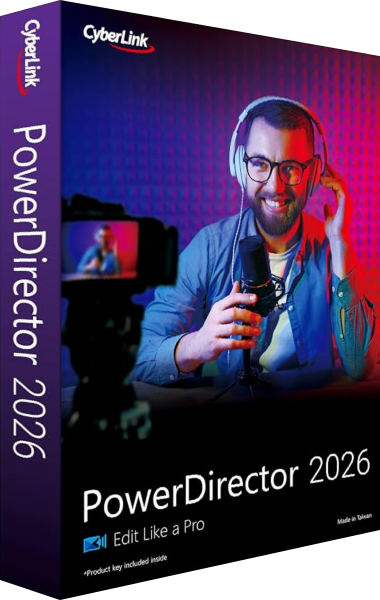
CyberLink PowerDirector 2026
Edit video clips, titles, effects and audio, then export finished productions with tools that vary by edition.