Backup & Recovery
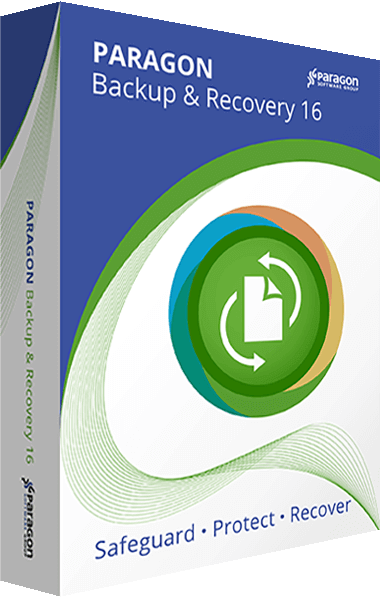
Paragon Backup & Recovery 16
Back up data and automate backup jobs with Paragon Backup & Recovery 16.
Version 16
Paragon Backup & Recovery 14 Home
Back up files, folders, or an entire drive with Paragon Backup & Recovery 14 Home.
Version 14
Paragon Backup & Recovery Advanced
Back up files, folders, partitions, or an entire system with Paragon Backup & Recovery 12.
Version 12
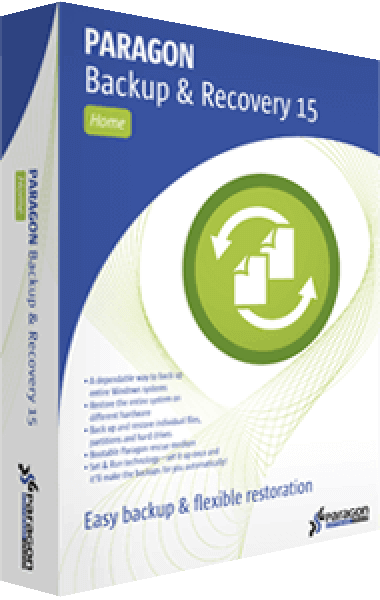
Paragon Backup & Recovery 15 Home
Create file and system backups and automate backup routines with Backup & Recovery 15 Home.
Earlier release
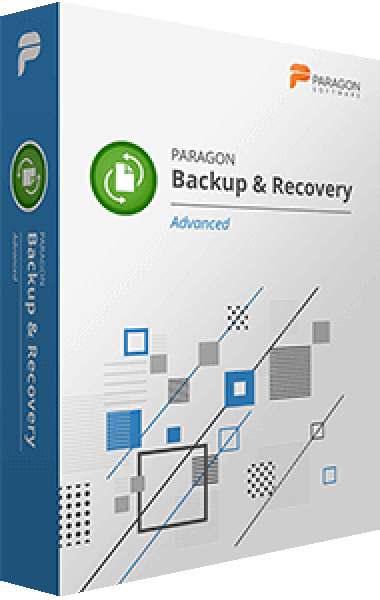
Paragon Backup & Recovery Advanced
Create backup jobs and restore system data.
Earlier release
Drive Copy Professional
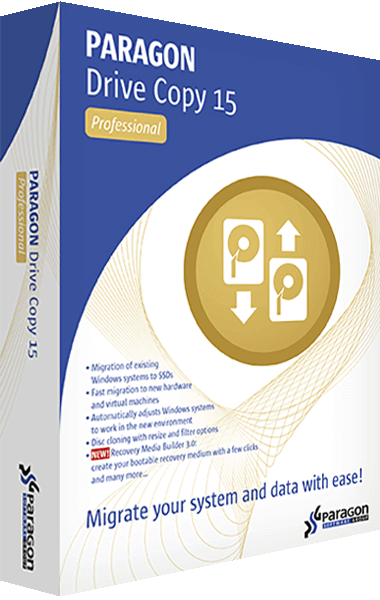
Paragon Drive Copy Professional 15
Copy disks and migrate systems with the legacy Paragon Drive Copy Professional 15 edition.
Version 15
Hard Disk Manager
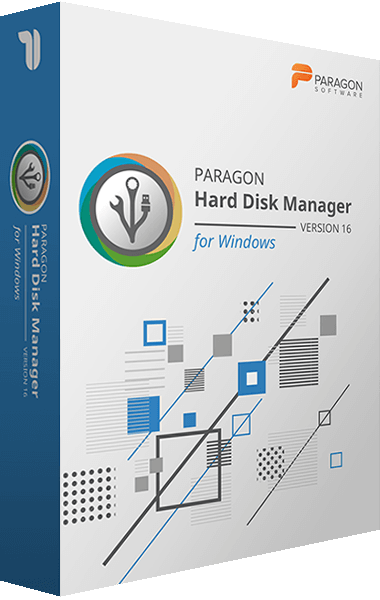
Paragon Hard Disk Manager 16
Organize storage and safeguard systems and applications with Paragon Hard Disk Manager 16.
Version 16
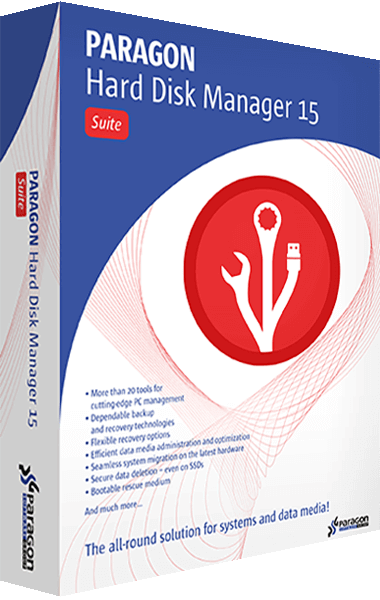
Paragon Hard Disk Manager 15 Suite
Manage partitions, create backups, recover data, and wipe disks with Hard Disk Manager 15.
Version 15
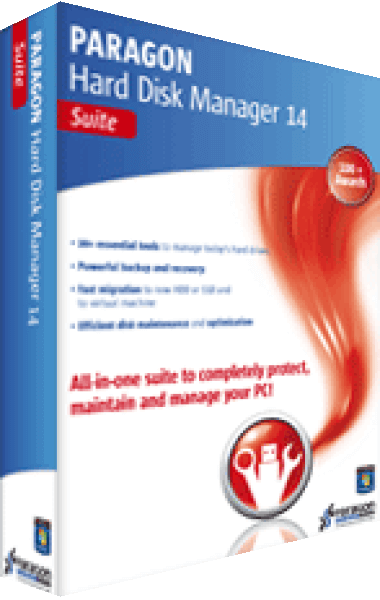
Paragon Hard Disk Manager 14 Suite
Explore the archived Paragon Hard Disk Manager 14 Suite disk management package.
Version 14

Paragon Hard Disk Manager 12 Suite
Partition, copy, and clone disks with Paragon Hard Disk Manager 12.
Version 12
Hard Disk Manager Mac
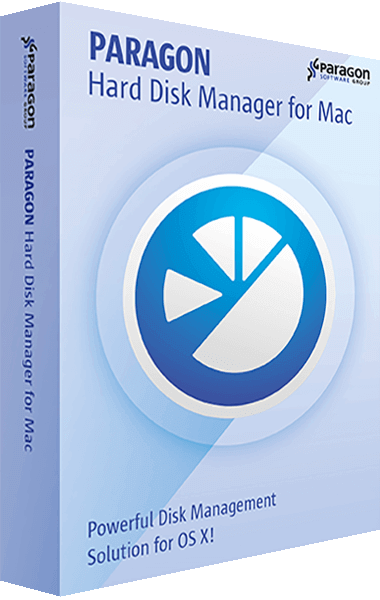
Paragon Hard Disk Manager for Mac
Manage partitions, back up data, copy disks, and securely wipe storage on your Mac.
Earlier release
Microsoft NTFS for Mac
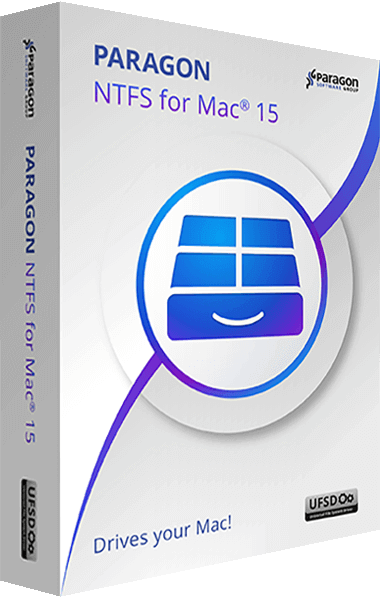
Paragon NTFS for Mac 15
Read, write, and manage files on NTFS drives with Paragon NTFS for Mac 15.
Version 15
Partition Manager
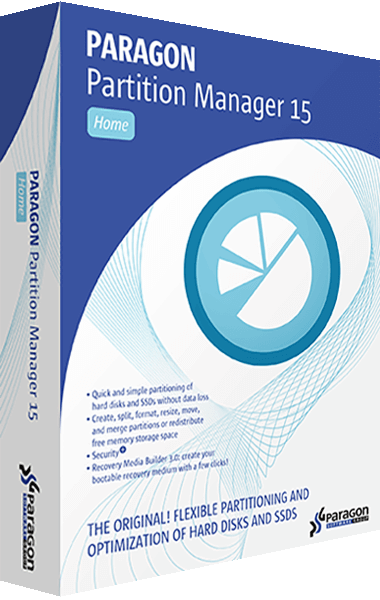
Paragon Partition Manager 15 Home
Restructure disks, redistribute free space, and manage partitions with Partition Manager 15 Home.
Version 15
Paragon Partition Manager 12 Home
Divide hard disks into manageable partitions with Paragon Partition Manager 12 Home.
Version 12