Product comparison
Ashampoo 3D CAD Architecture 14 vs Ashampoo 3D CAD Professional 14
Architecture and Professional share a building-planning approach. The clearest reason to choose between these version 14 editions is the output your project requires: presentation views and lists, editable 2D drawings or an exported building model.
Feature comparison
| Task | Ashampoo 3D CAD Architecture 14 | Ashampoo 3D CAD Professional 14 |
|---|---|---|
| Building model | Floor plans, sections, elevations and 3D views | Floor plans, sections, elevations and 3D views |
| Electrical layout | Assistant, custom symbols and a component list | Assistant, custom symbols and a component list |
| Version 14 documentation | Improved elevations, escape-plan tools and symbol-list export | Improved elevations, escape-plan tools and symbol-list export |
| 2D drawing exchange | Does not provide the Professional 2D DXF/DWG exchange workflow | 2D DXF/DWG import and export |
| Building-model exchange | No IFC export listed for Architecture 14 | IFC 2x3 export added in Professional 14 |
| Specialist drawing tools | Building planning and visualization | Additional plan-sheet, line-type, hatching and construction tools |
Let the required handoff decide the edition
Consider Architecture when you need to develop a building layout, review rooms in 3D and share plans, views and area information. Consider Professional when the recipient needs editable 2D DXF/DWG drawings or an IFC 2x3 building-model export.
IFC export does not imply IFC import, automatic coordination or lossless transfer to every BIM application. A symbol-list export is also different from exporting building geometry. Agree on the deliverable before choosing the edition.
Review Ashampoo 3D CAD Architecture 14 and Ashampoo 3D CAD Professional 14 for the compared catalog entries.
Check a representative project handoff
- Create a small building with two floors, openings and a roof.
- Inspect a section, an elevation and the required lists.
- For Professional, export the requested 2D drawing or IFC model and open it in the receiving application.
- Compare units, geometry, levels and object information with the original model.
Shared version 14 functions are not reasons unique to Professional. This comparison describes documented edition scope; it does not measure drafting speed or certify the suitability of a completed design.
Compared products
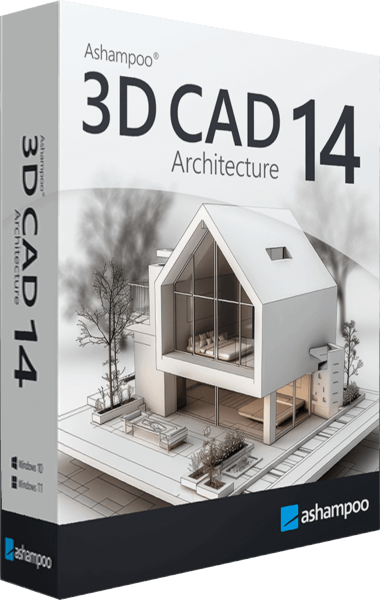
Ashampoo 3D CAD Architecture
Plan buildings and renovations with 2D drawings, 3D views, electrical layouts and project-documentation tools.
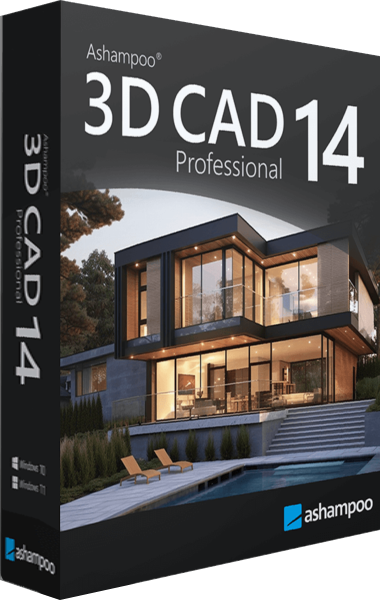
Ashampoo 3D CAD Professional
Develop building plans and 3D models, prepare scaled sheets and exchange project data through DXF/DWG and IFC export.