Product comparison
Ashampoo 3D CAD Architecture 14 vs Ashampoo Home Design 10
Both tools can help plan rooms and visualize a home. Home Design 10 is a candidate for layout and furnishing projects, while Architecture 14 is worth reviewing when building views and project documentation are central to the task.
Feature comparison
| Task | Ashampoo 3D CAD Architecture 14 | Ashampoo Home Design 10 |
|---|---|---|
| Room planning | Building plans, openings and room layouts | Floor plans, walls, doors and windows |
| Interior visualization | 3D views and object catalogs | Furniture placement and 3D walkthroughs |
| Additional objects | SketchUp and Collada object import | SketchUp and Collada object import |
| Electrical planning | Assistant with custom symbols and a component list | Electrical, gas, water and security symbols |
| Project documentation | Sections, elevations, area analysis and facade-area output | Measured home layouts and visualization |
| Version-specific additions | Escape-plan plugin, symbol-list export and improved elevations in 14 | Numeric element editing, additional doors and symbols in 10 |
| Solar layouts | Roof and flat-roof panel placement; expanded PV objects | Roof-mounted photovoltaic layout planning |
Room decisions or a more detailed building presentation?
Start with Home Design 10 when your main goal is to compare furniture arrangements, develop a renovation concept or walk through an interior. Its floor-plan and measurement tools also help establish the space before furnishing it.
Consider Architecture 14 when you need to work through building sections and elevations, organize electrical symbols with an assistant or prepare area and symbol lists. Do not infer identical automation from the presence of electrical symbols in both products.
This compares two different product lines and generations. It does not claim that Home Design lacks every tool outside its main use case; check the exact output needed for your project.
Review Ashampoo 3D CAD Architecture 14 and Ashampoo Home Design 10 for the compared catalog entries.
Use the same room as a trial project
- Enter the same measured room, including doors, windows and ceiling height.
- Place essential furniture and review circulation from the plan and 3D views.
- Prepare the electrical layout and any area or symbol documentation you need.
- Inspect the final views and lists to see whether they answer the questions of the next reviewer.
A visually convincing model still depends on reliable dimensions. Photovoltaic object placement illustrates an arrangement; it does not by itself calculate energy yield or validate a roof installation. No render-quality or usability benchmark was performed.
Compared products
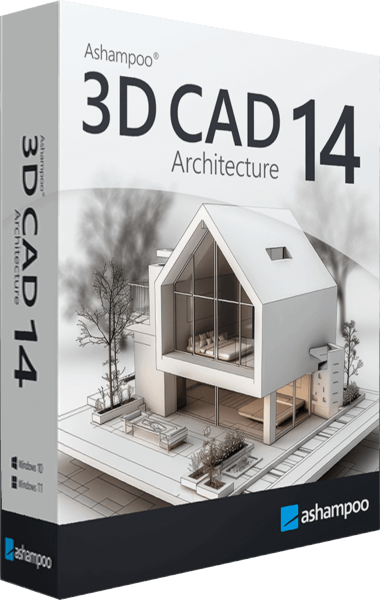
Ashampoo 3D CAD Architecture
Plan buildings and renovations with 2D drawings, 3D views, electrical layouts and project-documentation tools.
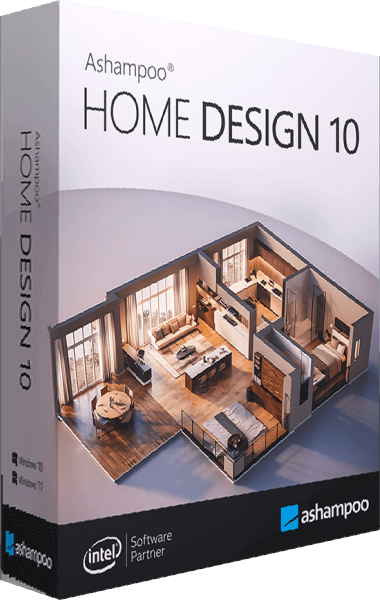
Ashampoo Home Design
Plan room layouts, arrange furniture, and explore your home design in 3D.