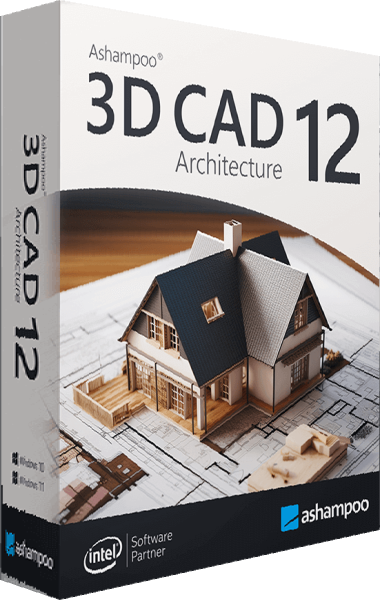
Product comparison
Ashampoo 3D CAD Architecture 14 vs Ashampoo 3D CAD Architecture 12
Version 14 builds on the floor-plan, visualization and electrical-layout workflows already present in Architecture 12. Evaluate the newer documentation and catalog tools against the work you actually need to complete.
Feature comparison
| Task | Ashampoo 3D CAD Architecture 14 | Ashampoo 3D CAD Architecture 12 |
|---|---|---|
| Building planning | 2D plans, 3D views and cross-sections | 2D plans, 3D views and cross-sections |
| Electrical layouts | Assistant, custom symbols and component lists | Assistant, custom symbols and component lists |
| Areas and objects | Area analysis, object imports and photovoltaic layouts | Area analysis, object imports and photovoltaic layouts |
| Elevation display | Hidden-line optimization reduces unwanted divisions between stacked wall elements | Existing elevation workflow without the highlighted version 14 optimization |
| Escape-plan workflow | Fire Escape Plan plugin with layout wizard, symbols and legends | The version 14 plugin is not listed in this edition |
| Symbol documentation | Used 2D-symbol lists exported to PDF, RTF or Excel | Do not confuse existing electrical parts lists with the version 14 symbol-list export |
| Object additions | Expanded scalable objects and photovoltaic assemblies | Earlier object catalog |
Upgrade for a specific output requirement
Evaluate Architecture 14 if you regularly prepare elevations, need the dedicated escape-plan drawing workflow or want to export a list of used 2D symbols. Try those operations on one of your own projects before moving a larger collection.
If your work mainly involves floor plans, furniture placement, electrical layouts or area analysis, compare the existing version 12 workflow first. These core capabilities are shared and should not be presented as new additions in version 14.
The newer Architecture edition does not become Professional merely through an upgrade. For 2D DXF/DWG exchange or IFC export, use the separate comparison with Professional 14.
See the related Architecture 14 vs Professional 14 comparison for edition-specific exchange tools.
Review Ashampoo 3D CAD Architecture 14 and Ashampoo 3D CAD Architecture 12 for the compared catalog entries.
Review an existing project before switching versions
- Keep an independent copy of the original version 12 project and its exported documents.
- Open a copy in version 14 and inspect walls, openings, roofs and object placement.
- Compare elevations and try the new symbol-list or escape-plan output you require.
- Save the revised project separately and check exported files before using them for the next handoff.
This comparison follows documented feature changes and does not claim faster modeling or guaranteed project compatibility. Do not assume a project saved in the newer release can be edited in the older release without checking.
Compared products
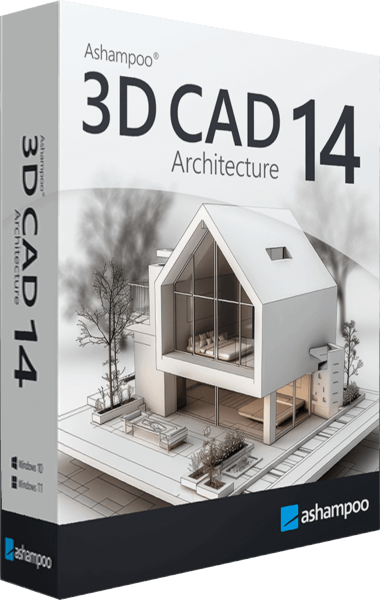
Ashampoo 3D CAD Architecture
Plan buildings and renovations with 2D drawings, 3D views, electrical layouts and project-documentation tools.