Product comparison
Ashampoo 3D CAD Architecture 14 vs Ashampoo 3D CAD Professional 12
This is a comparison across both editions and generations. A newer Architecture release can add documentation tools while an older Professional release retains a specialist drawing-exchange workflow that Architecture does not provide.
Feature comparison
| Task | Ashampoo 3D CAD Architecture 14 | Ashampoo 3D CAD Professional 12 |
|---|---|---|
| Building design | Floor plans, sections and 3D building views | Floor plans, technical drawings and 3D building views |
| Electrical layout | Assistant, custom symbols and component lists | Assistant, custom symbols and component lists |
| 2D DXF/DWG exchange | Not the Professional exchange workflow | Import and export for 2D drawing handoffs |
| Version 14 additions | Optimized elevations, escape-plan plugin and symbol-list export | These version 14 additions are not listed for Professional 12 |
| IFC export | Not listed for Architecture 14 | Do not attribute Professional 14 IFC export to Professional 12 |
| Catalog generation | Expanded version 14 object and photovoltaic catalog | Version 12 objects and scene-planning tools |
Separate the edition choice from the upgrade choice
Professional 12 remains relevant to an existing workflow that depends on its 2D DXF/DWG exchange. Architecture 14 is a candidate when the required work centers on building layouts and the newer elevation or symbol-documentation tools.
Moving from Professional 12 to Architecture 14 should not be treated as a direct upgrade that retains every specialist function. List the export formats and tools used in your current projects before changing editions.
If you need Professional capabilities together with version 14 additions, review the current Professional 14 comparison. Its IFC 2x3 export is a separate capability and should not be inferred from the Professional name on an older release.
For the current same-generation edition choice, see Architecture 14 vs Professional 14.
Review Ashampoo 3D CAD Architecture 14 and Ashampoo 3D CAD Professional 12 for the compared catalog entries.
Audit an existing drawing workflow
- List the formats received from colleagues and the files you must return.
- Identify any tasks that depend on DXF/DWG exchange or specialist drawing tools.
- Try the relevant version 14 documentation tools on a copy of a representative project.
- Confirm that the chosen edition covers the entire handoff, not just the initial model.
The version number does not establish a superset of features across product lines. This comparison does not benchmark performance or promise that files move between these editions without changes.
Compared products
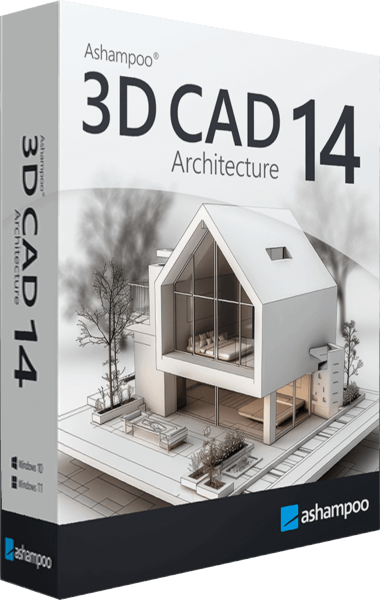
Ashampoo 3D CAD Architecture
Plan buildings and renovations with 2D drawings, 3D views, electrical layouts and project-documentation tools.
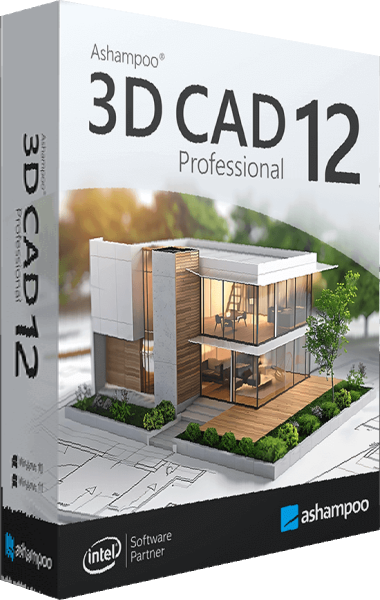
Ashampoo 3D CAD Professional
Develop floor plans, arrange electrical symbols, and visualize buildings and interiors.