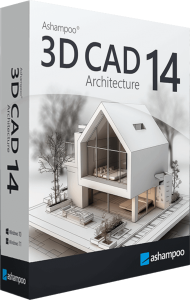





Plan buildings, rooms and renovations in 2D and 3D
Ashampoo 3D CAD Architecture 14 combines floor plans, sections, elevations and 3D visualization for home and building projects. Use it to explore a new layout, develop a renovation concept or review how rooms and building elements fit together.
Start with measured dimensions and the purpose of each room. Compare the plan with a 3D view as you work, keeping the drawing and the visual presentation tied to the same design decisions.
Build a layout around the way a space is used
Walls, openings and object catalogs help develop interior and exterior layouts. Roof and terrain assistants support broader building context, while imported SketchUp and Collada objects can add detail to a scene.
Check the dimensions of imported furniture and fixtures before relying on them for a layout. Leave room for doors, circulation and everyday access rather than judging a design only from an attractive viewing angle.
What version 14 adds to drawings and documentation
Hidden-line optimization improves elevation views by reducing dividing lines between stacked wall elements. Version 14 also adds a Fire Escape Plan plugin, with tools for scale, frames, symbols and legends, and exports lists of used 2D symbols to PDF, RTF or Excel.
Use the output to organize project information and review it with the people responsible for the building. A generated plan or symbol list still needs project-specific checking; the presence of a template does not establish that the completed design is suitable for use.
Lay out electrical points and record the components
The electrical planning assistant helps place outlets, switches and lighting symbols. It supports room templates, custom symbols and a component list, with electrical symbols on a dedicated layer.
Use the layout to communicate where equipment is intended to go. Revisit positions after changing furniture or room functions, and keep the drawing consistent with the decisions agreed for the project. Symbol placement is a planning aid rather than a complete electrical design.
Explore materials, objects and photovoltaic layouts
Version 14 expands the catalog with more than 280 scalable 3D objects, including additional solar modules and balcony PV assemblies. Photovoltaic planning tools help explore panel placement on roofs and within designated flat-roof areas.
Compare proposed layouts from several views and leave out areas where panels are not intended. Object placement provides a visual planning model; it does not by itself calculate energy production or verify the engineering of an installation.
Review areas and prepare a clear handoff
Area analysis covers building surfaces and spaces, with facade-area output to PDF, RTF or Excel. Combine the relevant plans, views and lists around the questions the next reviewer needs to answer.
Check units, room names and dimensions before sharing a revision. Keep a dated copy of the model and exported documents together so that later changes do not leave an older plan mixed with a newer list.
Choose the CAD workflow around your deliverables
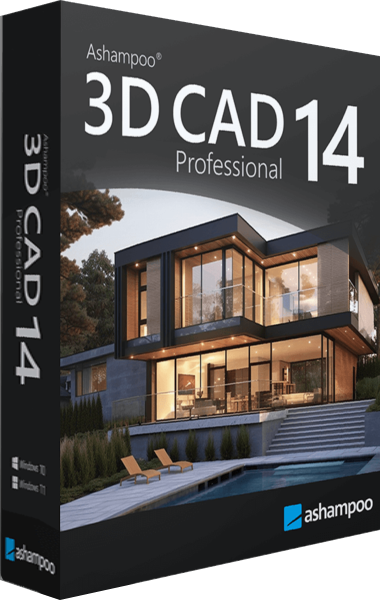
Architecture focuses on building plans and visualization. Do not assume that it includes every exchange format or specialist tool from Ashampoo 3D CAD Professional 14; check the required deliverables before selecting a workflow.
Explore CAD software or the Ashampoo software catalog for related planning tools. For another home-planning option already in the catalog, see Ashampoo Home Design 10 and compare its scope with the tasks you intend to complete.
Compare CAD planning tools
- Ashampoo 3D CAD Architecture 14 vs Ashampoo 3D CAD Professional 14
- Ashampoo 3D CAD Architecture 14 vs Ashampoo Home Design 10
- Ashampoo 3D CAD Architecture 14 vs Ashampoo 3D CAD Architecture 12
- Ashampoo 3D CAD Architecture 14 vs Ashampoo 3D CAD Professional 12
- Ashampoo 3D CAD Architecture 14 vs CorelCAD 2023