Product comparison
Ashampoo Photo Organizer Pro 27 vs Ashampoo Photo Commander Pro 27
Photo Organizer Pro 27 concentrates on finding and selecting photographs across storage locations. Photo Commander Pro 27 combines collection browsing with editing, conversion and presentation. Compare whether the next step after finding a picture is organizing its metadata or producing an edited image or slideshow.
Compare photo workflows
| Task | Ashampoo Photo Organizer Pro 27 | Ashampoo Photo Commander Pro 27 |
|---|---|---|
| Main role | Photo collection management, metadata and culling | Photo management, editing and presentation |
| Finding pictures | My Memories, My Places map, Smart Albums and metadata search | Filters and grouping using names, EXIF/IPTC data and comments |
| Storage workflow | Local folders plus OneDrive, Dropbox and WebDAV connections | Folder browsing with updates for connected external drives |
| Repeated or similar shots | Duplicate detection, series grouping and focus assessment | Duplicate search and filtering within collection management |
| Batch operations | Tags, locations and capture-date renaming with preview | Resizing, format conversion, rotation and watermarks |
| After selection | Lossless rotation and mirroring; open an external editor | Edit images and create collages, greeting cards or slideshows |
Which workflow fits?
Choose Photo Organizer for a searchable collection
Ashampoo Photo Organizer Pro 27 suits an archive organized around trips, dates, locations and reusable selection rules. Connected folders remain in their existing locations. Let indexing finish before evaluating duplicate and focus results.
Choose Photo Commander for editing and presentation
Ashampoo Photo Commander Pro 27 is relevant when the selected pictures need correction, a common output size or a finished presentation. Compare its batch processing and editing tools with the operations you would otherwise perform in an external editor.
My Memories requires capture dates and locations. Review missing metadata before judging the event grouping. Photo Commander's local portrait detection is a different task from organizing trips or editing location metadata.
Check a sample collection
- Choose a trip folder with dated, geotagged photos and a few pictures missing metadata.
- Compare searching by date, place and keyword with the browsing filters you normally use.
- Review duplicate or similar-image candidates before removing any files.
- Try the next task: an external-editor handoff, batch export or a small slideshow.
Keep an independent copy before changing metadata, renaming files or removing pictures. Check which information remains in the application database and which is written to the images or accompanying sidecars.
Compared products
Review the selected catalog versions and the edition needed for your photo workflow.
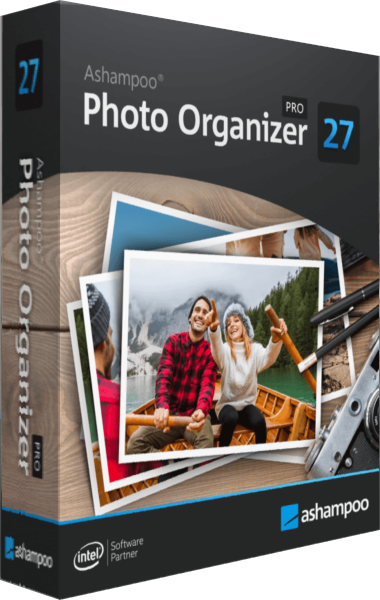
Ashampoo Photo Organizer Pro 27
Organize local and cloud photos with memories, map browsing, tags, Smart Albums and duplicate detection.
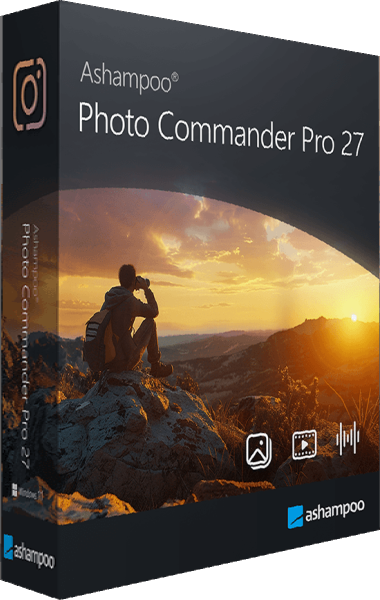
Ashampoo Photo Commander Pro
Organize, edit, and present your photo collection with tools for batch processing and duplicate search.
Explore more
- Ashampoo Photo Organizer Pro 27 vs Nero AI Photo Tagger 2026
- Ashampoo Photo Organizer Pro 27 vs CyberLink PhotoDirector 2026
- Ashampoo Photo Organizer Pro 27 vs Corel AfterShot Pro 3
- Ashampoo Photo Organizer Pro 27 vs Nero Duplicate Manager 2026
- Ashampoo Photo Organizer Pro 27 vs Ashampoo Photo Organizer Pro 26
- Photo editing software overview
- Keep independent copies of original photographs