Product comparison
Ashampoo Photo Organizer Pro 27 vs CyberLink PhotoDirector 2026
Photo Organizer Pro 27 focuses on collection management and selecting pictures for further work. PhotoDirector 2026 combines a photo library with adjustment and creative editing tools. Compare the organizing workflow first, then check the PhotoDirector edition needed for the edits you want to perform.
Compare photo workflows
| Task | Ashampoo Photo Organizer Pro 27 | CyberLink PhotoDirector 2026 |
|---|---|---|
| Main role | Photo archive organization and culling | Library organization with image adjustment and creative editing |
| Locations and events | My Places map, My Memories and batch location editing | GPS photo tags in Standard and Ultra |
| Storage access | Indexes local folders and supported cloud locations without relocating originals | Library workflow for the source folders and originals you select |
| Working on a series | Grouping, focus assessment, batch tags and renaming | Ultra adds batch crop, resize, filters, denoise and deblur |
| Further editing | Lossless rotation and mirroring; external photo editor handoff | Background and object removal in Standard and Ultra |
| Keeping edited work | Metadata tools with XMP sidecars for RAW and cloud files | Expert-module layer editing in Ultra; photo export includes JPEG, PNG, TIFF and PHI |
Which workflow fits?
Choose Photo Organizer for collection oversight
Ashampoo Photo Organizer Pro 27 fits a routine based on finding a trip, correcting metadata and selecting the pictures to retain. Its connected storage view and external-editor integration can fit an archive whose editing tools are already chosen.
Choose PhotoDirector for editing after selection
CyberLink PhotoDirector 2026 is relevant when library browsing leads directly to background removal, adjustments or a composite. Standard and Ultra share some tools, while Ultra includes the listed batch operations and Expert-module layers.
This comparison covers perpetual PhotoDirector 2026 Standard and Ultra. GenAI Studio and the listed subscription AI-credit benefits belong to PhotoDirector 365. Test the RAW formats, metadata and export files used in your own workflow rather than assuming every edition has the same tools.
Check a sample collection
- Add a small representative collection and inspect capture dates, location data and ratings.
- Find a known photograph and compare the steps needed to select a short series.
- Perform the required edit in the actual PhotoDirector edition, or hand the selection to an external editor.
- Reopen the exported image and check dimensions, appearance and metadata needed for archiving.
Keep an independent copy before changing metadata, renaming files or removing pictures. Check which information remains in the application database and which is written to the images or accompanying sidecars.
Compared products
Review the selected catalog versions and the edition needed for your photo workflow.
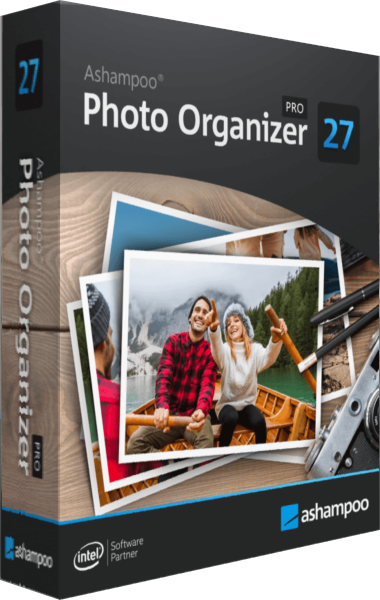
Ashampoo Photo Organizer Pro 27
Organize local and cloud photos with memories, map browsing, tags, Smart Albums and duplicate detection.
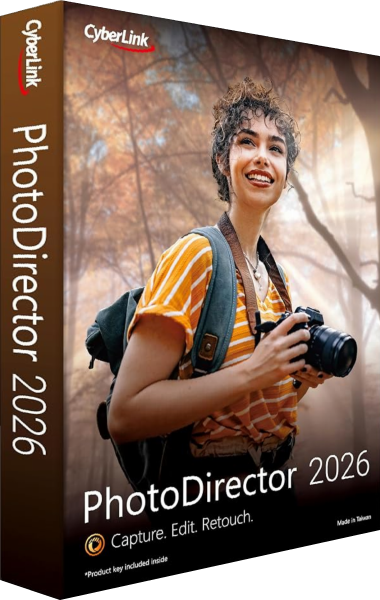
CyberLink PhotoDirector 2026
Organize and edit photographs, refine selected images and export finished pictures with tools that vary by edition.
Explore more
- Ashampoo Photo Organizer Pro 27 vs Ashampoo Photo Commander Pro 27
- Ashampoo Photo Organizer Pro 27 vs Nero AI Photo Tagger 2026
- Ashampoo Photo Organizer Pro 27 vs Corel AfterShot Pro 3
- Ashampoo Photo Organizer Pro 27 vs Nero Duplicate Manager 2026
- Ashampoo Photo Organizer Pro 27 vs Ashampoo Photo Organizer Pro 26
- Photo editing software overview
- Keep independent copies of original photographs