Product comparison
Ashampoo Photo Organizer Pro 27 vs Corel AfterShot Pro 3
Photo Organizer Pro 27 organizes an archive around metadata, memories and locations. AfterShot Pro 3 combines photo management with non-destructive RAW adjustments and batch output. The choice depends on whether the main job is organizing a collection or developing selected photographs.
Compare photo workflows
| Task | Ashampoo Photo Organizer Pro 27 | Corel AfterShot Pro 3 |
|---|---|---|
| Main role | Photo archive organization and selection | Photo management, RAW development and batch processing |
| Finding pictures | Smart Albums, My Memories, My Places and metadata search | Keywords, ratings, labels, metadata browsing and search |
| Storage workflow | Local folders plus OneDrive, Dropbox and WebDAV connections | Existing folders with optional catalogs for asset management |
| Metadata exchange | EXIF/XMP tools; XMP sidecars for RAW and cloud files | EXIF/IPTC handling and export of metadata changes to XMP sidecars |
| Selecting a series | Similar-photo grouping, focus assessment and duplicate review | Compare, filter and rate similar shots before processing |
| Image adjustments | Lossless rotation and mirroring; open a preferred external editor | Non-destructive image adjustments, RAW processing and batch export |
Which workflow fits?
Choose Photo Organizer for an archive built around metadata
Ashampoo Photo Organizer Pro 27 suits finding photographs across connected locations, reviewing similar images and organizing trips. Dates and location data drive the memory and map workflows, while tags and ratings support recurring Smart Albums.
Choose AfterShot Pro for RAW development and batch output
Corel AfterShot Pro 3 is relevant when selecting a series is followed by repeated exposure, color or other RAW adjustments. Evaluate its non-destructive editing and batch export with files from your camera before changing an established workflow.
XMP support does not guarantee that every rating, label or field transfers identically between applications. Test a few original files with sidecars, and confirm the changes in both programs. Keep application-specific edits and exported pictures distinct from the source RAW files.
Check a sample collection
- Select a few RAW and JPEG files from the cameras you actually use.
- Apply representative tags and ratings, then check how each application reads them.
- Keep sidecars beside their originals when testing an application handoff.
- Export a small edited batch and inspect image appearance, filenames and retained metadata.
Keep an independent copy before changing metadata, renaming files or removing pictures. Check which information remains in the application database and which is written to the images or accompanying sidecars.
Compared products
Review the selected catalog versions and the edition needed for your photo workflow.
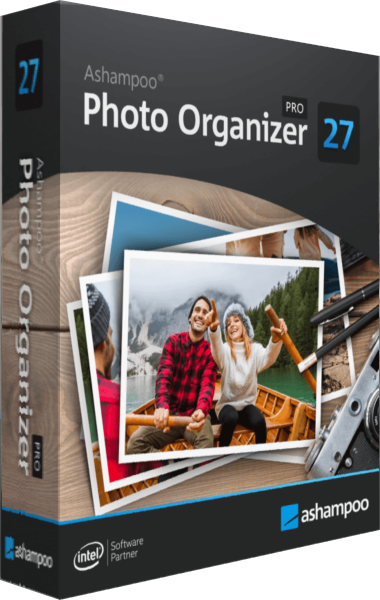
Ashampoo Photo Organizer Pro 27
Organize local and cloud photos with memories, map browsing, tags, Smart Albums and duplicate detection.
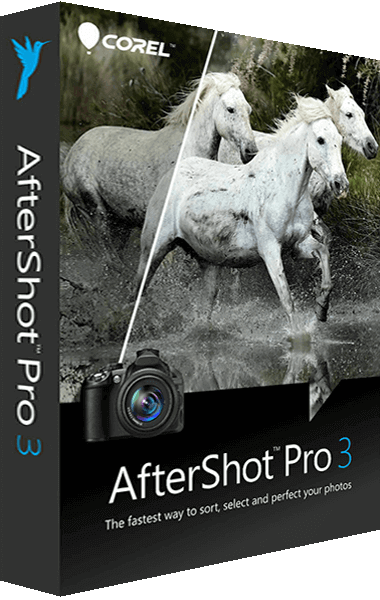
AfterShot Pro
Process RAW photographs, adjust images, and apply batch corrections with AfterShot Pro.
Explore more
- Ashampoo Photo Organizer Pro 27 vs Ashampoo Photo Commander Pro 27
- Ashampoo Photo Organizer Pro 27 vs Nero AI Photo Tagger 2026
- Ashampoo Photo Organizer Pro 27 vs CyberLink PhotoDirector 2026
- Ashampoo Photo Organizer Pro 27 vs Nero Duplicate Manager 2026
- Ashampoo Photo Organizer Pro 27 vs Ashampoo Photo Organizer Pro 26
- Photo editing software overview
- Keep independent copies of original photographs