Product comparison
Ashampoo Photo Organizer Pro 27 vs Nero AI Photo Tagger 2026
Photo Organizer Pro 27 uses metadata and collection rules to help find photographs, with new memories and map views. Nero AI Photo Tagger 2026 analyzes image content and assigns subject and scene categories. These approaches answer different questions: when and where a picture was taken, or what it depicts.
Compare photo workflows
| Task | Ashampoo Photo Organizer Pro 27 | Nero AI Photo Tagger 2026 |
|---|---|---|
| Main task | Organize, browse and select photographs | Automatically classify photo subjects and scenes |
| Search structure | Smart Albums, keywords, ratings, My Memories and My Places | Automatic subject and scene tags |
| Starting information | Capture dates, locations and metadata you can edit in batches | Visual content recognition across more than 100 categories |
| Storage and processing | Local folders and connected OneDrive, Dropbox or WebDAV collections | Local photo analysis using Intel OpenVINO |
| Reviewing a series | Similar-shot grouping, focus assessment and duplicate detection | Content labels for finding pictures by subject |
| Reusing the result | Metadata and XMP-sidecar workflows; external-editor integration | AI tag integration with Nero MediaHome |
Which workflow fits?
Choose Photo Organizer for dates, places and collection rules
Ashampoo Photo Organizer Pro 27 can bring pictures from a trip together using capture dates and locations. Search, batch tags and Smart Albums help maintain a consistent archive. Correct missing location information before relying on memories or map browsing.
Choose AI Photo Tagger to add content-based categories
Nero AI Photo Tagger 2026 is relevant when describing the subjects in a large local collection is the main task. Use its automatic categories as a starting point, then review labels on your own photographs and test browsing them in Nero MediaHome.
Subject and scene labels do not establish a person's identity or choose which repeated copy to keep. Check where generated labels are stored and how the next application reads them. Photo Organizer's cloud connections describe storage access and should be evaluated separately from content classification.
Check a sample collection
- Select varied photos, including landscapes, interiors and pictures with several subjects.
- Compare a known trip found through date and location metadata with subjects found through automatic labels.
- Review overly broad or incorrect tags on the same sample.
- Reopen the collection in the next application and check that the information you need remains available.
Keep an independent copy before changing metadata, renaming files or removing pictures. Check which information remains in the application database and which is written to the images or accompanying sidecars.
Compared products
Review the selected catalog versions and the edition needed for your photo workflow.
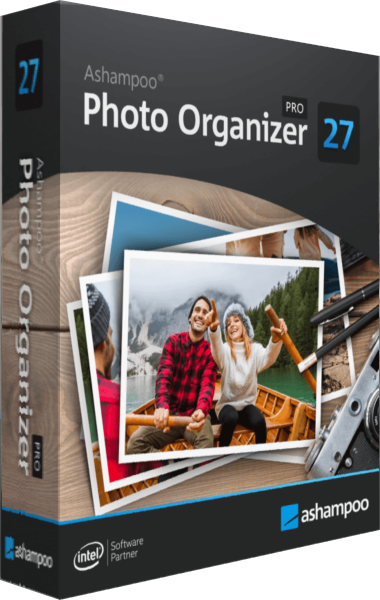
Ashampoo Photo Organizer Pro 27
Organize local and cloud photos with memories, map browsing, tags, Smart Albums and duplicate detection.
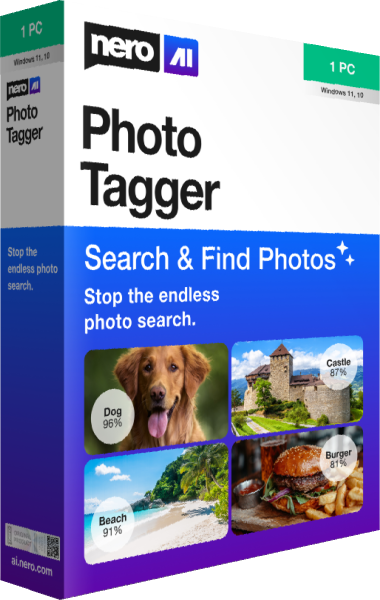
Nero AI Photo Tagger
Organize photographs with local AI tagging for subjects and scenes.
Explore more
- Ashampoo Photo Organizer Pro 27 vs Ashampoo Photo Commander Pro 27
- Ashampoo Photo Organizer Pro 27 vs CyberLink PhotoDirector 2026
- Ashampoo Photo Organizer Pro 27 vs Corel AfterShot Pro 3
- Ashampoo Photo Organizer Pro 27 vs Nero Duplicate Manager 2026
- Ashampoo Photo Organizer Pro 27 vs Ashampoo Photo Organizer Pro 26
- Photo editing software overview
- Keep independent copies of original photographs