Product comparison
Bitwar Text Scanner vs Ashampoo Snap Pro 26
Both products can extract text from screen content. Bitwar Text Scanner focuses on OCR from images, screenshots and tables, with editable document and spreadsheet output. Ashampoo Snap Pro 26 combines screenshot text recognition with capture, annotation and screen-recording tools. Choose around whether the next step is reusing text or preparing a visual explanation.
Compare OCR and document tasks
| Task | Bitwar Text Scanner | Ashampoo Snap Pro 26 |
|---|---|---|
| Screenshot text | Select a screen area for Screenshot OCR; a configurable hotkey starts capture | Recognize screenshot text, with the latest recognized text copied to the clipboard |
| Image collections | Batch OCR can save separate text results or merge them into one output | OCR text entries can be collected, edited, copied and exported together as TXT; this is a different workflow from batch image recognition |
| Tables and documents | Table OCR produces Excel output; Image to Word produces DOCX | The OCR workflow documents editable text and TXT export; screenshot image or PDF export is a separate output |
| Recognition languages | Choose a supported recognition language to match the source; handwriting recognition and translation are also listed | OCR language choices rely on the relevant Windows language packs |
| Review controls | Compare recognized text with the source image and correct the result | Edit collected text entries and compare them with the captured source |
| Visual instructions | OCR-oriented workflow for extracting content from selected images or screen regions | Scrolling captures, Live Edit annotations, screenshot editing and screen recording with audio |
Which workflow fits?
Choose Bitwar for text, table and batch-image extraction
Bitwar Text Scanner fits a collection of image pages, a table that needs spreadsheet output or a short passage to reuse as editable text. Select the OCR task, language and output before processing. Use Compare to correct the result against the original image, particularly when a batch contains mixed layouts.
Choose Snap for OCR within a screenshot and tutorial workflow
Ashampoo Snap Pro 26 fits preparing visual instructions around captured screen content. Extract and edit text when needed, or annotate the screenshot and record a demonstration. Check the available Windows OCR language packs before working with a source in another language.
Text export, table recognition and visual capture produce different outputs
Snap can export collected OCR texts as a single TXT file, while Bitwar documents batch recognition of input images with separate or merged text results. These capabilities overlap in text reuse but do not establish identical batch processing or page-order controls.
An image or PDF of a screenshot is different from a spreadsheet whose cells can be edited. Bitwar Table OCR provides an Excel-oriented workflow; do not infer the same table structure merely from screenshot OCR or PDF export. Recognition accuracy and retained structure need to be checked on the actual source.
Check recognition and saved output
- Select a representative screen region or image page and keep an unchanged copy of the source.
- Choose the recognition language; for Snap, check that the corresponding Windows language pack is available.
- Review text against the image and inspect table rows, columns and numbers before using spreadsheet output.
- Open the saved TXT, DOCX, XLSX or visual export in its intended application and check the result before processing a larger set.
Recognition depends on source clarity, language and layout. These comparisons describe documented workflows and do not report measured OCR accuracy or processing-speed rankings. Use the same representative source to assess whether the checked output meets your needs.
Compared products
Choose around the source material, the required output and the editing or review steps that follow recognition.
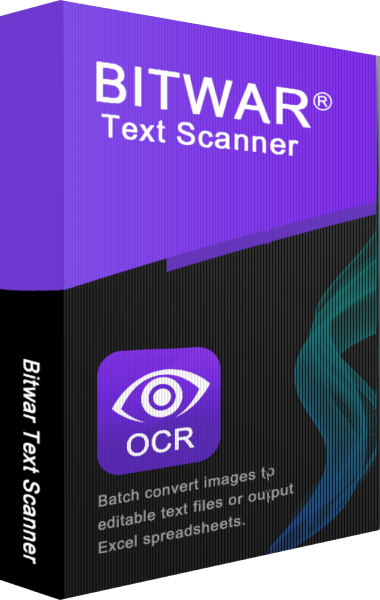
Bitwar Text Scanner
Recognize text in images and screenshots, convert tables to Excel and create editable Word documents.
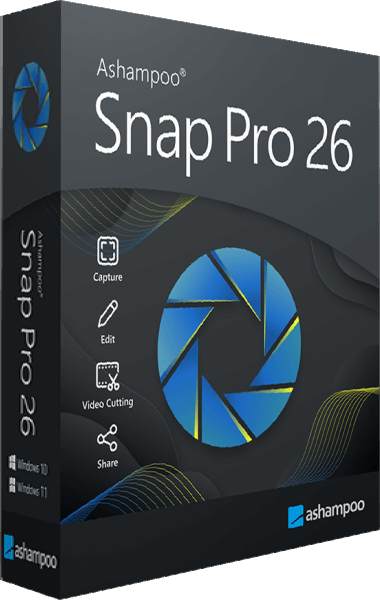
Ashampoo Snap Pro
Capture screenshots and screen recordings, add annotations, and extract text with OCR.