Product comparison
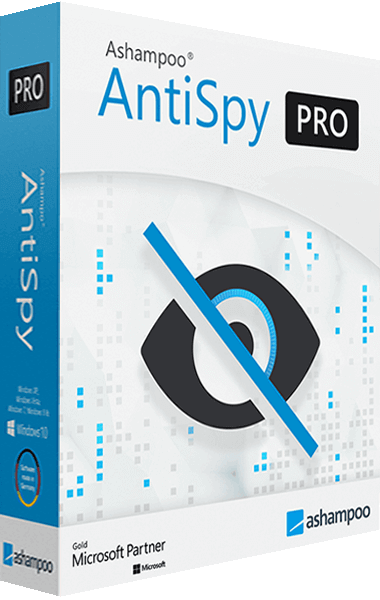
iolo Privacy Guardian vs Ashampoo AntiSpy Pro
These products overlap in selected privacy settings, while the main workflows differ. Guardian includes local cookie cleanup and a browser-extension setup. AntiSpy Pro centers on controlling data-sharing settings in Windows, browsers and applications. Choose the specific behavior you want to change before applying a group of settings.
Compare privacy workflows
| Task | iolo Privacy Guardian | Ashampoo AntiSpy Pro |
|---|---|---|
| Primary workflow | Browser-data cleanup, tracking-protection setup and selected Windows controls | Configuration of telemetry and privacy settings across Windows and supported applications |
| Cookie retention | Cleanup schedule and a whitelist for retained website data | Review the available browser settings; do not infer an equivalent cleanup schedule from telemetry controls |
| Saved passwords | Separate saved-password cleanup option | Privacy-setting changes are different from selecting saved credentials for deletion |
| Browser controls | Tracking-protection extension, subject to browser availability | Browser-specific settings, with selected AI controls in the current product description |
| Windows and applications | Selected Windows data-collection controls | Recommended and individual controls for Windows, services and supported programs |
| Reviewing changes | Inspect cleanup selections and privacy settings separately | Recommendations, Expert mode and the ability to undo corresponding setting changes |
Which workflow fits?
Consider Guardian when browser cleanup is central
iolo Privacy Guardian is relevant when you want to choose when cookies and browsing traces are cleared and which sites retain data. Review saved-password cleanup separately and check current availability of its tracking-protection extension.
Consider AntiSpy for configuration across programs
Ashampoo AntiSpy Pro groups data-sharing and telemetry controls for Windows and supported applications. The current description also includes browser-specific settings and selected AI-feature controls. Check the installed release for those options.
Apply settings around the features you use. A recommended group can affect convenience or data-sharing behavior in several places, so record meaningful changes and test your normal workflow afterward. Undoing a setting does not recover browser data that was already deleted.
Check the selected privacy controls
- List the data-sharing behaviors or local browser traces you want to manage.
- Review individual settings before applying a recommended group, including any browser-specific options.
- Keep Guardian cookie exclusions and saved-password removal settings separate from telemetry changes.
- Test the Windows, application and browser features you rely on, then reverse any setting that does not fit the intended workflow.
Neither a disabled telemetry setting nor a cleanup count establishes complete anonymity. We have not tested data-collection reduction across identical installations.
Compared products
The AntiSpy listing is unnumbered. Current browser and AI controls should be checked in the installed build, while Guardian extension support needs a separate browser check.
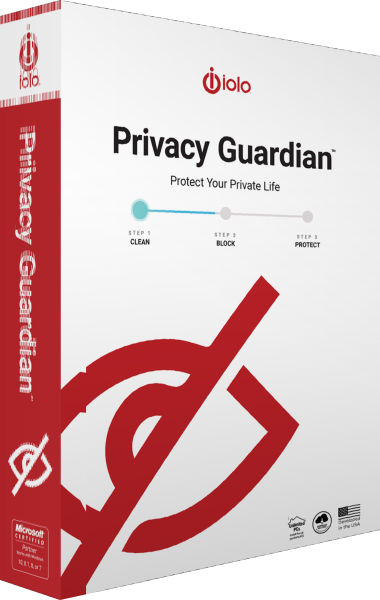
iolo Privacy Guardian
Manage browser traces, schedule cookie cleanup and configure tracking protection and selected Windows privacy settings.