Product comparison
iolo Privacy Guardian vs IObit Advanced SystemCare Pro
Both products include privacy-related tools, but their overall maintenance scope differs. Guardian emphasizes browser traces and selected privacy settings. Advanced SystemCare Pro combines cleanup and anti-tracking controls with startup, background-activity and automatic-care functions. Compare the enabled actions rather than only the product label.
Compare privacy workflows
| Task | iolo Privacy Guardian | IObit Advanced SystemCare Pro |
|---|---|---|
| Main scope | Browser cleanup, tracking-protection setup and selected Windows privacy controls | Windows cleanup, automatic maintenance and privacy controls |
| Browser traces | Scheduled cookie and browsing-data cleanup | Privacy-trace cleanup within the selected scan and care workflow |
| Data retention | Website whitelist and separate saved-password removal setting | Inspect the installed cleanup categories and exclusions before running automatic care |
| Tracking controls | Fingerprinting Extension setup for supported browsers | Anti-tracking and Identity Masking in current product documentation; verify the installed build |
| Other device controls | Selected Windows data-sharing settings | Startup and background-activity controls, plus Safe Folder access protection |
| License scope | Standalone activation enables the corresponding Privacy Guardian tools | Pro extends the basic edition; toolbox entries can lead to separate products |
Which workflow fits?
Consider Guardian for a narrower privacy routine
iolo Privacy Guardian is relevant when you want to manage cookie cleanup, retained sites and selected data-sharing settings. Confirm the current browser-extension workflow before relying on tracking protection. A shared suite installer does not grant every suite component under a standalone license.
Consider SystemCare when broader maintenance is also needed
IObit Advanced SystemCare Pro includes privacy-trace cleanup and anti-tracking controls alongside startup and automatic maintenance. Current product documentation also describes Identity Masking. Inspect the options in the installed Pro release rather than assuming identical behavior across versions.
Begin with a reviewed manual selection. Safe Folder access protection, privacy cleanup and changes to background programs perform different tasks. Keeping the first test focused makes it easier to understand why a browser session or application behaves differently afterward.
Check the selected privacy controls
- Confirm the active edition and the privacy tools actually enabled by the license.
- Review scan categories, exclusions and browser-protection setup before selecting automatic maintenance.
- Test a small privacy-cleanup selection and confirm access to sites, saved credentials and needed folders.
- Review startup and background changes separately, then check ordinary application and synchronization workflows.
We have not measured fingerprinting resistance, blocked-tracker coverage or performance. A marketing feature name does not establish identical protection mechanisms in the two products.
Compared products
The comparison covers Advanced SystemCare Pro, not every separate IObit toolbox product. Check current-build feature availability and Guardian browser support.
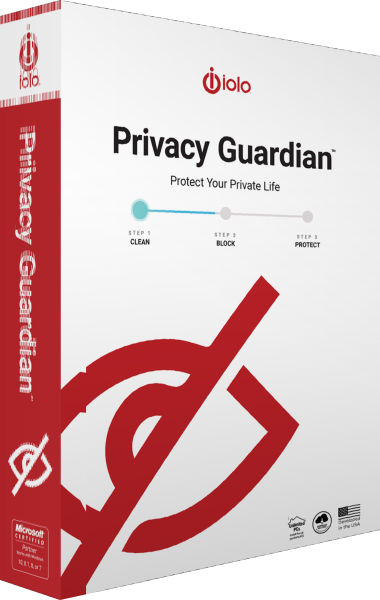
iolo Privacy Guardian
Manage browser traces, schedule cookie cleanup and configure tracking protection and selected Windows privacy settings.
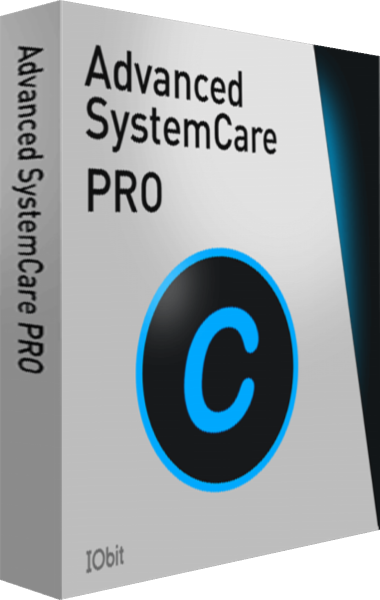
IObit Advanced SystemCare Pro
Review Windows cleanup, startup activity, and automatic maintenance settings.