Product comparison
WinZip Registry Optimizer vs ReviverSoft PC Reviver
WinZip Registry Optimizer focuses on registry entries with backup, restore and exclusion controls. PC Reviver places registry cleanup alongside driver tools, disk cleanup, startup management and troubleshooting. Compare the focused repair workflow with the wider set of tasks you need to carry out.
Compare maintenance workflows
| Task | WinZip Registry Optimizer | ReviverSoft PC Reviver |
|---|---|---|
| Main purpose | Registry scanning, selected repairs and startup management | Multi-purpose Windows maintenance |
| Registry tools | Standard scan categories, Deep Scan and result review | Registry Cleaner and Registry Defrag modules |
| Backups | Automatic registry backup before repairs | Automatic backups for registry repairs and driver changes |
| Restoration | Dated registry restoration and optional Windows restore-point creation | Registry and driver restoration; restore points when System Protection is enabled |
| Startup and programs | Startup Manager | Startup Manager and Uninstall Manager |
| Other maintenance | Registry exclusions and scan scheduling | Driver checks, disk cleanup, duplicate finding and system-information tools |
Which workflow fits?
Choose WinZip for a focused scan and repair workflow
WinZip Registry Optimizer is relevant when reviewing registry references and preserving selected entries are the main requirements. Check Deep Scan scope, exclusions and the dated backup before deciding on repairs.
Choose PC Reviver when maintenance includes drivers and storage
PC Reviver is relevant when the same session also needs driver checks, storage cleanup or program management. Keep registry cleanup, registry defragmentation and driver updates as separately reviewed operations.
Registry backups and driver backups cover different changes. Inspect the corresponding restore option, and check Windows System Protection when using restore points. Compare the modules relevant to your task rather than applying every maintenance recommendation together.
Review changes and recovery
- Choose one task, such as a registry reference, startup item or driver check.
- Inspect the proposed changes and the relevant backup before applying the selection.
- Locate the restore controls for registry repairs or driver updates as appropriate.
- Test the affected application, device or startup behavior before proceeding to another module.
A scan count is not a measurement of performance or proof that a reported entry causes a problem. Evaluate the selected change against the same application or task before and after maintenance.
Compared products
Review the selected catalog products and the edition needed for your maintenance tasks.
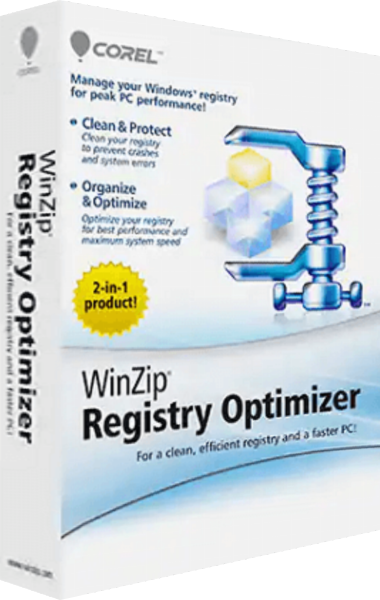
WinZip Registry Optimizer
Inspect and repair invalid Windows registry entries with backup, restore, exclusion and startup management tools.
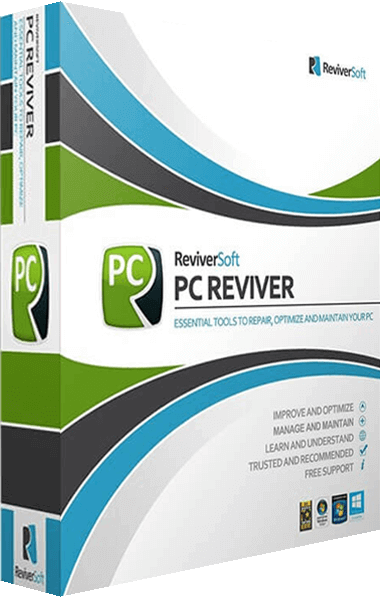
PC Reviver
Windows maintenance software for cleanup, driver updates, registry tools and startup management.
Explore more
- WinZip Registry Optimizer vs Auslogics Registry Cleaner
- WinZip Registry Optimizer vs ReviverSoft Registry Reviver
- WinZip Registry Optimizer vs Ashampoo WinOptimizer Pro 29
- WinZip Registry Optimizer vs IObit Advanced SystemCare Pro
- WinZip Registry Optimizer vs iolo System Mechanic
- PC maintenance and optimization overview
- Keep independent copies of important files