VIPRE software for malware protection, privacy and VPN connections
Explore VIPRE home-security applications for malware checks, local privacy controls and encrypted internet connections. The catalog includes Antivirus Plus, Advanced Security, Privacy Shield and Internet Shield VPN, with links to product details.
Start with the task you want to address, then review the platform, features and license of the selected application. Device protection, removal of stored personal information and connection privacy are separate functions, even when products are offered together.
Related Products

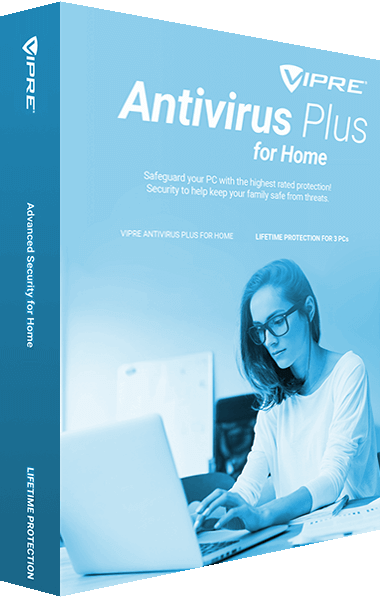


Compare antivirus and broader home-security tools
VIPRE Antivirus Plus provides malware scanning and protection for everyday PC use. Review active protection, scan settings and definition updates as part of maintaining the installed application.
VIPRE Advanced Security adds broader controls, including firewall and email-security functions in the Windows edition. Windows and Mac releases have different feature sets; check the selected platform rather than assuming every control is shared.
Schedule scans around your work and inspect detections or quarantine findings before deciding what to restore or remove. No scan establishes that every possible threat has been found. Browse antivirus software and internet security suites for related products.
Review locally stored information and recording-device access
VIPRE Privacy Shield scans for locally stored personal information, saved login credentials and documents that may contain sensitive data. Webcam and microphone controls help manage access to recording devices.
Review findings before deleting documents or stored credentials that you still need. Clearing local browser records does not remove copies held by websites or other devices. Privacy Shield focuses on privacy controls and information cleanup; use the malware-protection features appropriate to your device alongside it.
Use an encrypted connection with Internet Shield VPN
VIPRE Internet Shield VPN provides an encrypted connection for browsing at home or on shared networks. A VPN changes the public network address used by your connection while traffic travels through the VPN service.
Check the available client and device allowance for the selected plan. A VPN does not guarantee anonymity or access to every online service, and connection speed depends on the network and destination. Browse VPN software to compare this role with related connection-privacy tools.
Identify the package and installed release you use
If you already use VIPRE Ultimate Security, review the included applications and activated licenses before comparing it with standalone products. A bundle name does not establish that every component, device or platform has identical feature coverage.
Match the installed version to its support status when updating or moving to another computer. Keep activation information available and verify the replacement setup before removing the old installation. The VIPRE product archive provides a route to earlier entries.