EaseUS software for recovery, backup, disks and media
Explore EaseUS tools for lost files, recovery copies, storage changes, PC transfers, PDF documents and video projects. This catalog groups dedicated applications by task so you can compare their roles before opening a product page.
Start with the source you have and the result you need. Searching for deleted files, restoring a saved backup, cloning a drive and transferring selected applications use different workflows. Review the selected platform and edition before planning the operation.
Recover lost files from desktop and mobile sources
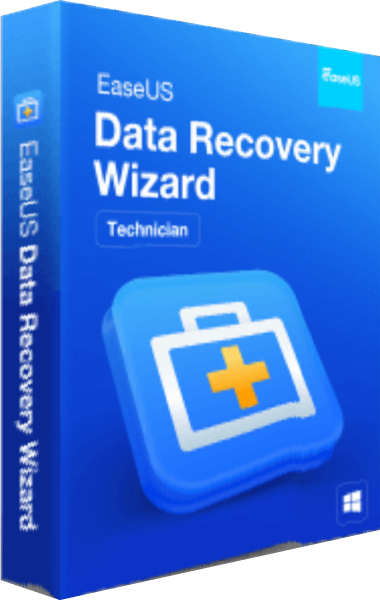
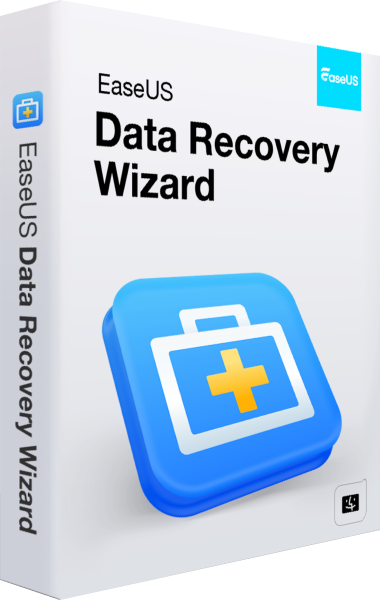
Data Recovery Wizard for Windows and Data Recovery Wizard for Mac scan storage for lost files, with filtering and supported-file previews before selected recovery. Choose the application for the source you need to inspect and check the contents of results.
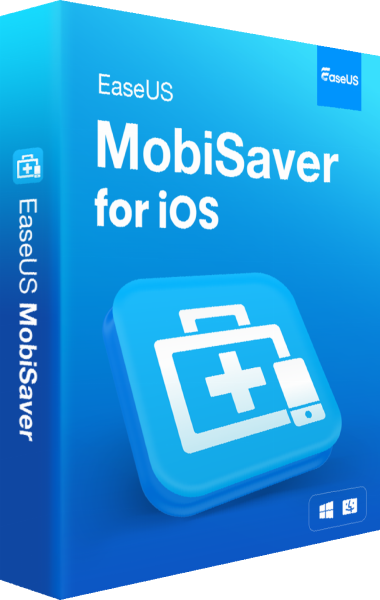
MobiSaver for iOS examines available iPhone or iPad data and supported backup sources through a desktop workflow. Recovery depends on what remains accessible. Preserve the affected source, save recovered desktop files to another destination and browse data recovery software for related tools.
Related Products
Create recovery copies and deploy prepared systems
Todo Backup Home 2026 creates Windows system and file backups for later recovery. Plan the source, destination and retained copies around the data you need to protect, and test how you will restore an important file or reach a recovery image.
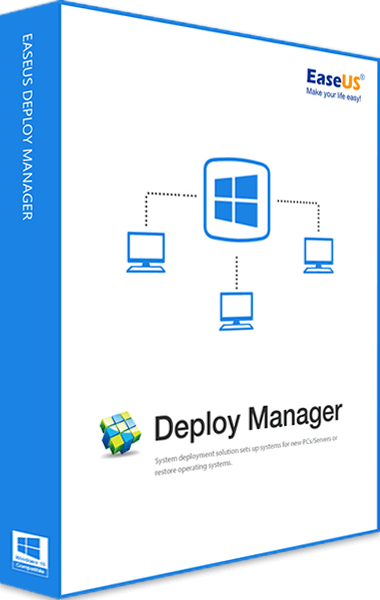
Deploy Manager distributes a prepared system image to multiple networked computers. Its documented source is a full, unencrypted Todo Backup disk, partition or system image. This deployment workflow has its own license and setup scope. Review backup and disk-imaging tools and our file-backup guide when planning independent recovery copies.
Related Products
Manage partitions, clone drives or transfer a PC setup
Partition Master 20 manages Windows disk layouts, including resizing and moving partitions. Disk Copy clones a whole disk or selected partition to another device. Review the affected source and destination before applying a layout change or clone.
Todo PCTrans transfers selected applications, files, accounts and settings between Windows PCs, with methods and allowances depending on the edition. Cloning a drive and moving selected content into another PC are different workflows. Compare partition managers and cloning and PC migration tools, and verify the destination before retiring the source.
Related Products
Record, edit, download and convert media
EaseUS Screen Recorder, also known as RecExperts, captures screen activity, webcam video and audio for demonstrations. Video Editor arranges clips with titles, transitions and effects. Recording a demonstration and editing the finished sequence serve different stages of production.
Video Downloader saves supported online video and audio for local use. VideFlow combines supported downloads and playback with conversion, compression and basic editing. Check the modules included in your edition and test output quality before processing a collection. Browse video editing software for related applications.
Related Products
Edit, convert and assemble PDF documents
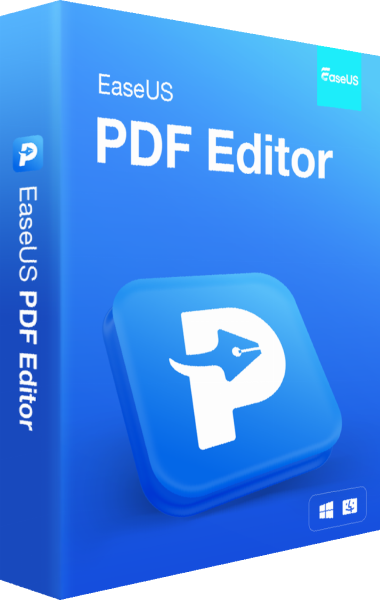
EaseUS PDF Editor changes PDF text and images, converts documents, recognizes scanned text with OCR and organizes pages. Use its page tools to combine a document pack or extract the material you need for another task.
Work on a copy, check converted tables and page breaks, and proofread recognized text against the original scan. Keep the source and delivered document under distinct names for later revisions. Explore PDF software or read our Ashampoo PDF Pro 5 vs EaseUS PDF Editor comparison for related document workflows.
Related Products