
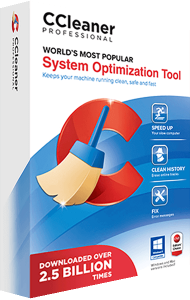
Review cleanup with CCleaner Professional
Inspect unnecessary files and browser data before removing them. Keep useful cookies and application data when choosing cleanup settings.
Manage performance and updates
Review Health Check findings, background activity, and available software or driver updates. Apply changes deliberately and assess the results.
This overview covers the Windows Professional edition. Mac, business, and Professional Plus offers have separate scopes.
Compare PC optimization software or explore AVG TuneUp.
Editorial rating by Find Your Software: 4.8 out of 5
CCleaner Professional questions
Answers to common questions
Is Professional the same as Professional Plus?
No. Professional Plus is a separate bundle with additional applications and licensing terms.
Does cleanup replace antivirus protection?
No. Use dedicated protection against malware as well as maintenance tools.
Compare data erasure workflows
Compare application and driver updating
Compare combined application and driver updates with broader cleanup and maintenance in our iolo Updater vs CCleaner Professional comparison.
Compare privacy workflows
Compare retained cookies, saved-password settings and privacy-focused versus broader cleanup in our iolo Privacy Guardian vs CCleaner Professional comparison.
Compare Windows maintenance workflows
Compare maintenance tasks, automation and edition scope in our iolo System Mechanic vs CCleaner Professional comparison.