Product comparison
iolo System Mechanic vs CCleaner Professional
Both products combine Windows cleanup with additional maintenance controls. System Mechanic offers ActiveCare, startup review and resource settings. CCleaner Professional combines cleaning with Health Check, Performance Optimizer and supported application and driver updates. Start with the maintenance tasks you actually plan to use.
Compare included tools
| Task | iolo System Mechanic | CCleaner Professional |
|---|---|---|
| Cleanup | DeepClean and Windows and browsing-data cleanup | Disk and browser cleanup |
| Maintenance routine | Smart ActiveCare while idle and maintenance history | Health Check and automatic-cleaning controls |
| Background activity | Startup management and LiveBoost resource controls | Performance Optimizer sleeps selected applications' background activity |
| Application updates | A separate iolo Updater product has its own entitlement | Software Updater for supported applications |
| Driver updates | Do not infer iolo Updater access from standard System Mechanic activation | Driver Updater for supported devices |
| Edition boundary | Standard System Mechanic differs from Professional and Ultimate Defense | CCleaner Professional differs from Professional Plus and its additional products |
Which workflow fits?
Consider System Mechanic for automated maintenance and resource controls
iolo System Mechanic provides Smart ActiveCare, maintenance history, startup review and LiveBoost. These controls suit a routine centered on cleanup and resource settings. Confirm what the standard activation enables before relying on other iolo applications.
Consider CCleaner for cleaning alongside updating tools
CCleaner Professional includes Health Check, Performance Optimizer, Software Updater and Driver Updater. Review which applications and devices are supported. Keeping a program current and putting its background processes to sleep are separate operations with different effects.
Inspect retained cookies and other browser data before cleaning. For background-activity changes, test notifications and synchronization as well as opening the program. Driver changes deserve a separate check of the affected device, so avoid combining every maintenance action into one unreviewed batch.
Edition scope and practical checks
The CCleaner entry selects Professional, not Professional Plus. The System Mechanic entry selects the standard edition, not the separate iolo Updater. Confirm installed-release support and activated components rather than transferring features between offers.
- Choose whether the current task is cleanup, background-activity management or updating.
- Review retained browser data and the applications affected by automatic care or sleeping.
- Check supported updates and recovery options before changing a driver or application.
- Test the affected program or device and repeat your normal workload before scheduling more changes.
We have not benchmarked cleanup accuracy or performance on identical installations. Compare competing tools from equivalent restored starting states, since running one changes the starting point for the next. Issue counts and removed-file totals do not establish a faster PC.
Compared products
Review the selected catalog editions and confirm the components enabled by your own license.
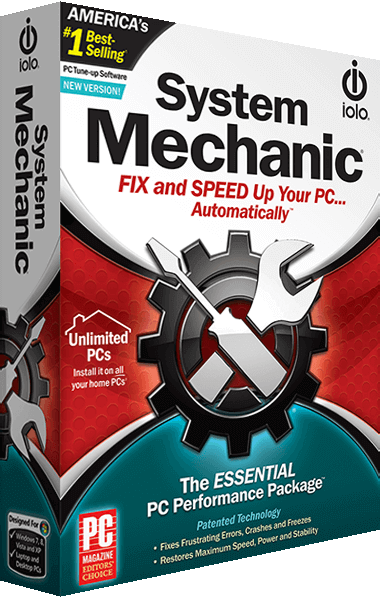
iolo System Mechanic
Clean unnecessary Windows files, review startup programs and configure automated maintenance and performance controls.
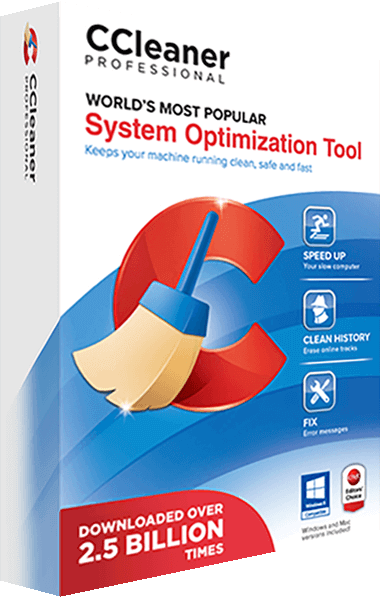
CCleaner Professional
Clean up Windows files and manage performance, software updates, and drivers with CCleaner Professional.
Explore more
- Ashampoo WinOptimizer Pro 29 vs iolo System Mechanic
- iolo System Mechanic vs IObit Advanced SystemCare Pro
- iolo System Mechanic vs AVG TuneUp
- iolo System Mechanic vs Auslogics BoostSpeed
- iolo System Mechanic vs Nero TuneItUp PRO 2026
- iolo System Mechanic vs Professional vs Ultimate Defense
- iolo Updater vs CCleaner Professional
- iolo Privacy Guardian vs CCleaner Professional
- Explore PC optimization software
- Prepare independent file backups